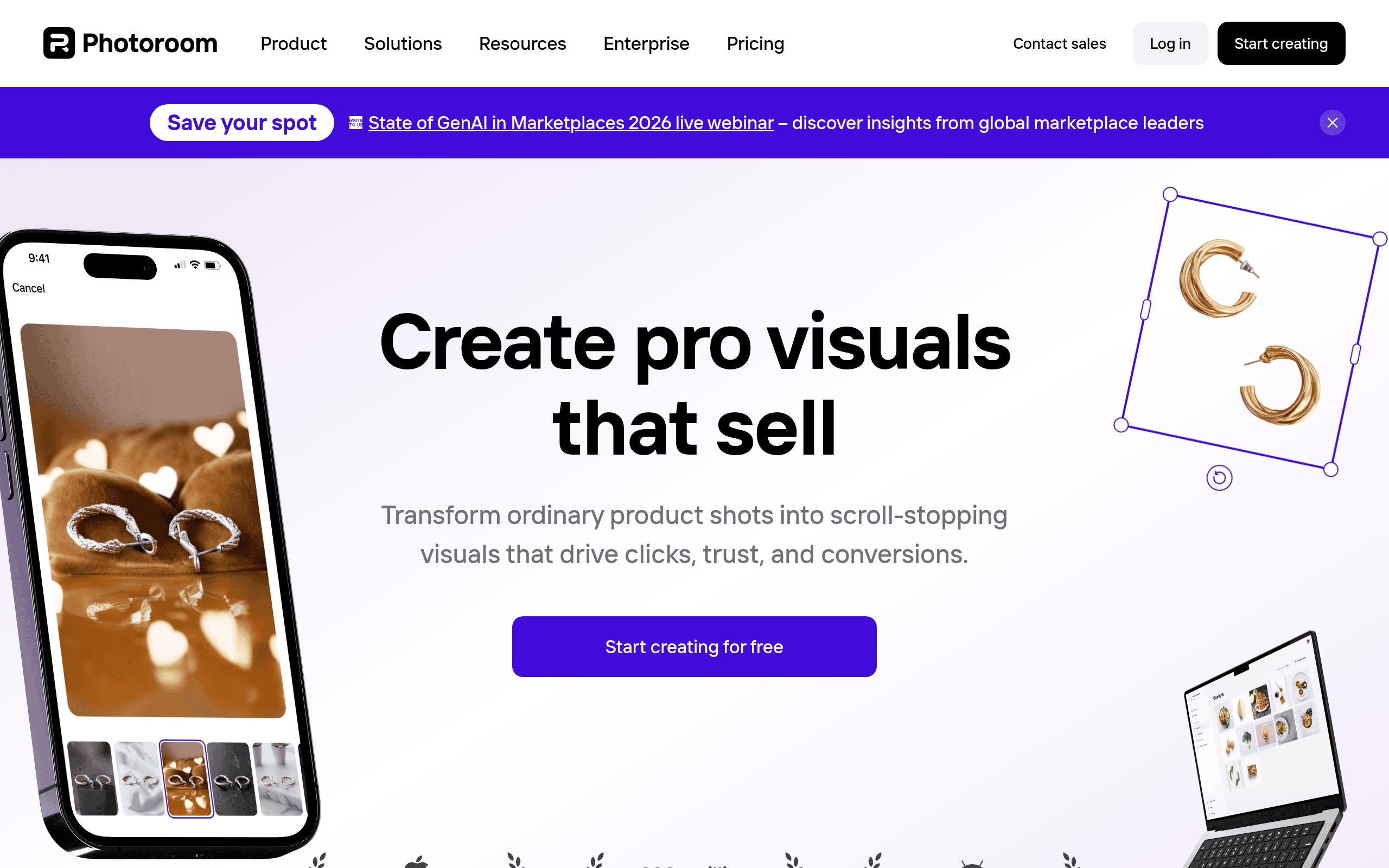
Photoroom Introduction
If you've ever spent hours trying to make your product photos look professional, you know how frustrating it can be. You're not a graphic designer, but your online store needs images that look like they came from one. Bad photos can hurt your sales, and hiring a photographer for every product just isn't realistic when you're running a small business.
That's where Photoroom comes in. It's an AI photo editing tool that promises to turn your amateur shots into clean, polished images in just a few clicks. Whether you're selling on Etsy, Amazon, or your own Shopify store, this tool says it can help you create the kind of visuals that make customers want to buy.
But does it actually deliver? In this review, we'll break down what Photoroom does well, where it falls short, and whether it's worth your money. Let's get into it.
Photoroom Key Features
Background Remover: Strip away any background from your photos in seconds with pinpoint accuracy. Even tricky transparent products come out looking clean and professional, saving you hours of manual editing work.
Image Generator: Create brand new visuals from scratch just by describing what you want. Get unique images that match your exact vision without hiring a designer or photographer.
Virtual Model: Put your products on AI-created models without booking a single photoshoot. Skip the hassle and expense of coordinating with real models while still getting polished lifestyle shots.
Product Staging: Generate beautiful, on-brand product photos that make your items pop. Your listings will look like they came from a professional studio, which can help boost buyer confidence.
Batch Editor: Edit hundreds of photos at once instead of one by one. When you’ve got a big catalog to update, this feature cuts your editing time down dramatically.
Platform Templates: Access ready-made templates built for Shopify, Etsy, Depop, Poshmark, Amazon, and more. Your images will fit perfectly on whatever marketplace you’re selling on, no resizing headaches required.
Our Take of Photoroom
Photoroom looks like a solid pick if you’re running a small or medium sized business and need good looking product photos without hiring a photographer or learning complicated software. The background removal tool works really well and the batch editing feature can save you tons of time when you’ve got a lot of images to work through. You can get started pretty quickly since the interface is easy to figure out even if you’ve never edited photos before.
That said there are some things to watch out for. Some users have run into problems with the app crashing or acting buggy which can be frustrating when you’re trying to get work done. There have also been complaints about subscription terms changing mid subscription and customer support being slow to respond. These are worth keeping in mind before you commit to a paid plan.
If you’re selling on platforms like Etsy Shopify or Amazon the built in templates make it easy to create images that fit each marketplace. This can help your products look more professional which might lead to more sales. Compared to other photo editing tools out there Photoroom offers a nice mix of AI features and simplicity that could save you both time and money in the long run.
Our suggestion is to try it out first before paying for a subscription. That way you can see if it works well for your specific needs and if the app runs smoothly on your device. If it checks those boxes it could be a useful addition to your workflow.
Photoroom's Pricing
The Pro plan is designed for resellers and solopreneurs who want to create polished product listings with ease. Priced at ₱249 per month, it includes advanced AI tools such as product staging, virtual models, and ghost mannequins, a 10× AI image credit allowance, up to 500 batch exports per month, access to 1,000+ templates, and high-resolution exports, with a free trial available.
The Max plan, priced at ₱689 per month, is ideal for small brands ready to grow and includes everything in the Pro plan, access to more advanced AI models, 3× the Pro AI image and video credits, up to 1,500 batch exports per month, faster processing times, and priority customer support, also with a free trial.
The Ultra plan, starting at ₱5,499 per month, is built for high-volume sellers who need to automate image production and manage large catalogs; it includes everything in the Max plan, access to the best AI models, scalable AI credit tiers, up to 5,000 batch exports per month, the fastest processing speeds, and advanced AI workflows.
Finally, the Enterprise plan is tailored for businesses that need to automate creative production at scale, offering custom plans starting at 200,000+ images per year, dedicated onboarding and customer success, a SOC 2 Type 2–certified API for enterprise-grade security, flexible credits with predictable billing and rollover, early access to new features, and a safe AI model trained on licensed data with optional Analyze QA via API.
Final Thoughts about Photoroom
So is Photoroom right for you? That really depends on what you need and how you work. If you’re tired of spending hours editing product photos or paying for expensive photoshoots, this tool could be a real time saver. The background removal alone might be worth it for sellers who are constantly uploading new products.
But don’t just take our word for it. The best way to know if Photoroom fits your workflow is to test it yourself. Play around with the free version and see how it handles your specific products. Pay attention to how the app runs on your device and whether the results match what you’re looking for.
Think about how much time you currently spend on product photos. Think about how much better your listings could look with cleaner images. And think about whether those improvements could actually lead to more sales for your business.
If you’re ready to see what Photoroom can do for your product photos, click the button below to get started. You might be surprised at how much easier your photo editing process can become.
Photoroom FAQs