Quso AI Introduction
Creating social media content that actually gets noticed feels like a full-time job these days.
You're spending hours cutting up long videos, adding captions, and trying to post at the right times across different platforms. It's exhausting, and you know there has to be a better way.
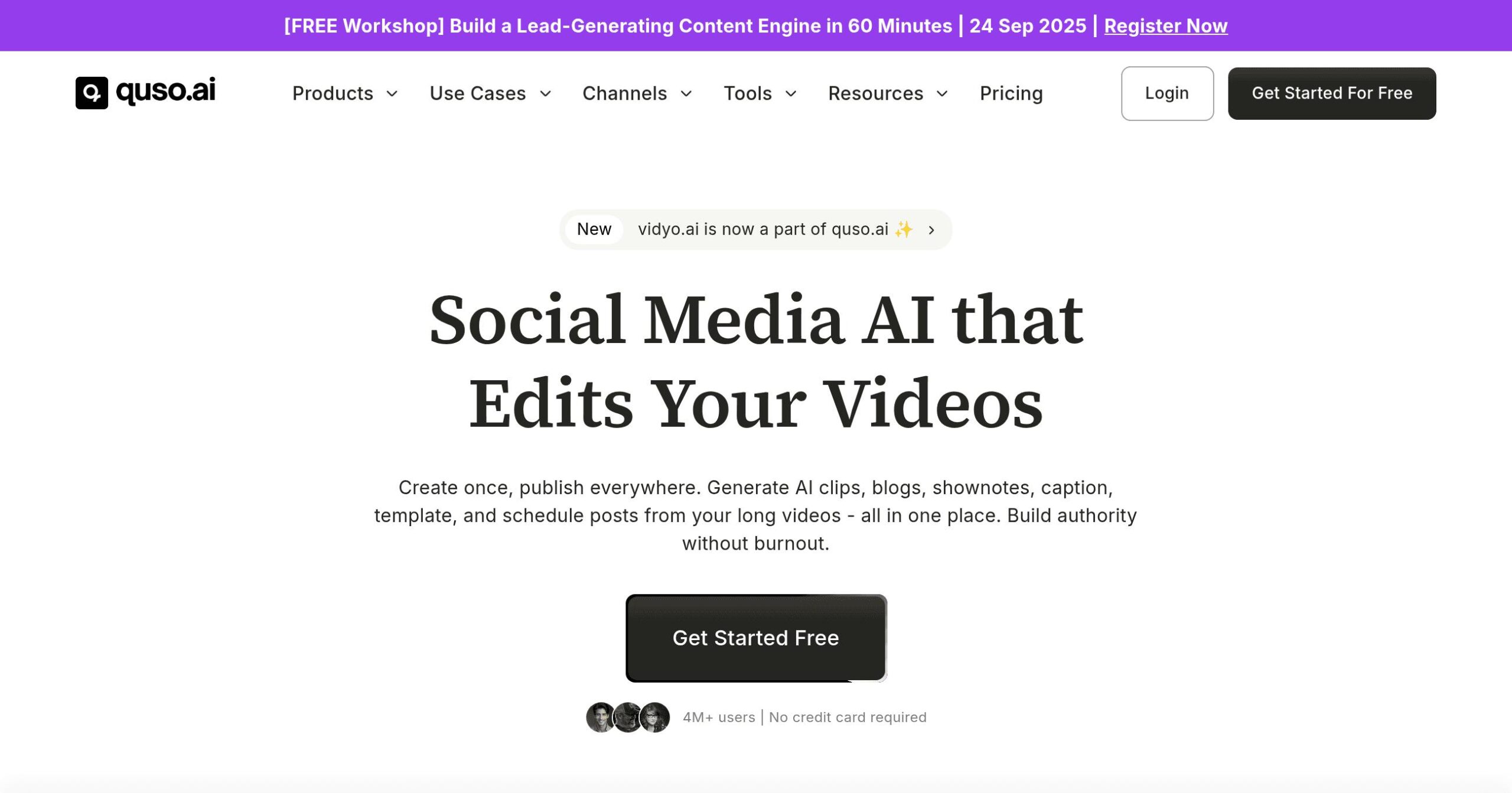
That's where Quso AI comes in. This AI-powered platform takes your long videos and automatically turns them into short, engaging clips perfect for TikTok, YouTube Shorts, and Instagram Reels.
But it doesn't stop there. It adds captions, schedules your posts, and even tracks how well your content performs.
If you're a business owner or content creator who's tired of spending all day editing videos when you should be growing your business, this review will show you exactly what Quso AI can do for you.
We'll cover the good, the not-so-good, and whether it's worth your money.
Quso AI Key Features
AI Video Clipping: Turn your long videos into scroll-stopping clips in seconds. The AI finds the best moments and creates short videos perfect for TikTok, YouTube Shorts, and Instagram Reels – saving you hours of editing time.
AI Subtitle Generation: Get accurate captions for your videos automatically. Your content becomes more accessible to viewers and keeps them watching longer, even when they’re scrolling without sound.
Social Media Scheduling: Post to Twitter, YouTube, LinkedIn, Pinterest, TikTok, Facebook, and Instagram from one place. Schedule everything in advance so you can focus on growing your business instead of logging into different apps all day.
AI Content Repurposing: Transform one video into blogs, show notes, and carousel posts. You’ll get way more mileage from each piece of content without doing extra work.
AI Video Editing: Remove those awkward “ums” and dead air automatically. Your videos come out polished and professional without hiring an editor or learning complicated software.
AI Analytics: See what’s working and what’s not across all your social channels. You’ll know exactly which content gets engagement so you can create more of what your audience loves.
Our Take of Quso AI
Quso AI could be a real time-saver if you’re trying to keep up with social media content.
The platform takes your longer videos and cuts them down into bite-sized pieces that work great on TikTok, Instagram Reels, and YouTube Shorts.
This is pretty handy since creating separate content for each platform can eat up hours of your day.
The scheduling feature across multiple platforms is where Quso AI really shines. You can manage Twitter, YouTube, LinkedIn, Pinterest, TikTok, Facebook, and Instagram all from one spot.
For small business owners juggling multiple responsibilities, this consolidation could free up significant time each week.
The price point makes it accessible for smaller businesses that can’t afford enterprise-level tools. You’re getting AI video editing, automatic captions, and content repurposing without breaking the bank.
The interface is straightforward enough that you won’t need to spend days learning how to use it.
There are some drawbacks to consider.
The AI doesn’t always pick the best moments from your videos, so you’ll probably need to make some manual adjustments. The free plan is pretty limited, especially with caption options.
And some users have run into technical glitches that can slow down their workflow.
For businesses already creating video content and looking to expand their social media reach, Quso AI offers solid value. It won’t replace a human editor completely, but it can handle a lot of the grunt work.
Just be prepared to review and tweak what the AI produces to make sure it matches your brand’s voice and message.
Quso AI's Pricing
Quso.ai offers a freemium model with four subscription tiers designed to scale with your social media content needs.
The Free plan provides 75 credits monthly, 720p video quality, AI clips and captions, YouTube chapters, and direct TikTok publishing, though videos include a watermark.
The Lite plan at $29 per month (or $24/month billed annually) includes AI clips and captions, an AI video generator, video resizing capabilities for multiple aspect ratios, and unlimited 1080p exports.
The Essential plan costs $39 monthly ($33/month annually) and builds on Lite features with premium access to over 10 AI tools, AI filler and silence removal, AI Influencer and Writer tools, one-click scheduling to 7 social platforms, bring-your-own-content functionality, and an AI content planner.
The Growth plan, marked as the popular choice, is priced at $49 per month ($33/month yearly) and includes everything from Essential plus unlimited social post scheduling, bulk publishing capabilities, advanced AI analytics, custom templates and brand kit features, and priority support.
All paid plans remove watermarks and include varying amounts of storage, with Lite offering 10GB, Essential providing 25GB, and Growth including 75GB. Additional credits, social media sets, and team member seats can be purchased as add-ons across paid tiers.
Final Thoughts about Quso AI
Social media content doesn’t have to eat up your entire day. If you’re spending too much time cutting videos and scheduling posts, Quso AI might be the solution you need.
It handles repetitive tasks, so you can focus on what matters: connecting with your audience and growing your business.
Think about all those hours you spend each week on video editing and posting.
What if you could get most of that time back?
That’s what makes tools like Quso AI worth considering. It’s not perfect, and you’ll still need to review what it creates, but it can take a big chunk of work off your plate.
The best part is you can test it out before committing. See if it fits your workflow and actually saves you time. Every business is different, and what works for one might not work for another.
But if you’re drowning in content creation tasks, this could be your way out.
Ready to see if Quso AI can transform your social media game?
Click the button below to give it a try.
Quso AI FAQs