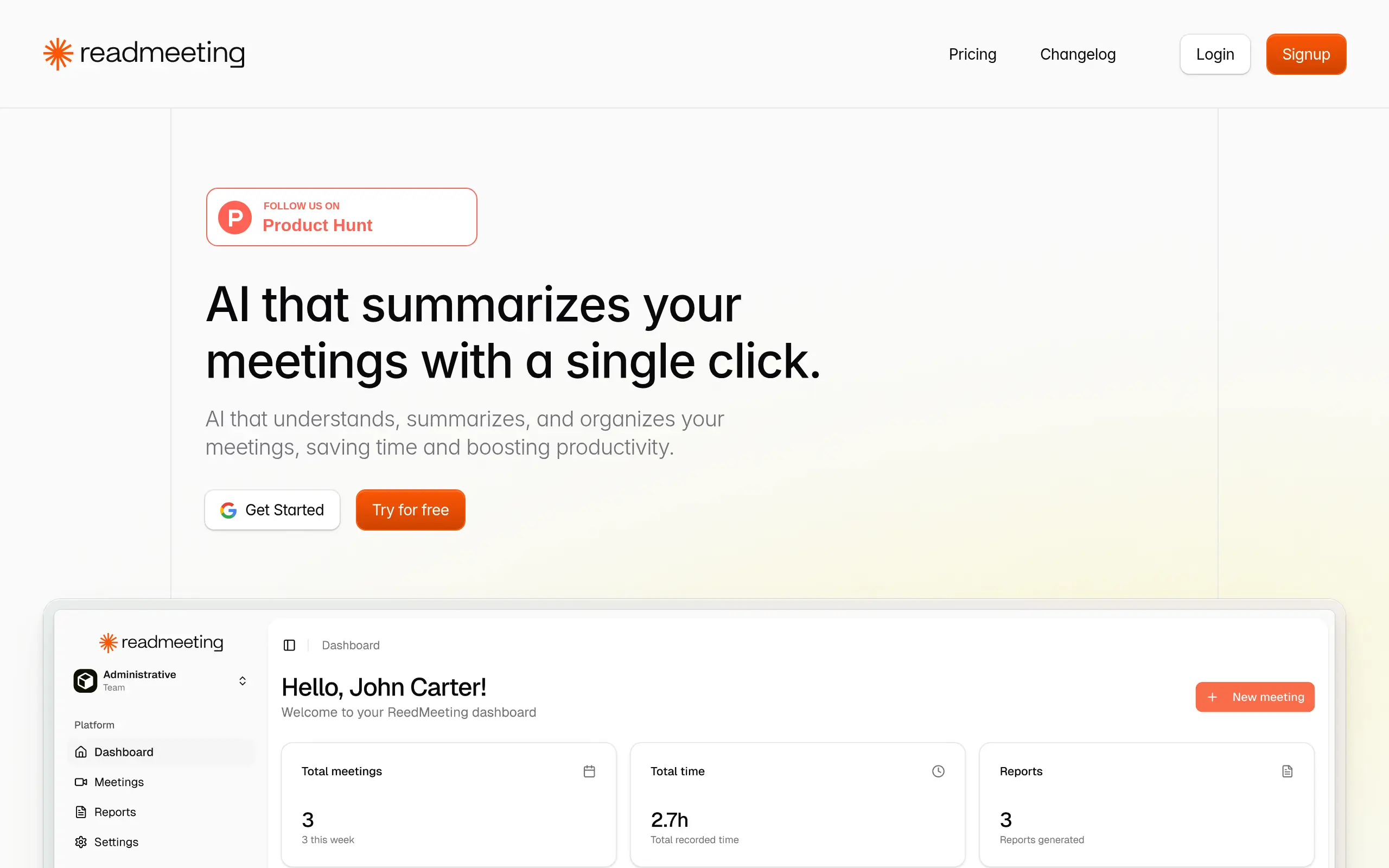
ReadMeeting Introduction
Ever sat through a long meeting and realized you missed half the important stuff because you were too busy taking notes? Or maybe you've spent hours after a meeting trying to remember who said what and which tasks got assigned to whom? You're not alone. Most of us waste countless hours every week just trying to keep track of what happened in our meetings.
That's where ReadMeeting comes in. This AI-powered tool records your meetings, captures your screen, and turns everything into clear summaries with action items ready to go. No more scrambling to write down every detail while trying to pay attention to the conversation. No more forgotten tasks or missed deadlines because something got lost in translation.
Think about it – how many times have you left a meeting feeling productive, only to realize later that you can't remember the specific details you need to move forward? ReadMeeting solves this problem by giving you a complete record of everything that happened, plus AI-generated summaries that highlight the stuff that actually matters.
For business owners who juggle multiple meetings every day, this could be the difference between staying on top of things and constantly playing catch-up. Let's take a closer look at what ReadMeeting offers and whether it's worth adding to your toolkit.
ReadMeeting Key Features
One-Click Meeting Capture: Start recording your meetings instantly with just one click. You’ll capture both screen and audio, so nothing important gets missed and you have a complete record of everything that happened.
AI-Generated Summaries: Get clear, organized summaries of your meetings without writing a single note. You’ll save hours each week and still have all the key points and decisions documented perfectly.
Key Moments Detection: Jump straight to the most important parts of any meeting recording. Instead of watching the whole thing again, you’ll find exactly what you need in seconds.
Action Items Extraction: Never lose track of tasks again. The AI automatically finds and lists all the to-dos and follow-ups from your meetings, so everyone knows exactly what they need to do next.
Sentiment Analysis: Understand how your meetings really went by seeing the overall mood and tone. You’ll spot when people are engaged, where there’s agreement, and areas that might need more discussion.
Automatic Report Generation: Get professional meeting reports created for you automatically. You can export them as PDFs and share them with your team right away, keeping everyone on the same page.
Our Take of ReadMeeting
ReadMeeting catches your attention right away with its promise to save you hours every week. And for busy business owners, that’s music to your ears. The tool does exactly what it says on the tin – it records your meetings, picks out the important stuff, and gives you a neat summary without you lifting a finger.
What makes this tool stand out is how it handles the boring parts of meetings that nobody likes doing. You know those times when you’re trying to remember who said they’d handle that project update? ReadMeeting finds those action items for you. It’s like having an assistant who never misses a detail.
The sentiment analysis feature is pretty clever too. It helps you understand how your team really feels about topics, which can be super helpful when you’re trying to read the room after a big announcement or project discussion.
But let’s be real – it’s not perfect. If your team speaks languages other than English, Spanish, or Portuguese, you’re out of luck for now. And if you’re hoping to connect it directly with Zoom or Teams, you’ll have to wait a bit longer since those integrations aren’t ready yet.
The transcription can get wonky when everyone talks at once or if there’s background noise. So if your meetings tend to get animated with lots of people jumping in, you might need to double-check the notes.
For small and medium businesses looking to make their meetings more productive, ReadMeeting could be worth checking out. The time you’ll save on writing meeting notes and tracking down action items could easily justify the investment. Just make sure your team meetings fit within what the tool can handle right now, and keep an eye on those upcoming features that might make it even better down the road.
ReadMeeting's Pricing
ReadMeeting offers a flexible pricing structure with both monthly and annual billing options.
The Free plan includes 3 meetings per month with up to 30 minutes per meeting, providing full transcription, executive summaries, action items, and sentiment analysis at no cost.
The Basic plan at $5 per month covers 20 meetings monthly with up to 60 minutes each, adding PDF export functionality to all the free features.
The Professional plan for $19 monthly expands to 100 meetings with up to 120 minutes per meeting and introduces team creation capabilities for one team.
The Advanced plan at $79 per month provides the most comprehensive coverage with 500 meetings monthly, unlimited meeting duration, and the ability to create up to 5 teams. All paid plans include full transcription, executive summaries, action items, sentiment analysis, and PDF export features.
Each tier is designed to accommodate different usage levels, from individuals with light meeting needs to teams requiring extensive meeting documentation and collaboration features.
Final Thoughts about ReadMeeting
The bottom line? If you’re tired of feeling like half your workday gets eaten up by meeting admin, ReadMeeting might be exactly what you need. Sure, it has some growing pains – limited languages and no direct platform integrations yet. But the time you’ll save not having to write up meeting notes or chase down who’s doing what could be a game changer for your business.
Think about what you could do with an extra 2 hours every week. That’s time you could spend actually working on your business instead of just keeping track of conversations about it. And at the end of the day, that’s what really matters – having more time to focus on the work that moves your business forward.
Ready to see if ReadMeeting can transform how you handle meetings? Give it a try and see how much time you can get back in your week.
[Try ReadMeeting Today]
ReadMeeting FAQs