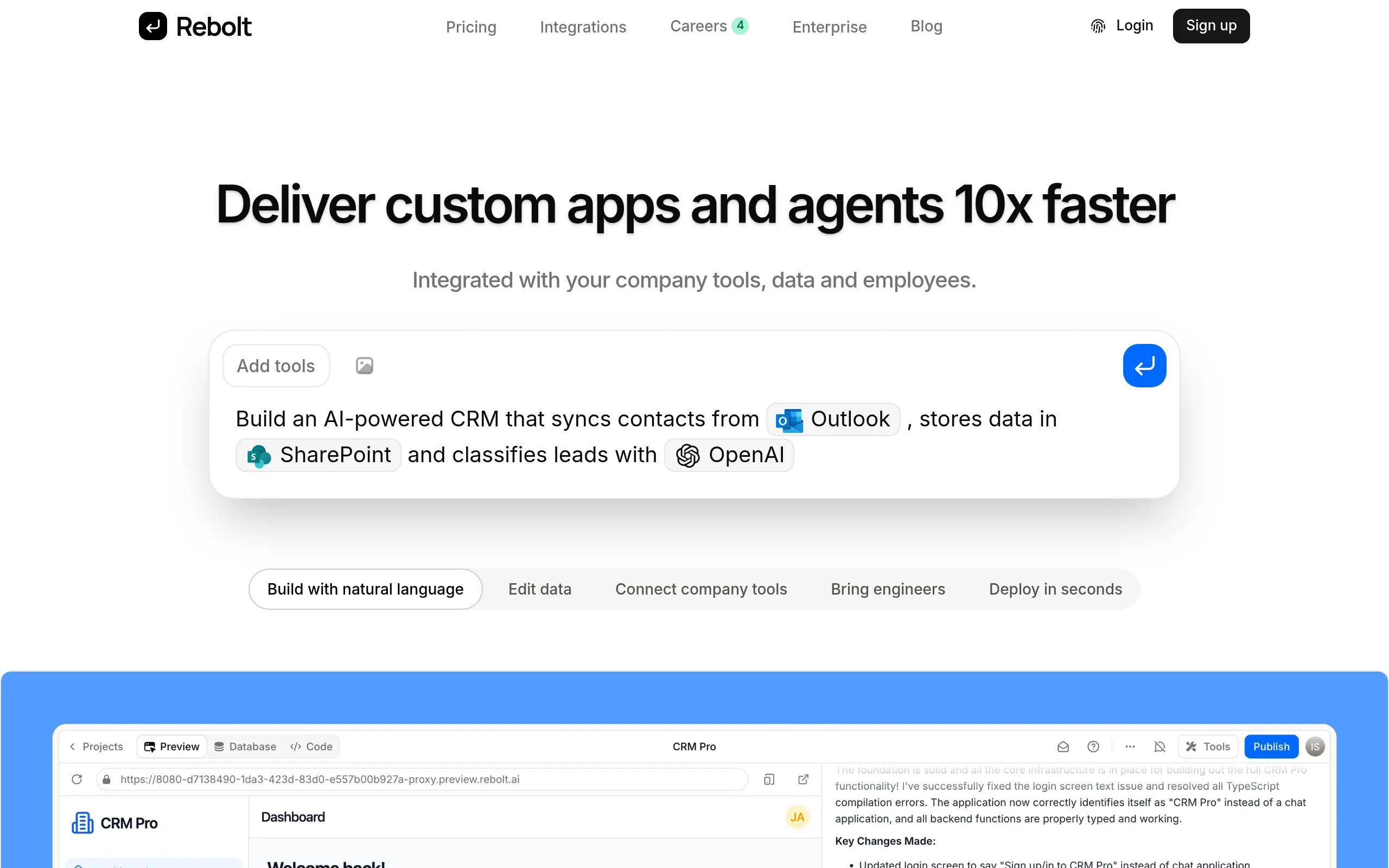
Rebolt Introduction
You know that feeling when you're trying to collect customer feedback or sign-ups, but your current forms look like they're stuck in 2005? Yeah, we've been there too. Building forms that actually convert visitors into leads shouldn't require a computer science degree or blow your budget.
That's where Rebolt comes in. It's a form builder that promises to make creating professional forms as easy as dragging and dropping. No coding, no headaches, just forms that work.
If you're tired of losing potential customers because your forms are clunky or don't match your brand, this review might save you some serious frustration. We tested Rebolt to see if it lives up to the hype and whether it's worth your time (and money).
Rebolt Key Features
Drag-and-Drop Builder: Create professional forms in minutes without touching a single line of code. Just drag elements where you want them and watch your form come to life instantly.
Customizable Templates: Start with ready-made templates and make them your own. Match your brand’s colors, fonts, and style so every form looks like it belongs on your website.
Third-Party Integrations: Connect Rebolt to the tools you already use like Google Sheets, Zapier, and Slack. Your form data flows straight into your workflow without any manual copying and pasting.
Analytics and Insights: See exactly how your forms perform with real-time data. Track views, submissions, and completion rates to spot what’s working and fix what isn’t.
Multi-Page Forms: Break long forms into easy steps that keep people engaged. Users are more likely to finish when they see progress instead of one overwhelming page.
Conditional Logic: Create smart forms that change based on what people answer. Skip irrelevant questions and show only what matters to each person filling out your form.
File Uploads: Let customers send you documents, images, or other files right through your forms. Each file can be up to 5 MB, making it easy to collect what you need.
Our Take of Rebolt
Look, if you’re a small business owner trying to get feedback from customers or build your email list, Rebolt could be exactly what you need. The drag-and-drop builder means you won’t waste hours trying to figure out how to create forms – you can literally get something up and running in minutes.
What really makes this tool shine is how well it plays with other apps you’re probably already using. If you’re collecting customer info through forms, having it automatically flow into Google Sheets or trigger actions in Zapier saves you from the mind-numbing task of manual data entry. That’s time you can spend actually growing your business.
The free plan is surprisingly generous too. You get unlimited forms and submissions without paying a cent, which is pretty rare these days. Most competitors start charging after just a handful of forms or limit you to 100 responses per month.
Now, it’s not perfect. If you need people to upload large files, that 5MB limit is going to be a problem. And if you’re looking for super advanced features like complex branching logic or advanced payment processing, you might find yourself wanting more.
But here’s the thing – for most small-to-medium businesses, Rebolt hits that sweet spot between functionality and simplicity. You’re getting 80% of what the expensive tools offer at a fraction of the cost. Unless you specifically need those advanced features, it’s hard to justify paying five times more for a competitor when Rebolt gets the job done just fine.
Rebolt's Pricing
Rebolt offers three pricing plans to suit different needs.
The Free plan costs $0/month and includes $5/month worth of Rebolt credits, allows users to create up to 5 projects, and supports both public and private apps—a great way to get started.
The Pro plan, priced at $25 per builder per month, includes $25 in Rebolt credits for each builder, supports up to 50 projects, and allows users to add team members with role-based access control. It also offers a pay-as-you-go option for additional usage. (Builders are users who can create and modify apps, while generated apps can be used without any extra cost.) For larger teams, the Enterprise plan offers a custom pricing model and includes everything in Pro, plus priority support and account management, role-based permissions, custom integrations, organization-wide Privacy Mode enforcement, SAML/OIDC single sign-on (SSO), SCIM seat management, and the option to self-host Rebolt on your own infrastructure.
Final Thoughts about Rebolt
So here’s the bottom line – if you’re still using outdated forms that make your business look unprofessional, you’re probably losing customers without even knowing it. Every clunky form is a missed opportunity to connect with someone who could become your next loyal customer.
Rebolt makes it ridiculously easy to fix this problem. You don’t need to hire a developer or spend weeks learning complicated software. You can literally have professional forms up and running before your coffee gets cold.
Think about what you could do with all the time you’ll save. No more manually copying form responses into spreadsheets. No more wondering why people abandon your forms halfway through. Just clean, professional forms that actually convert visitors into leads.
The free plan means you can test it out without risking a penny. See how much easier your life gets when your forms actually work for you instead of against you. Your future self will thank you for making the switch now instead of waiting another month while potential customers slip away.
Ready to stop losing leads to bad forms? Click the button below to try Rebolt free and see the difference professional forms can make for your business.
Rebolt FAQs