Riku.ai Introduction
Building AI apps used to mean hiring expensive developers or spending months learning to code. That's a huge roadblock for most business owners who just want to get things done. You've got ideas for chatbots, content tools, or image generators that could save your team hours every week. But the technical stuff keeps getting in the way.
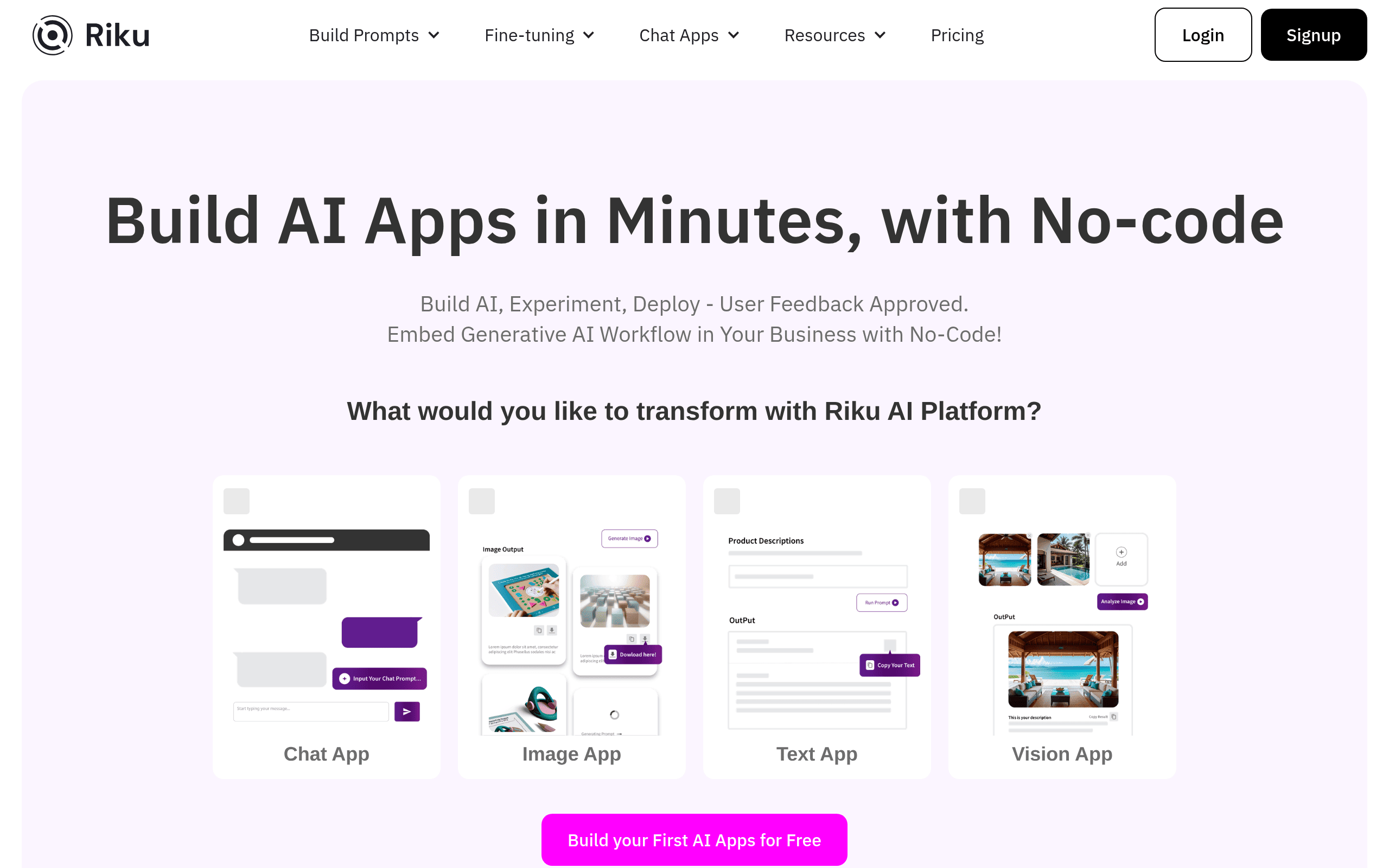
That's where Riku.ai comes in. This platform lets you create AI applications without writing a single line of code. You get access to more than 40 different AI models, all through a visual interface that feels more like dragging and dropping than programming. Whether you want to build a customer service chatbot or automate your content creation, Riku.ai promises to make it possible for anyone. But does it actually deliver on that promise? We put it to the test to find out if it's worth your time and money.
Riku.ai Key Features
No-Code AI Builder: Create chatbots, text generators, and image apps without writing a single line of code. You can start building AI tools right away, even if you’ve never touched programming before.
40+ Language Models: Pick from over 40 different AI models to find the perfect fit for your project. This means you’re not stuck with just one option when you need something specific.
Data Connection: Hook up your own data sources like documents and databases to your AI apps. Your chatbots and tools can give answers based on your actual business information.
Prompt Testing Toolkit: Try out different prompts and see what works best in real-time. You’ll spend less time guessing and more time getting results that actually help.
Quick Deployment: Drop your AI tools into websites, chat systems, or workflows with just a few clicks. Your customers can start using them almost instantly.
Popular App Integrations: Connect with Zapier, Google Sheets, Airtable, and other tools you already use. Your AI apps can fit right into how you work today without changing everything.
User Feedback Tracking: See how people respond to your AI’s answers and content. You’ll know exactly what’s working and what needs tweaking.
Our Take of Riku.ai
Riku.ai is built for folks who want to tap into AI without writing a single line of code. If you’re a small or medium business owner looking to add AI tools to your daily work, this platform gives you a lot to work with. You get access to more than 40 language models, which means you’re not locked into just one option. You can build chatbots, create text content, generate images, and more through a visual interface that doesn’t require tech skills.
The platform plays nice with tools you probably already use like Zapier, Google Sheets, and Airtable. This makes it easier to fit AI into what you’re already doing instead of starting from scratch. The prompt testing features let you tweak and improve your AI apps in real time, which is helpful when you’re trying to get better results.
That said, there’s a lot here. The sheer number of features might feel like a lot to take in at first, especially if you’re new to AI tools. Some users have mentioned that the documentation could be more thorough, which can slow down the learning process. Even though it’s a no-code tool, expect to spend some time getting comfortable with everything it offers.
For business owners who want to automate tasks and boost productivity with AI but don’t have a tech team, Riku.ai is worth a look. It’s flexible, connects with popular apps, and puts a wide range of AI capabilities in your hands. Just be ready to invest some time upfront to get the most out of it.
Riku.ai's Pricing
Riku AI offers two main pricing tiers with both monthly and annual billing options.
The Pro Builder plan costs $29 per month or $25 per month when billed annually and includes no-code fine-tuning, 10 public apps or share links, free open source models, 200 open source API credits, and API integration.
The Advanced Builder plan is priced at $49 per month or $40 per month with annual billing and includes everything in Pro Builder plus unlimited public apps, 1000 open source API credits, 500 image credits on annual plans, 2 additional subaccounts, and the option to add extra users at $15 per month each.
All plans include a 5 day free trial to test the platform before committing.
Final Thoughts about Riku.ai
If you’ve been putting off adding AI to your business because it seemed too technical, Riku.ai might be the push you need. It’s not perfect and you’ll spend some time figuring things out at first. But the ability to build real AI tools without touching code is a big deal for anyone running a business without a tech team.
Think about what tasks eat up your time right now. Customer questions that come in over and over. Content you have to write from scratch every week. Data you need to pull together and make sense of. These are the spots where AI can actually help, and Riku.ai gives you the tools to make it happen on your own terms.
The best way to know if it’s right for you is to try it yourself. Poke around, test some prompts, and see what you can build. You might be surprised at what you can create when the tech barriers get out of your way.
Ready to see what you can build? Click the button below to check out Riku.ai and start experimenting today.
Riku.ai FAQs