Rytr Introduction
You're staring at a blank screen. Again. You've got emails to write, social media posts to create, product descriptions to finish, and a blog post due by end of day.
The words just aren't coming. And hiring a full-time copywriter? That's not in the budget right now. This is where AI writing tools come in, and Rytr is one that keeps popping up in conversations about affordable options for busy business owners and marketers.
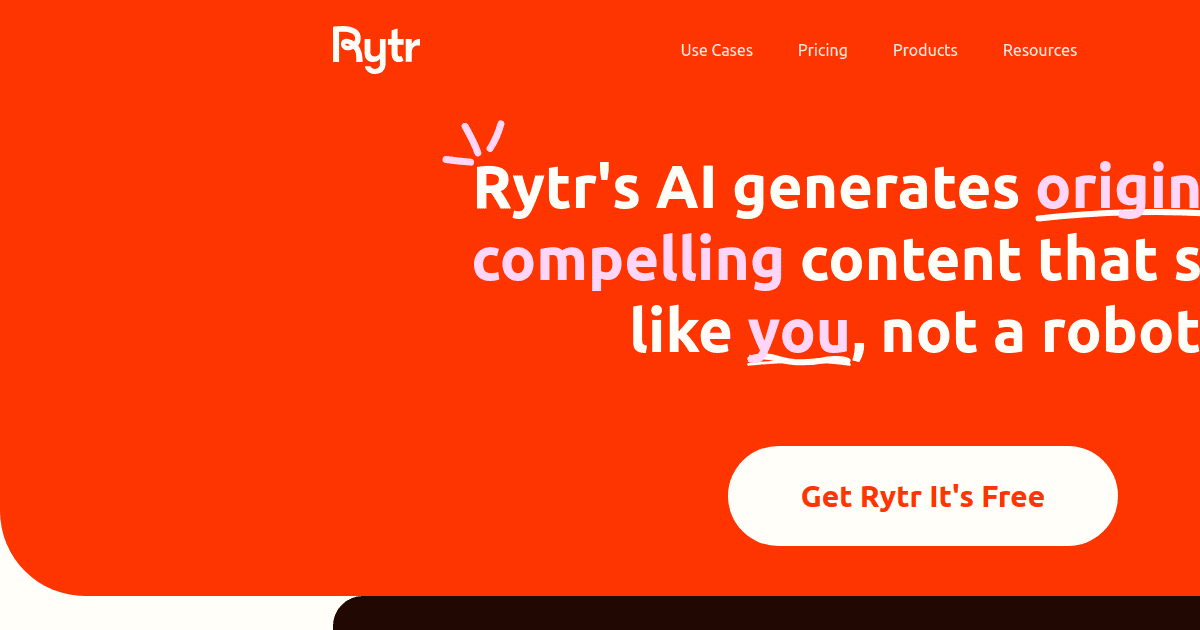
It launched in 2021 with a simple promise: help you create content fast without draining your bank account. But does it actually deliver? Can a tool this cheap really produce content worth publishing
I've spent time testing Rytr across different use cases to give you an honest look at what it does well and where it falls short. Let's get into it.
Rytr Key Features
40+ Content Templates: Pick from over 40 ready-made templates for things like emails, product descriptions, social media posts, and SEO meta titles. You’ll spend less time staring at a blank screen and more time getting stuff done.
20+ Tones of Voice: Switch between more than 20 different tones so your content always sounds right for your audience. Whether you need something professional or playful, you can match your brand’s style in a click.
Multilingual Support: Create content in over 30 languages without needing a translator. Great for reaching customers around the world or running campaigns in different markets.
Built-In Plagiarism Checker: Check your content for originality right inside the platform. You won’t need to pay for a separate tool or worry about accidentally publishing duplicate content.
Chrome Browser Extension: Generate content wherever you’re working online — whether that’s in your email, a Google Doc, or a social media platform. No need to switch back and forth between tabs.
AI Image Generation: Create images using AI right inside Rytr. You can pair your written content with visuals without jumping to another tool or hiring a designer for quick projects.
Our Take of Rytr
If you’re a small business owner or solopreneur who needs quick, short-form content without spending a ton of money, Rytr is worth a look. It’s one of the most budget-friendly AI writing tools out there, and it does a solid job with things like emails, social media posts, and product descriptions. The interface is super simple to use, so you won’t waste time figuring out how it works. And if you’re creating content for audiences in different countries, the multilingual support is a nice bonus.
That said, there are some real limitations you should know about. Long-form content like blog posts or articles? Rytr struggles here. You’ll likely spend a good chunk of time editing and rewriting, which kind of defeats the purpose of using an AI tool in the first place. The platform still runs on GPT-3, which is an older model compared to what many competitors are using now. That means the output quality might not be as sharp or nuanced as what you’d get from other tools.
Another thing to keep in mind is the lack of integrations. If you rely on tools like WordPress or Zapier for your workflow, you won’t find native connections here. That could slow you down if you’re trying to keep things streamlined. Some users have also mentioned issues with customer support, particularly around billing and refunds, which is something to be aware of before committing.
So who is this best for? If your content needs are pretty basic and you’re watching your budget, Rytr gives you solid value for the price. But if you need high-quality long-form content or advanced features, you might find yourself outgrowing it pretty quickly. It’s a good starter tool, just not a complete solution for more demanding content workflows.
Rytr's Pricing
Rytr offers three plans billed monthly or annually, with annual billing saving two months.
The Free plan costs $0 per month and includes 10,000 characters of AI content generation per month, one language, no tone matching, no plagiarism checks, and access to 20+ pre-programmed tones of voice and the Chrome extension.
The Unlimited plan costs $7.50 per month on annual billing and provides unlimited AI content generation, one language, one tone match, 50 plagiarism checks per month, doubled character input limits, custom use cases, and access to the exclusive community.
The Premium plan costs $24.16 per month on annual billing and includes unlimited AI content generation, 35+ languages, multiple tone matches, 100 plagiarism checks per month, tripled character input limits, custom use cases, and priority support.
All plans include the Chrome extension and access to 20+ pre-programmed tones of voice. Payments are processed through Stripe and accept all major credit and debit cards in all currencies, with prices listed in USD.
Final Thoughts about Rytr
So here’s the bottom line. Rytr isn’t perfect, and no AI writing tool is. But if you’re someone who needs help cranking out short-form content on a tight budget, it’s a solid pick. It won’t replace a skilled copywriter for complex projects, and you’ll still need to edit what it gives you. That’s true of any AI tool right now. The real question is whether it fits your specific needs. Think about what you’re writing most often. If it’s emails, social posts, and quick product descriptions, Rytr can save you real time and money. If you’re after polished long-form articles or need deep integrations with your existing tools, you might want to look at other options. The best way to know if it works for you is to try it yourself. Rytr has a free plan, so you can test it without any risk. Play around with the templates, try different tones, and see if the output matches what you’re looking for. If you want to give Rytr a shot, click the button below to get started.
Rytr FAQs