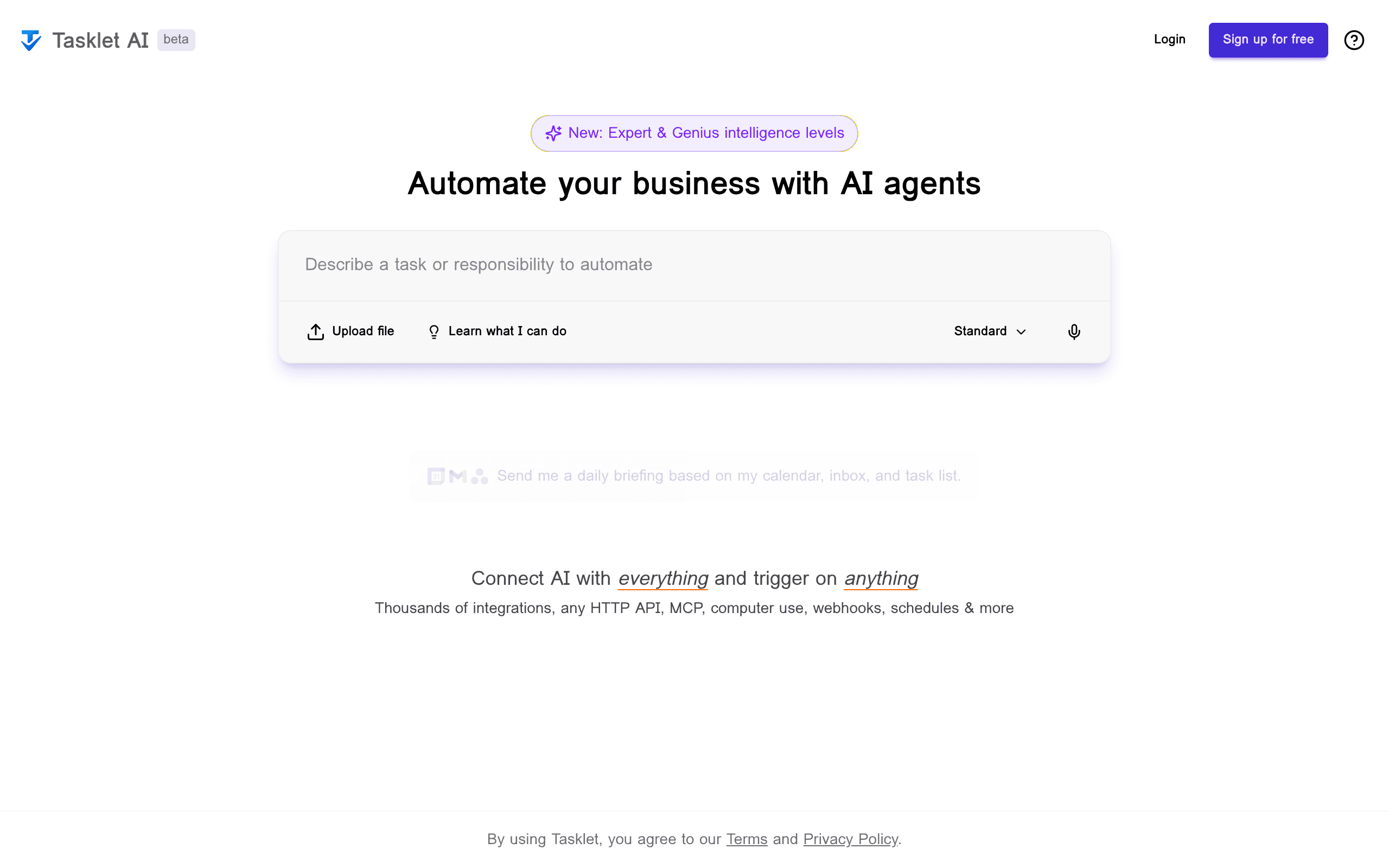
Tasklet Introduction
If you're tired of spending hours on repetitive tasks that eat up your day, you're not alone. Most business owners and teams waste precious time copying data between apps, sending follow-up emails, and doing the same manual processes over and over. What if you could just tell your computer what you want done in plain English, and it would handle all those boring tasks for you?
That's exactly what Tasklet promises to do. This AI-powered automation platform lets you describe what you want to happen, and it figures out how to make it work. No coding required. Just type something like “When I get a new customer email, add their info to my spreadsheet and send them a welcome message,” and Tasklet builds the entire workflow for you.
For small and medium businesses drowning in manual tasks, this could be a game-changer. Instead of hiring someone just to move data around or learning complex automation tools, you can set up workflows in minutes using regular language. Whether you're managing customer relationships, tracking inventory, or coordinating team projects, Tasklet claims to handle the grunt work so you can focus on growing your business.
But here's the real question: Does it actually work as smoothly as they say? Can an AI really understand what you want and build reliable automations? And is it safe to give this kind of access to your business systems? We spent weeks testing Tasklet to find out if it lives up to its promises and whether it's worth your time and money.
Tasklet Key Features
Natural Language Workflow Creation: Describe what you need done in plain English and watch it turn into working automation. No coding skills needed – just tell Tasklet what you want and it builds the workflow for you.
Extensive Integrations: Connect with thousands of business tools like Gmail, Slack, Notion, HubSpot, and Salesforce all in one place. You can automate tasks across all your apps without switching between different platforms.
Cloud Computer Control: Automate tasks even when there’s no API available by controlling virtual computers in the cloud. This means you can automate desktop applications that normally require manual clicking and typing.
Flexible Triggers: Set your workflows to run on schedules, respond to webhooks, activate when files are uploaded, or trigger based on specific events. Your automations start exactly when you need them to.
AI-Driven Error Recovery: When something goes wrong, the AI automatically tries to fix it and gives you clear explanations of what happened. You spend less time troubleshooting and more time getting work done.
Role-Based Access Control: Control who can see and use different automations with detailed permission settings. Keep your company data secure while letting team members access the tools they need.
Our Take of Tasklet
If you’re running a small business and spending hours on repetitive tasks, Tasklet could be a solid option to consider. The fact that you can just type what you want in plain English instead of learning complex software is a real plus. You won’t need to hire a developer or spend weeks learning how to code automations.
The platform connects with pretty much every tool you probably already use – Gmail, Slack, Notion, HubSpot, Salesforce, and thousands more. This means you can automate workflows between different apps without switching platforms constantly. The cloud computer control feature is particularly interesting since it lets you automate tasks that other tools can’t handle.
That said, there are some things to think about before jumping in. Security is a big one – you’re giving an AI access to your business systems, so you’ll want to be extra careful with permissions and access controls. The natural language processing is smart, but it’s not perfect. Complex instructions might get misunderstood, so you’ll need to double-check your workflows and keep an eye on them.
The error recovery system is helpful when things go wrong, but you should still plan to monitor your automations regularly. And while Tasklet claims to integrate with thousands of apps, some integrations might work better than others. You may need to do some tweaking to get everything running smoothly.
For the price point and features offered, Tasklet sits somewhere between basic automation tools and enterprise-level solutions. If you’re currently doing lots of manual data entry or repetitive tasks across multiple apps, the time savings could easily justify the cost. But if you only need simple automations or already have a working system, it might not be worth the switch.
Tasklet's Pricing
Tasklet.ai offers three pricing tiers to accommodate different user needs.
The Free plan allows unlimited task creation and completion tracking at no cost, making it ideal for personal use or small projects.
For teams requiring more advanced features, the Pro plan at $15 per user per month includes collaborative workspaces, priority support, and advanced analytics.
The Enterprise plan provides custom pricing with dedicated account management, SSO integration, and unlimited storage capacity.
All paid plans come with a 14-day free trial and can be canceled anytime.
Additional features like API access and custom integrations are available as add-ons to any paid plan.
Final Thoughts about Tasklet
So here’s the bottom line: if you’re still doing tasks manually that could be automated, you’re basically paying yourself to be a human copy-paste machine. Tasklet offers a real shot at getting those hours back without needing to become a programmer overnight. Sure, you’ll need to be careful with permissions and keep an eye on your workflows, but that’s true for any automation tool.
The question isn’t whether Tasklet is perfect – it’s whether it’s better than what you’re doing now. If you’re spending even just two hours a week on repetitive tasks, this tool could pay for itself pretty quickly. Think about what you could do with those extra hours. Maybe finally tackle that project you’ve been putting off, spend more time with customers, or just leave work on time for once.
Before you decide, ask yourself: What tasks are eating up your time right now? Which ones could you describe in a simple sentence? If you can think of even a few, Tasklet might be worth a test run. You don’t have to automate everything at once – start with one annoying task and see how it goes.
Ready to see if Tasklet can handle your busywork? Click the button below to give it a try.
Tasklet FAQs