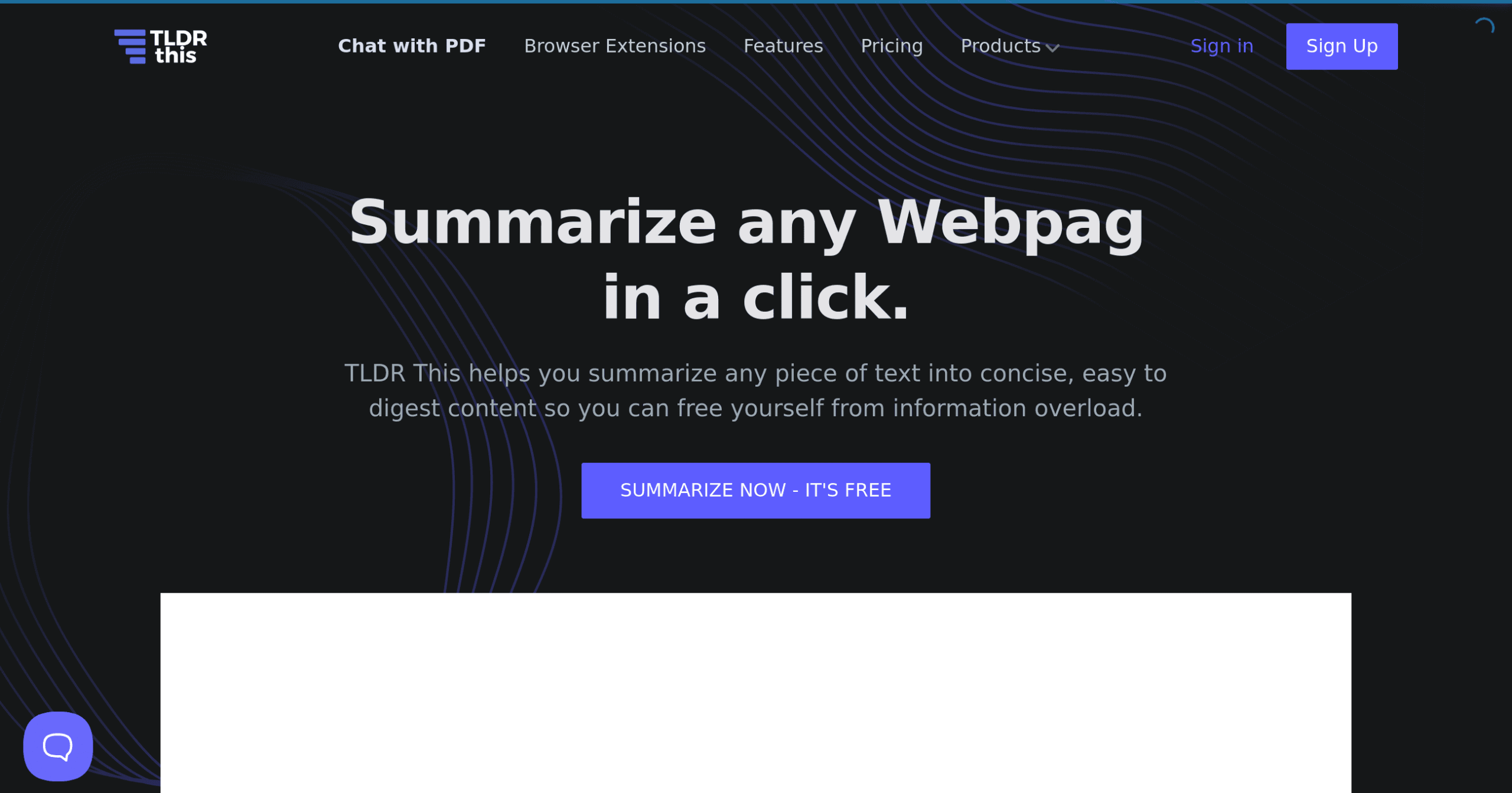
TLDR this Introduction
Ever feel like you're drowning in a sea of articles, reports, and documents? You're not alone. Between keeping up with industry news, reviewing contracts, and staying on top of market trends, reading everything that lands on your desk feels impossible. What if you could cut through all that text and get straight to what matters in seconds?
That's where TLDR This comes in. This AI-powered tool takes those lengthy documents and transforms them into bite-sized summaries you can actually digest. Whether you're trying to quickly understand a competitor's latest announcement or need the key points from a 50-page industry report, this tool promises to save you hours of reading time.
For busy business owners who need to stay informed without sacrificing their entire day to reading, TLDR This might just be the productivity boost you've been looking for. Let's take a closer look at what this tool can do and whether it lives up to its promise of making information overload a thing of the past.
TLDR this Key Features
Automatic Summarization: Turn walls of text into bite-sized summaries with just one click. You’ll get the main points of any article or document in seconds, saving you from reading through pages of content you don’t have time for.
Metadata Extraction: Get the complete picture with automatic author, date, and image extraction. You’ll know who wrote it, when it was published, and see relevant images without hunting through the original document.
Distraction-Free Reading: Read summaries without annoying ads or pop-ups getting in your way. You’ll focus on what matters – the actual content – instead of closing distracting windows every few seconds.
Browser Extensions: Summarize any webpage right from Chrome or Firefox without copying and pasting. You’ll stay in your workflow and get instant summaries while browsing, making research faster and easier.
Multi-Format Support: Upload PDFs, Word docs, or DOCX files up to 25 MB and get summaries instantly. You’ll handle all your business documents in one place, whether they’re contracts, reports, or presentations.
Our Take of TLDR this
If you’re running a business and drowning in information, TLDR This could be exactly what you need. This tool takes those long articles and reports that pile up in your inbox and turns them into quick summaries you can actually get through.
What makes it useful for business owners is how it fits into your workflow. You can use it right in your browser with their Chrome or Firefox extensions, or upload documents directly to their site. It works with PDFs, Word docs, and regular web pages, so you won’t have to jump through hoops to use it.
The real value comes from the time you’ll save. Instead of spending 20 minutes reading a market research report, you can get the main points in 2 minutes. This lets you stay informed without getting bogged down in details when you’re trying to make quick decisions.
One thing to keep in mind is that summaries won’t catch every detail. If you’re dealing with legal documents or technical specifications where every word matters, you’ll still need to read the full version. But for general business reading like industry news, competitor updates, or lengthy emails, it does the job well.
The tool also pulls out key information like author names, dates, and relevant images automatically. This helps you keep track of sources without extra work on your part. Plus, it strips away all the ads and pop-ups that make reading online such a pain.
For the price point (which varies based on usage), it’s a practical investment if you regularly deal with lots of written content. Small business owners who need to stay informed but can’t spend all day reading will find it particularly helpful. While it’s not perfect for every type of document, it handles most business content well enough to make it worth considering.
TLDR this's Pricing
The platform offers a free plan allowing 10 article summarizations per month with basic features.
The paid subscription starts at $9.99 per month or $95.88 yearly, providing 100 article summarizations, advanced AI-powered summarization, and priority support.
For users with higher demands, custom enterprise solutions are available with unlimited summarizations, API access, dedicated account management, and custom integrations. All plans include the core summarization technology, with paid tiers adding enhanced processing speed, longer article support, and the ability to summarize multiple articles simultaneously. Additional features in paid plans include export options in various formats, browser extensions, and reading time estimates.
Final Thoughts about TLDR this
So there you have it – TLDR This could be the tool that finally helps you conquer that mountain of reading material on your desk. If you’re tired of spending hours reading when you could be growing your business, it might be time to give this a shot.
Think about how much time you spend reading each week. Now imagine cutting that in half while still getting all the important information you need. That’s real time you can put back into your business – whether that’s meeting with clients, working on strategy, or just getting home earlier to your family.
The best part is you can test it out for free before committing. Take that industry report you’ve been putting off reading, run it through TLDR This, and see if the summary gives you what you need. You’ll know pretty quickly if this fits into your workflow.
Ready to stop drowning in documents and start getting to the point faster? Click the button below to try TLDR This and see how much time you can save starting today.
TLDR this FAQs