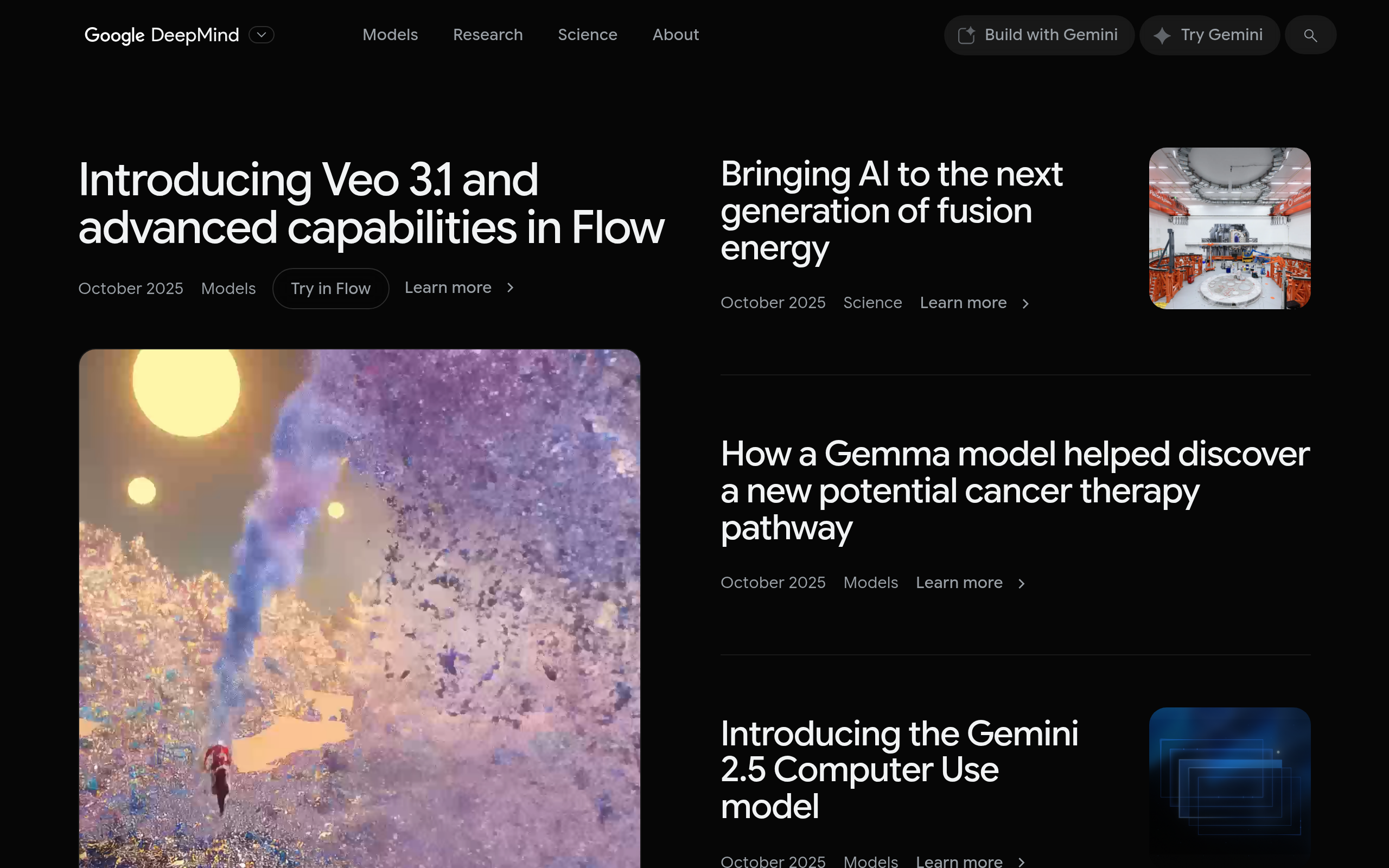
Veo 3.1 Introduction
If you're tired of spending countless hours and thousands of dollars on video production, there's finally a solution that'll change how you create content.
Google DeepMind's Veo 3.1 lets you turn simple text descriptions, images, or audio into professional-quality videos in minutes, not days.
Whether you're a small business owner trying to boost your social media presence or a content creator looking to produce more videos without burning out, this AI tool tackles the biggest headache in modern marketing – creating engaging video content that doesn't break the bank. Gone are the days of hiring expensive video crews or struggling with complex editing software.
With Veo 3.1, you can create videos that look like they cost thousands to produce, all from your computer. Let's dig into what makes this tool such a big deal for anyone who needs quality video content fast.
Veo 3.1 Key Features
Text-to-Video Generation: Turn your ideas into professional videos just by typing what you want. Skip the expensive filming equipment and create content that brings your stories to life in minutes.
Image-to-Video Conversion: Breathe life into your static photos by transforming them into moving videos. Perfect for creating dynamic social media content from your existing product images or photos.
Text-to-Audio+Video Synthesis: Create complete videos with matching soundtracks from a single text prompt. You’ll get synchronized audio and visuals that work together, saving you from hunting for the right background music.
Realistic Physics Simulation: Watch your videos come alive with natural movements and interactions that look believable. Objects fall, water flows, and people move just like they would in real life.
Style Reference Matching: Match any visual style you love by uploading a reference image. Your videos will follow that exact look and feel, keeping your brand consistent across all content.
Enhanced Prompt Adherence: Get exactly what you ask for with improved accuracy. The more specific you are with your instructions, the closer your video matches what you had in mind.
Our Take of Veo 3.1
If you’re running a small business and need to create video content regularly, Veo 3.1 could save you serious time and money. The tool basically lets you type what you want and get a video back, which is pretty wild when you think about it.
The biggest win here is that you don’t need a film crew or expensive equipment anymore. You can create professional-looking videos for social media, product demos, or marketing campaigns right from your computer. That said, you’ll probably need a decent computer to run it smoothly, and there’s definitely a learning curve to get the results you want.
What’s really interesting is how it handles different types of input. You can start with just text, but you can also upload images or audio to work with. This flexibility means you could turn your product photos into dynamic videos or add visuals to podcast clips without hiring an editor.
The quality is genuinely impressive based on the examples we’ve seen, though the audio sync can be a bit off sometimes, especially with shorter speech clips. For most business uses like social media content or website videos, this probably won’t be a deal breaker.
Bottom line: if you’re already spending money on video production or holding back on video marketing because of costs, Veo 3.1 is worth checking out. Just be prepared to spend some time learning how to write good prompts and understanding what the tool can and can’t do. For businesses that need lots of video content quickly, this could be a solid investment. For those who only need occasional videos, you might want to stick with simpler alternatives or freelancers for now.
Veo 3.1's Pricing
Google DeepMind does not display pricing information on their website. Their AI models including Gemini, Gemma, Veo, Imagen, and Lyria are accessible through various Google platforms such as the Gemini app, Google AI Studio, Vertex AI Studio, and specialized tools like Flow and MusicFX DJ
Access to these models appears to be integrated into Google’s broader cloud and AI ecosystem rather than offered as standalone paid services.
For specific pricing details, users would need to check the individual platforms where these models are deployed, particularly Google Cloud’s Vertex AI for enterprise usage.
Final Thoughts about Veo 3.1
Video creation doesn’t have to be the bottleneck that holds your business back anymore. With Veo 3.1, you’re looking at a tool that could completely change how you approach content marketing. Think about all those video ideas you’ve been sitting on because they seemed too expensive or time-consuming to produce. Now imagine being able to bring them to life in minutes instead of months.
The real question isn’t whether AI video tools will become standard for businesses – they already are. The question is whether you’ll be ahead of the curve or playing catch-up. Every day you wait is another day your competitors might be pumping out video content that engages customers while you’re still figuring out your options.
Take a moment to consider what your content calendar could look like if video production took minutes instead of days. How many more product demos could you create? How many more social media videos could you post? How much more could you connect with your audience if video wasn’t such a heavy lift?
If you’re ready to see what Veo 3.1 can do for your business, click the button below to get started. Your future self will thank you for making video creation this simple.
Veo 3.1 FAQs