Voicemod Introduction
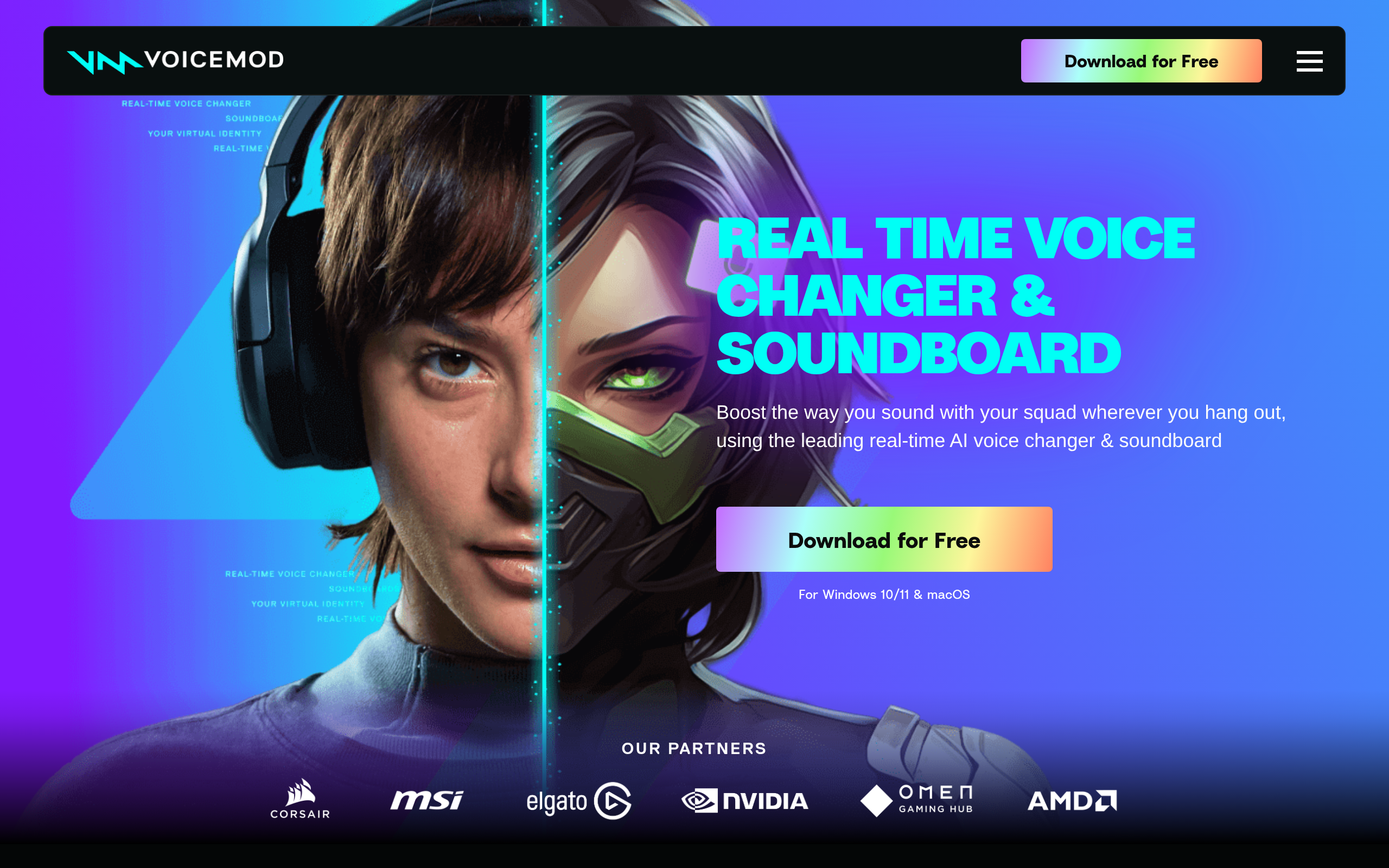
If you're a gamer, streamer, or content creator who's tired of sounding like everyone else online, you're not the only one. Standing out in today's crowded digital space takes more than just good content – it takes personality, creativity, and sometimes, a completely different voice. That's where Voicemod comes in. This real-time voice changer lets you transform your voice on the fly, whether you're streaming on Twitch, chatting on Discord, or recording your next viral video. With over 200 voice filters and custom soundboards at your fingertips, you can go from sounding like a robot to a chipmunk to a movie villain in seconds. But is it worth adding to your streaming setup? Let's break down what Voicemod really offers and whether it lives up to the hype.
Voicemod Key Features
Real-Time Voice Changer: Transform your voice instantly with over 200 filters during live calls and streams. Pick from robot, alien, or cartoon voices to keep your audience entertained and engaged.
Custom Soundboard: Create your own soundboard by uploading personal audio clips or use pre-made themed collections. Drop in perfectly-timed sound effects during streams to make memorable moments.
Voicelab Creator: Build your own unique voice effects by mixing different audio settings. Get complete control over pitch, tone, and modulation to craft a voice that’s totally yours.
Universal Platform Support: Works smoothly with Discord, Twitch, OBS, and most popular games. Connect once and use your voice effects everywhere without switching between different apps.
Twitch Viewer Control: Let your Twitch audience change your voice in real-time through the live extension. Turn your streams into interactive experiences where viewers become part of the show.
Our Take of Voicemod
Voicemod works well for business owners who want to add personality to their content without getting too technical. The setup process takes just a few minutes, and you’ll find the controls pretty straightforward. If you’re running webinars, creating training videos, or hosting virtual meetings, the voice effects can help keep your audience engaged. The soundboard feature comes in handy for presentations or product demos where you need quick audio cues.
The platform plays nicely with most streaming and communication tools businesses already use. You won’t need to change your existing setup much. The AI voices sound natural enough for professional use, though some effects are clearly meant for entertainment rather than business content.
Price-wise, the free version lets you test things out, but you’ll probably need the paid version for regular business use. The resource usage can slow down older computers, so check your system specs first. Some users mention occasional glitches with certain apps, but these seem to be getting less common with updates.
For businesses creating educational content or running interactive sessions, Voicemod offers practical value. The learning curve is gentle enough that your team can start using it right away. Just remember that voice effects work best when used sparingly in professional settings. The tool shines when you need to create memorable moments or break up long presentations, rather than as an always-on feature.
Voicemod's Pricing
Voicemod offers a free version with basic features and a Pro subscription for advanced capabilities.
The free version includes access to select voice filters and basic soundboard functionality.
Pro users get unlimited access to over 200 voice filters, all soundboard features, custom voice creation through Voicelab, keybind support, and priority updates.
The Pro subscription also includes access to AI voices trained with professional voice actors, the Voicemod Recorder for capturing sounds from any source, and the mobile control app.
Additional features like Voicemod Key for console gaming and advanced noise suppression are available to Pro subscribers. Specific pricing details and subscription tiers are available on their website.
Final Thoughts about Voicemod
If you’re ready to add some personality to your content or just want to have more fun with your streams, Voicemod makes it simple to get started.
The free version gives you enough features to test the waters, and you can always upgrade when you’re ready for the full experience. Whether you’re looking to entertain your audience, create memorable content moments, or just break out of the same old routine, this tool opens up creative possibilities you might not have considered before.
Give it a shot and see how a different voice can change your whole approach to content creation. Want to try Voicemod for yourself? Click the button below to get started.
Voicemod FAQs