Voicetypr Introduction
If you're tired of typing the same thoughts over and over into ChatGPT, Claude, or your favorite coding assistant, you're not alone.
Many founders and professionals spend hours each day typing out prompts, emails, and documents when they could be speaking their ideas three times faster.
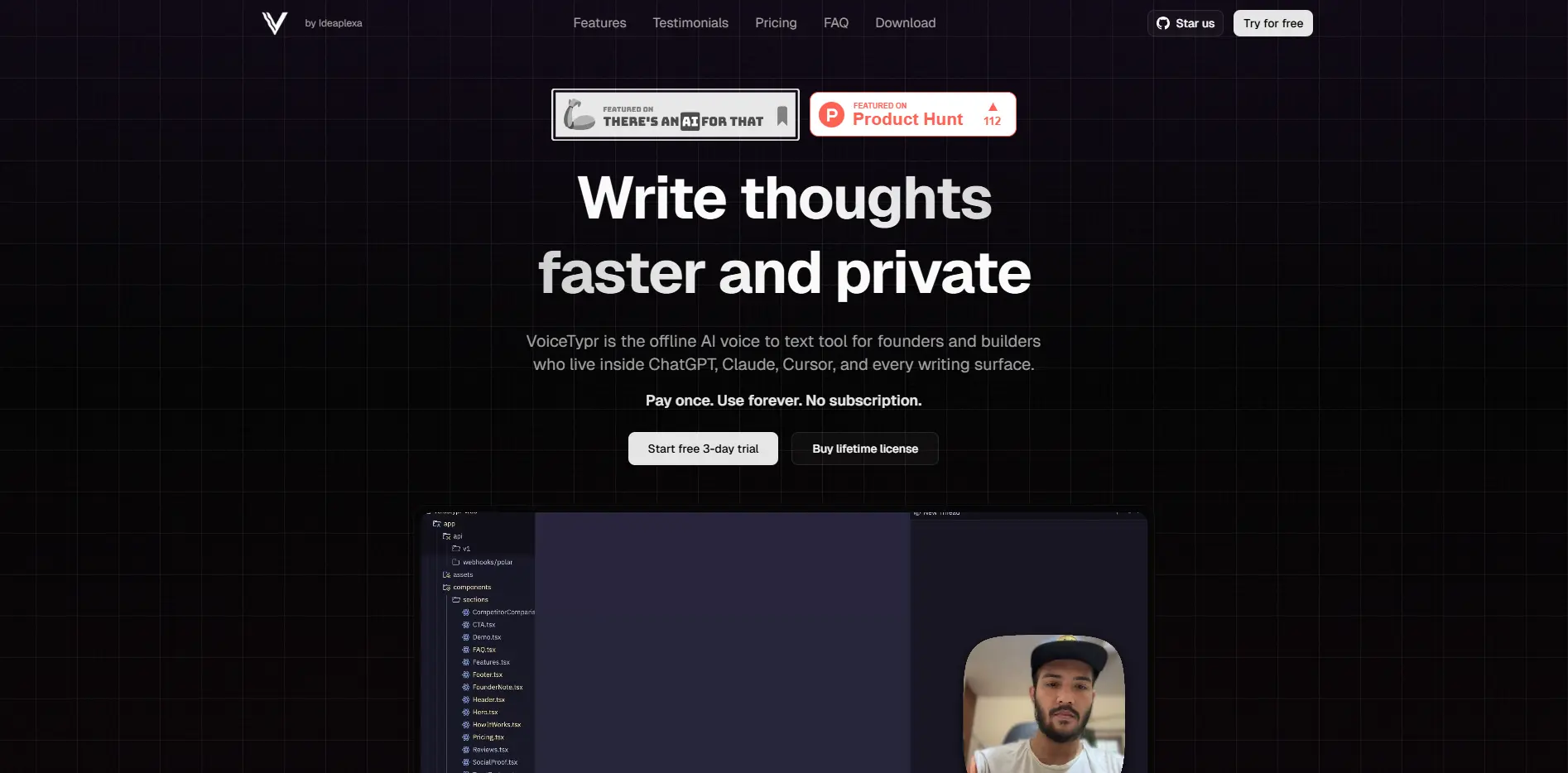
VoiceTypr promises to change that by turning your voice into text instantly, all while keeping your data completely private on your own device. No internet connection needed, no monthly fees, and it works with pretty much any app you already use.
But does it actually deliver on these promises, or is it just another voice tool that sounds better than it performs? Let's find out if VoiceTypr can really save you time and protect your privacy like it claims.
Voicetypr Key Features
Offline Voice Recognition: Convert your speech to text without an internet connection. Your private conversations and sensitive business data stay on your computer, never touching external servers.
Works Everywhere: Type with your voice in any app – from writing emails in Gmail to coding in VS Code. No need to copy and paste between different programs.
99+ Language Support: Speak in English, Spanish, Mandarin, or dozens of other languages. Switch between languages instantly without changing settings or downloading extra files.
Smart Text Formatting: Choose from five formatting styles to match your needs. Whether you’re writing a quick Slack message or drafting a professional proposal, your text comes out looking right.
Custom Keyboard Shortcuts: Set up hotkeys that work your way. Start dictating with a single key press from anywhere on your computer, keeping your workflow smooth and fast.
Audio & Video Transcription: Drag and drop your meeting recordings, podcasts, or video files to get written transcripts. Supports MP3, WAV, MP4, and other common formats so you can turn any recording into searchable text.
Smart History Search: Find that quote from last week’s brainstorming session instantly. Search through all your past transcriptions and export them whenever you need them for reports or documentation.
Our Take of Voicetypr
If you’re running a business and constantly switching between speaking and typing, VoiceTypr caught our attention for a pretty simple reason – it works without an internet connection. That’s a big deal when you’re dealing with client info or proprietary data that you’d rather keep on your own computer.
The one-time payment model is refreshing. Instead of adding another monthly subscription to your stack, you pay once and you’re done. For business owners watching their recurring costs, that’s a real benefit. The fact that it works with pretty much any program you use – from email to coding tools – means you won’t have to change your workflow.
That said, there are some things to consider. The interface isn’t perfect – some buttons and indicators are tiny and hard to spot. If you work in a busy office or coffee shop, background noise might mess with accuracy. And if you want to use the more advanced features like custom commands, you’ll need to spend time learning them.
What sets VoiceTypr apart from other voice-to-text tools is the privacy aspect. Your words never leave your computer, which could be crucial if you handle sensitive business information. The 99+ language support is impressive too, especially if you work with international clients or teams.
Bottom line: VoiceTypr makes sense if privacy matters to you, you prefer one-time purchases over subscriptions, and you’re willing to work around some interface quirks. It’s particularly useful for business owners who do a lot of writing but want to keep their data local. Just be ready to find a quiet space to work and spend some time getting used to the interface.
Voicetypr's Pricing
VoiceTypr offers a one-time purchase model with no subscription fees. Three lifetime license tiers are available:
Pro at $35 (discounted from $50) includes 1 device, lifetime access, and all future updates.
Plus at $56 (discounted from $80) includes up to 2 devices, lifetime access, and all future updates.
Max at $98 (discounted from $140) includes up to 4 devices, lifetime access, and all future updates.
All plans come with a 14-day money-back guarantee and include a free 3-day trial with unlimited transcription before purchase. The software runs locally on your device, supports 99+ languages, works across all applications, and includes features like smart formatting, audio/video file transcription, and searchable history.
Final Thoughts about Voicetypr
So here’s the thing – voice-to-text tools are everywhere, but VoiceTypr does something different by keeping everything on your computer. If you’re someone who types all day and values privacy, this could be the productivity boost you’ve been looking for. Think about how much faster you could work if you could just speak your thoughts instead of typing them out. Plus, with no monthly fees eating into your budget, it’s a straightforward investment in your workflow. Take a moment to consider how much time you spend typing each day – if it’s more than an hour, VoiceTypr could give you back hours each week. Ready to see if speaking beats typing for you? Click the button below to give VoiceTypr a try.
Voicetypr FAQs