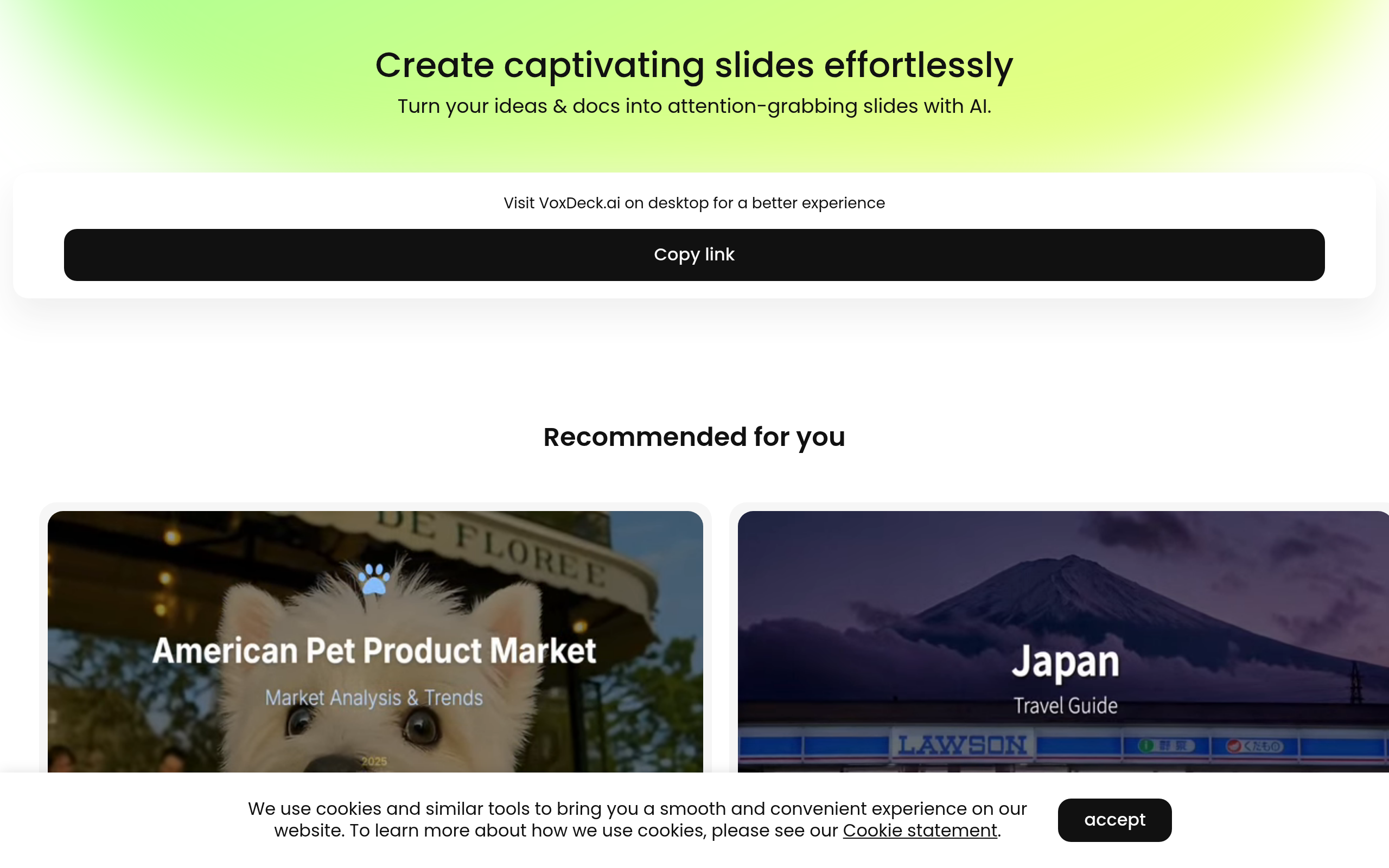
VoxDeck Introduction
Ever spent hours trying to make a presentation look professional, only to end up with something that looks like it was made in 2005? You're not alone. Most of us aren't designers, and that's exactly why VoxDeck caught my attention.
This AI-powered tool turns your basic text or documents into presentation decks that actually look like they belong in a boardroom. We're talking 3D charts that move, videos that play right in your slides, and even an AI avatar that can present for you and answer questions from your audience.
I know what you're thinking – sounds too good to be true, right? That's what I thought too. But after digging into what VoxDeck can actually do, I found some pretty interesting stuff that might change how you think about creating presentations. Whether you're pitching to investors, training your team, or presenting to clients, this tool promises to save you time and make you look way more professional than you might feel.
Let's take a closer look at what VoxDeck brings to the table and whether it's worth your time and money.
VoxDeck Key Features
Automated Slide Creation: Transform your ideas into professional presentations in seconds. Just type what you want or upload a document, and VoxDeck builds your entire slide deck – no design skills needed.
Cinematic Visuals & Motion Covers: Make your presentations pop with automatic video backgrounds and dynamic graphics. Your slides look like a pro designer made them, helping you grab attention and keep your audience focused.
Interactive 3D Charts & Models: Turn boring data into clickable, movable charts that people actually want to look at. Your numbers come to life, making complex info easy for everyone to understand.
AI Avatar Co-Presenter: Get a virtual presenter who talks through your slides and answers questions from your audience. You don’t have to worry about public speaking – your AI assistant handles the presentation for you.
One-Click Theme Switching: Change your entire presentation’s look instantly to match your brand. Pick a theme and watch every slide update automatically with your colors and style.
Multi-Device Compatibility: Present from anywhere on any device. Whether your audience is on phones, tablets, or computers, your presentation looks perfect and works smoothly.
Our Take of VoxDeck
VoxDeck caught our attention because it tackles a real problem – creating presentations that actually keep people interested. If you’re running a business and spending hours fiddling with slides, this could save you serious time.
The AI avatar feature is pretty cool. Your presentations can run themselves while the avatar answers questions from your audience. That’s helpful if you’re not comfortable presenting or if you need to send presentations to clients who view them on their own time.
What we like most is how simple it is. You upload a document or type what you want, and it creates the whole presentation for you. The 3D charts and motion covers make your data look professional without hiring a designer.
But let’s talk about the downsides. The free plan only gives you 8 slides, which is pretty limiting. Most business presentations need more than that. And the credit system means you’ll probably end up paying regularly if you use it often.
We couldn’t find clear info about how it connects with other tools you might already use. That’s something to check before committing.
For the price, you’re getting a lot of automation and polish that would normally take hours to create. If presentations are a regular part of your business and you want them to look sharp without the hassle, VoxDeck makes sense. Just be ready to upgrade from the free plan pretty quickly.
VoxDeck's Pricing
VoxDeck offers two main plans: Free and Plus.
The Free plan allows users to earn bonus credits every day, run one concurrent task, and create up to eight slides.
The Plus plan, priced at $19.90 per month, includes daily bonus credits, 8,000 credits per month, two concurrent tasks, and support for up to 30 slides. It also provides priority access during peak times and removes the “generated by VoxDeck” badge. Users can also opt for the annual Plus plan, priced at $192.00 per year (a 20% discount), which includes the same benefits as the monthly Plus plan.
Final Thoughts about VoxDeck
So, is VoxDeck right for you? If you’re tired of spending hours on presentations that still look basic, it’s worth checking out. The time you’ll save could be spent on actually growing your business instead of fighting with slide layouts.
Think about how many presentations you create each month. If it’s more than a couple, the time savings alone could justify the cost. Plus, having an AI avatar handle your presentations when you can’t be there? That’s pretty handy for busy business owners.
The free plan lets you test it out with 8 slides, so you can see if it fits your workflow before spending any money. Just remember you’ll probably need to upgrade if you like what you see.
Ready to see if VoxDeck can transform your presentations? Click the button below to give it a try and start creating presentations that actually impress your audience.
VoxDeck FAQs