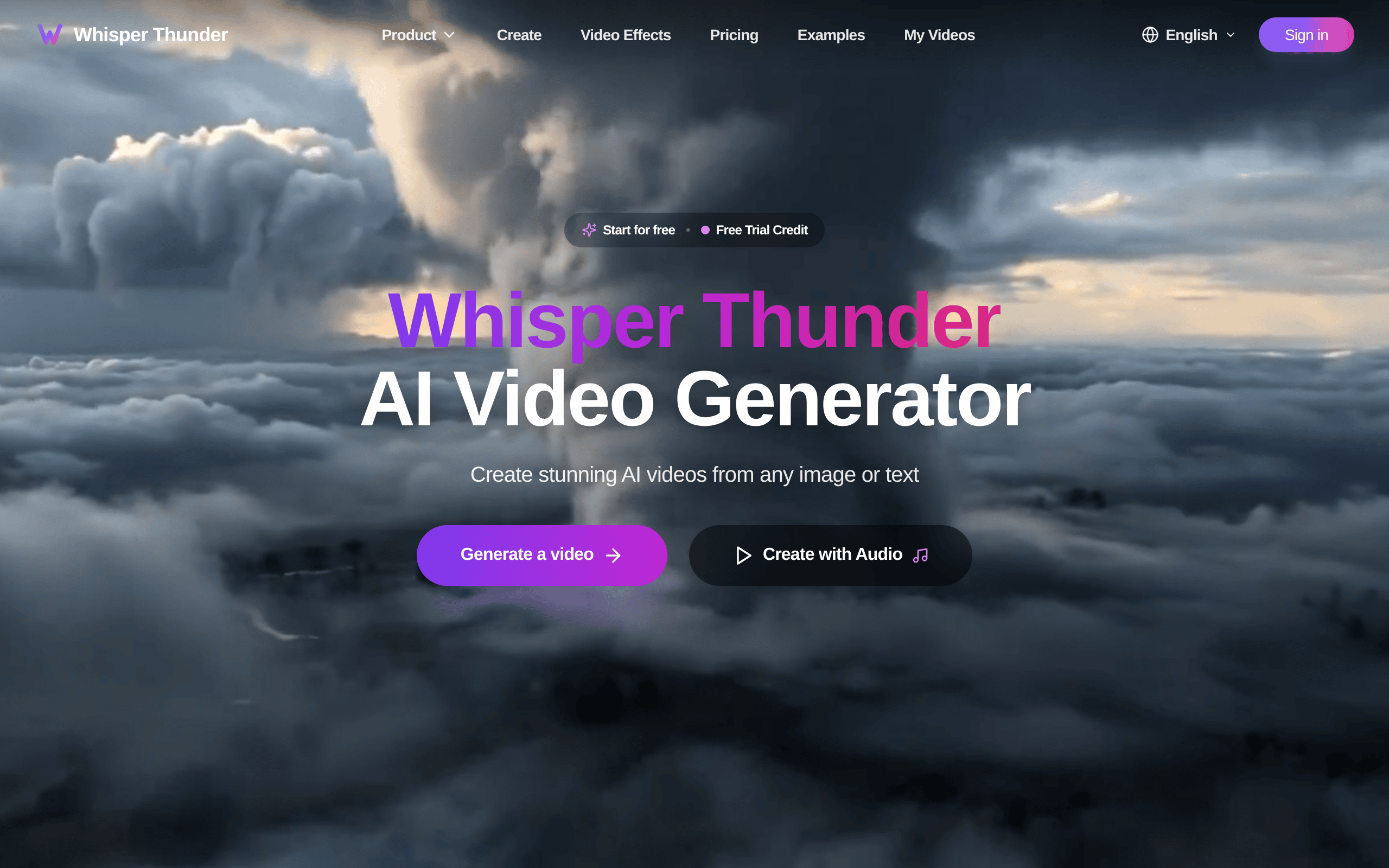
Whisper Thunder Introduction
You've been staring at that perfect photo for your next social media post, wishing it could come to life. Maybe it's a product shot that needs some movement, or a team photo you'd love to see waving. Creating videos used to mean hiring someone or spending hours learning complicated software. Not anymore.
Whisper Thunder lets you turn any image into a video just by telling it what you want to happen. Upload your photo, type something like “make the leaves blow in the wind” or “have the person smile and wave,” and you get a professional video back in about a minute. No editing skills needed, no expensive software to buy.
If you're running a business and need quick video content for Instagram, TikTok, or your website, this could save you tons of time and money. You can create eye-catching product demos, bring testimonials to life, or make your static posts stand out in crowded feeds. The tool works with text prompts too, so you can create videos from scratch when you don't have the perfect photo ready.
We tested Whisper Thunder to see if it really delivers on its promise of simple, fast video creation. Here's what we found about this AI-powered tool that launched in 2025.
Whisper Thunder Key Features
Image Animation: Turn your favorite photos into eye-catching videos with smooth, lifelike movement. Your static images come alive with vivid detail that grabs attention on social media or presentations.
Text-to-Video Generation: Type what you want to see and watch it become a video. No need for cameras or complex software – just describe your vision and you’ll have professional content ready to share.
High-Definition Output: Get crystal-clear videos in 720p or 1080p that look great on any screen. Your content stays sharp whether you’re posting to Instagram or showing it in a boardroom.
Quick Generation Time: Create 5 or 10-second videos in about a minute. You’ll have fresh content ready before your coffee gets cold, keeping your marketing moving at the speed of business.
Natural Language Control: Tell the tool what you want using regular words – no tech jargon needed. If you can describe it, you can create it, making video production as simple as having a conversation.
Social-Ready Formats: Export videos that are perfectly sized for Instagram, TikTok, LinkedIn, and more. Your content fits right in wherever your audience hangs out online.
Our Take of Whisper Thunder
If you’re running a small business and need to pump out quick social media videos, Whisper Thunder could work well for you. It’s super simple to use – you just upload a photo and tell it what you want to happen in plain English. No video editing skills needed.
The 5 to 10 second limit is the biggest catch here. That’s fine for TikTok or Instagram Reels, but if you need longer videos for YouTube or product demos, you’ll need to look elsewhere. The quality is solid though – you get HD or Full HD videos that look professional.
Price-wise, you get some free credits to start, but you’ll probably burn through those pretty fast if you’re creating content regularly. Once those run out, you’ll need to pay for more. It’s not clear from their site exactly how much that costs, which makes it hard to budget for.
What’s missing is info about connecting this to other tools you might use. There’s no mention of integrations with social media schedulers or marketing platforms, so you’d probably have to download videos and upload them manually to wherever you need them.
For quick social videos where you want to make a still photo come to life, this tool gets the job done without the learning curve of traditional video software. But if your video needs go beyond short clips, or if you’re looking for something that plays nicely with your other marketing tools, you might want to keep shopping around.
Whisper Thunder's Pricing
Whisper-Thunder.ai offers four pricing tiers with both monthly and yearly billing options.
The Free plan provides 2 credits with basic features and 3-day video retention.
The Basic plan costs $14.90 monthly (or $9.90/month when billed yearly) and includes 60 credits per month.
The Pro plan, marked as most popular, is priced at $34.90 monthly (or $23.90/month yearly) with 100 credits. The Max plan offers 600 credits for $74.90 monthly (or $51.90/month yearly).
All paid plans include private generation, priority queue processing, commercial rights, high-quality AI video generation with consistent characters, fast generation, and videos that remain valid for 3 months with 365-day retention. The free tier provides lower quality videos with only 30-day retention.
One-time payment options are also available though specific pricing wasn’t provided.
Final Thoughts about Whisper Thunder
So there you have it – Whisper Thunder makes creating short videos as easy as typing what you want to see. Sure, the 10-second limit won’t work for everything, but for quick social media content that needs to grab attention fast, it does exactly what it promises. No learning curve, no expensive software, just upload a photo and describe what you want.
Think about all those product photos sitting on your hard drive that could become scroll-stopping videos. Or that team photo from last month’s event that could wave hello to your LinkedIn followers. The free credits let you test it out without spending a dime, so you can see if it fits your workflow before committing any cash.
Ready to bring your photos to life? Click the button below to try Whisper Thunder and start turning your still images into videos that get noticed.
Whisper Thunder FAQs