WordAI Introduction
Creating fresh, unique content day after day can feel like running on a treadmill that never stops. You know you need original articles for your website, blog posts that rank well, and content that sounds human – not robotic. But rewriting the same information over and over? That's where your time disappears.
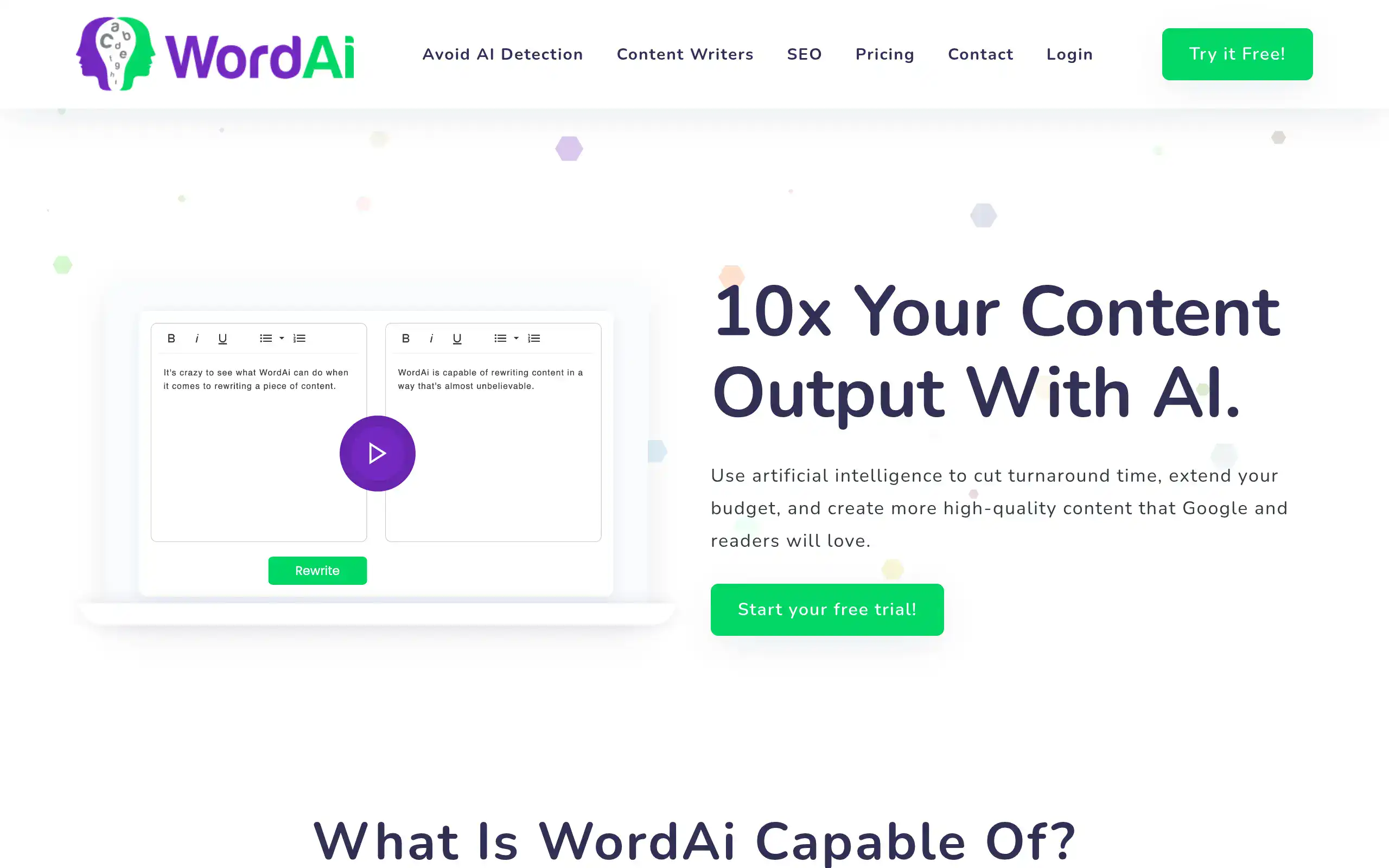
WordAi promises to fix this problem. It's an AI tool that takes your existing content and rewrites it into something completely new. Think of it as having a writing assistant who can take one article and turn it into five different versions, each reading like it was written from scratch.
If you're running a business and need lots of content for SEO, or you're tired of spending hours trying to make old content feel new again, WordAi might be worth your attention. Let's look at what this tool actually does, where it shines, and where it might leave you wanting more.
WordAI Key Features
Complete Sentence Restructuring: WordAi reads your content and rewrites it from scratch, giving you fresh text that keeps the same meaning. This means you’ll never worry about duplicate content penalties from search engines.
Enrich Text with LSI Keywords: The tool automatically finds and adds related keywords that search engines love. You’ll rank better without stuffing keywords or sounding robotic.
Grammar and Spelling Correction: Every piece of content gets cleaned up automatically, fixing mistakes as it rewrites. You get polished, professional content without hiring an editor.
Bulk Article Rewriting: Upload dozens of articles at once and let WordAi rewrite them all. You’ll save hours of work when you need to refresh old content or create variations.
API Access: Connect WordAi directly to your website or content management system. You can automate your entire content creation process without switching between tools.
Avoid AI Content Detection: WordAi makes your content sound natural and human-written. Your readers (and AI detectors) won’t know the difference, keeping your content authentic.
Our Take of WordAI
WordAi could work well if you’re running a small business and need to create lots of content quickly. The tool makes it pretty simple to rewrite articles and blog posts, which saves you from starting from scratch every time. If you’re managing SEO for multiple websites or need fresh content regularly, the bulk rewriting feature lets you process several articles at once.
The biggest concern is that the content isn’t always as unique as you’d hope. You’ll probably need to check each piece before publishing to make sure it’s different enough from the original. The tool doesn’t let you manually edit the rewrites either, so if you want to tweak something specific, you’re out of luck.
For business owners watching their budget, the pricing might feel steep compared to other rewriters out there. You’re paying for convenience and speed, but you’re giving up control over the final output. The API integration is nice if you want to connect it to your existing tools, though setting that up requires some technical know-how.
The tool works best if you need decent content fast and don’t mind reviewing it afterward. But if you’re looking for something that gives you more control or consistently produces publish-ready content, you might want to explore other options. Consider trying the free trial first to see if the quality meets your standards before committing to a subscription.
WordAI's Pricing
WordAi offers three pricing tiers with both monthly and annual billing options.
The Starter plan costs $17 per month or $9 per month when billed annually, providing 50,000 rewrite words and 25,000 pass AI detection words monthly.
The Power plan is priced at $57 monthly or $27 monthly with annual billing, offering 3,000,000 rewrite words and 250,000 pass AI detection words per month. Both plans include AI-powered rewriting, human quality content generation, one-click rewriting, Copyscape-passing rewrites, sentence and phrase level rewriting, bulk article processing, and API access.
For high-volume users, WordAi provides a custom Enterprise plan with tailored word limits, increased throughput, white-labeled integration, multiple user accounts, customized rewrites, heightened quality outputs, and a dedicated account manager. Enterprise pricing is available upon request.
All plans come with a free 3-day trial and a 30-day money back guarantee for users who rewrite fewer than 10 articles and aren’t satisfied with the service.
Final Thoughts about WordAI
So here’s the bottom line: WordAi could save you serious time if you’re drowning in content creation demands. But it’s not a magic wand that’ll solve all your content problems overnight.
Before you jump in, think about what matters most for your business. Do you need speed and convenience above everything else? Then WordAi might be your new best friend. But if you need complete control over every word and phrase, you’ll probably find yourself frustrated.
The real question is whether the time you’ll save is worth the price and the occasional need to polish the output. For some businesses, that trade-off makes perfect sense. For others, not so much.
My suggestion? Don’t just take my word for it. Test it out yourself with their free trial. Run a few of your existing articles through it and see if the quality meets your standards. Pay attention to how much editing you need to do afterward. That’ll tell you whether WordAi fits into your workflow or not.
Ready to see if WordAi can speed up your content creation? Click the button below to start your free trial and find out if it’s the right fit for your business.
WordAI FAQs