X-design Introduction
Let's be honest; taking product photos that actually sell your stuff online can feel like a full-time job. You're dealing with bad lighting, messy backgrounds, and somehow your products never look as good in photos as they do in real life.
If you're running an online store, you know exactly what I'm talking about. You've probably spent hours trying to edit photos yourself or blown your budget on professional photographers.
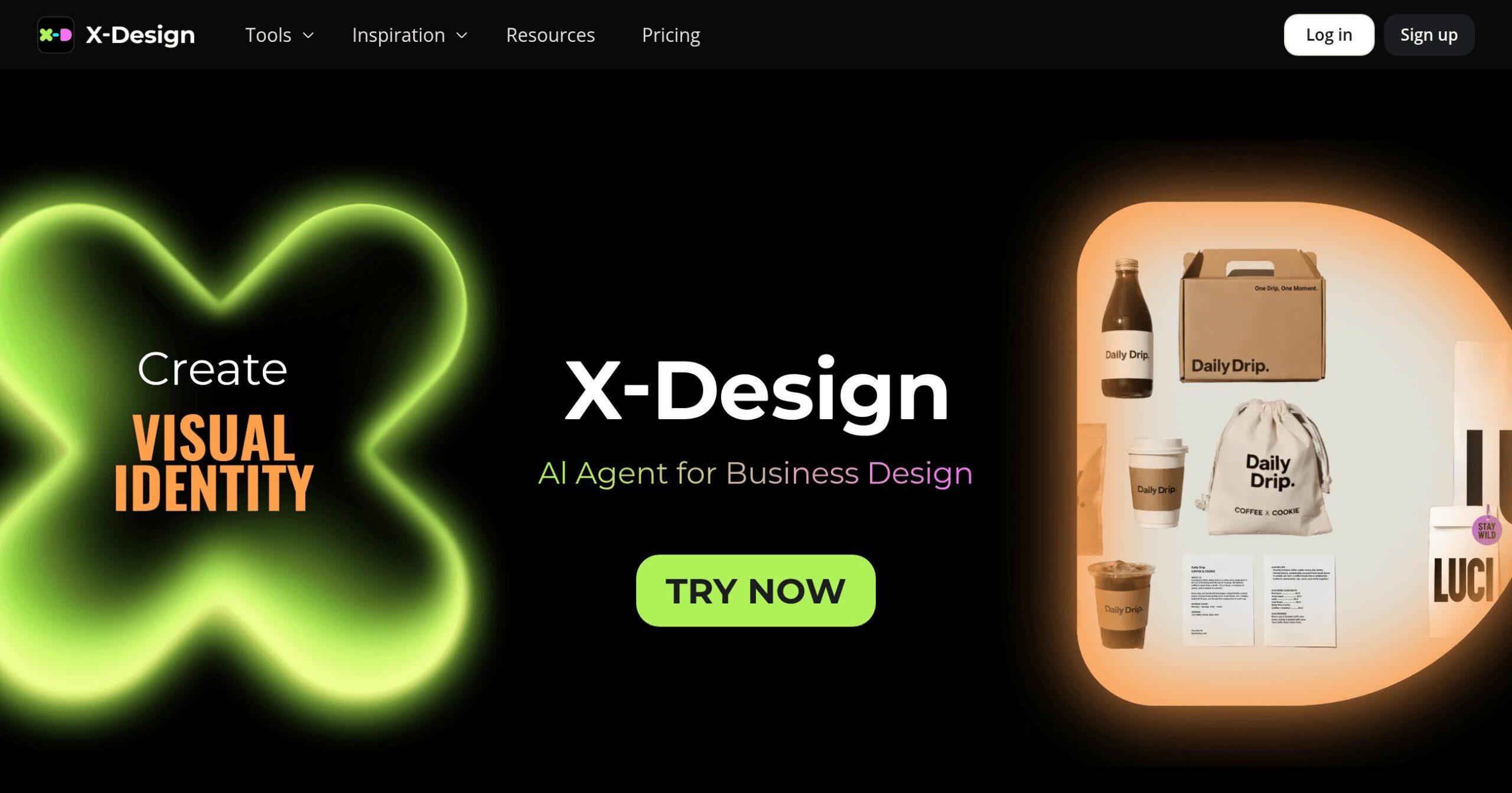
That's where X-Design comes in. This AI photo editor promises to turn your basic product shots into professional-looking images without breaking the bank or needing years of design experience.
But does it actually deliver on that promise? I spent the last few weeks putting X-Design through its paces to see if it's worth your time and money.
X-design Key Features
AI Background Remover: Strip away backgrounds from your product photos in seconds. This means you can place your products on any background you want without hiring a photographer or learning complex software.
AI Background Generator: Create professional backgrounds that match your brand style instantly. You’ll save money on studio rentals and get consistent, high-quality backgrounds for all your products.
AI Fashion Model Generator: Generate realistic models wearing your clothes without booking real models. This cuts your photoshoot costs by up to 90% and lets you showcase products on different body types.
Image Enhancer: Transform blurry or low-quality photos into sharp, professional images. Your products will look their best online, which helps build customer trust and boost sales.
AI Object Remover: Delete unwanted items, logos, or watermarks from your photos with one click. You can clean up messy backgrounds or remove distractions that take focus away from your products.
AI Image Recolor: Change product colors instantly to show different variations. Instead of photographing the same item in multiple colors, you can create your entire color lineup from a single photo.
Our Take of X-design
X-Design is a solid choice if you’re running an online store and need better product photos without breaking the bank. The background removal feature works really well – it’ll save you tons of time compared to doing it manually. Same goes for the AI model generator if you sell clothes. Instead of hiring models and photographers, you can create professional-looking shots right from your desk.
The price point makes sense for small businesses. You get professional results without paying for expensive photo shoots. But here’s what you need to know: the free version is pretty limited. Once you start using it regularly, you’ll probably need to upgrade. And if you use the fancier features a lot, you might burn through your credits faster than expected.
One thing that might bug you is there’s no way to connect it with other apps you use. So if you’re hoping to link it up with your online store or design software, that’s not happening right now. You’ll need to download and upload files manually.
For beginners, it’s easy to get started with the basic stuff. But some of the advanced features take time to figure out. Nothing too crazy, but expect to spend a bit of time learning the ropes.
Bottom line: if you need better product photos and don’t want to spend thousands on photography, X-Design does the job. Just make sure the paid plans fit your budget once you outgrow the free version. It’s not perfect, but for most small business owners selling online, it’s a practical solution that delivers what it promises.
X-design's Pricing
X-Design offers a Free plan, Pro plan, and Enterprise option with flexible pricing.
The Free plan includes basic design features, such as filters, text, and stickers, along with limited access to AI tools. This includes Background Remover, Logo Generator (10 uses/month), Image Expand (100 uses/month), AI Upscale (2X), and video tools capped at 5-second clips (30 uses/day). E-commerce tools, such as AI Models, Background Generators, and Color Changers, are also limited to 50 uses/month.
The Pro plan is priced at $9.99/month and unlocks full access to core AI tools: Object Remover, AI Enhancer, Upscale (2X, 4X, 8X), and watermark removal. It includes advanced video features (30 Full HD uses/day), plus higher limits on AI Backgrounds (100/month), AI Models (50 each/month), Image Color Change (50/month), and Private Models (10/month). Pro users also get access to templates, bulk tools, and mobile features.
The Enterprise plan includes everything in Pro, plus API access, custom implementation, self-hosting, and advanced AI tools. Pricing is available upon request.
Pro users can buy extra credits starting at $6.99 for 20 credits, with discounts for larger bundles. Credits don’t expire and are required once monthly limits are reached.
X-Design supports web, iOS, and Android. Payments are handled via Stripe, Google Pay, and PayPal.
Final Thoughts about X-design
So, is X-Design right for your business? That depends on where you’re at with your product photography. If you’re still using your phone camera and struggling with basic edits, this could be the upgrade you need. The time and money you’ll save on photo shoots alone might make it worth checking out.
Consider how much better your products could look with professional backgrounds and ideal lighting. Your customers make buying decisions based on those images, so getting them right matters. X-Design gives you the tools to compete with bigger brands without their photography budgets.
Before you decide, consider your actual needs. How many product photos do you take each month? Are you selling clothes where the AI model feature would come in handy? Do you have time to learn a new tool? These answers will help you figure out if X-Design fits your workflow.
If you’re curious about what X-Design can do for your product photos, why not give it a shot?
The free version allows you to test the basic features without incurring any costs. You can always upgrade later if it works for you. Ready to see how your products could look?
Click the button below to try X-Design today.
X-design FAQs