AskBlake Introduction
If you've ever spent hours coding the same dashboard components over and over, you know how frustrating it can be.
You're trying to build something great for your business, but you're stuck writing code for basic stuff like navigation bars and data tables. That's where AskBlake comes in.
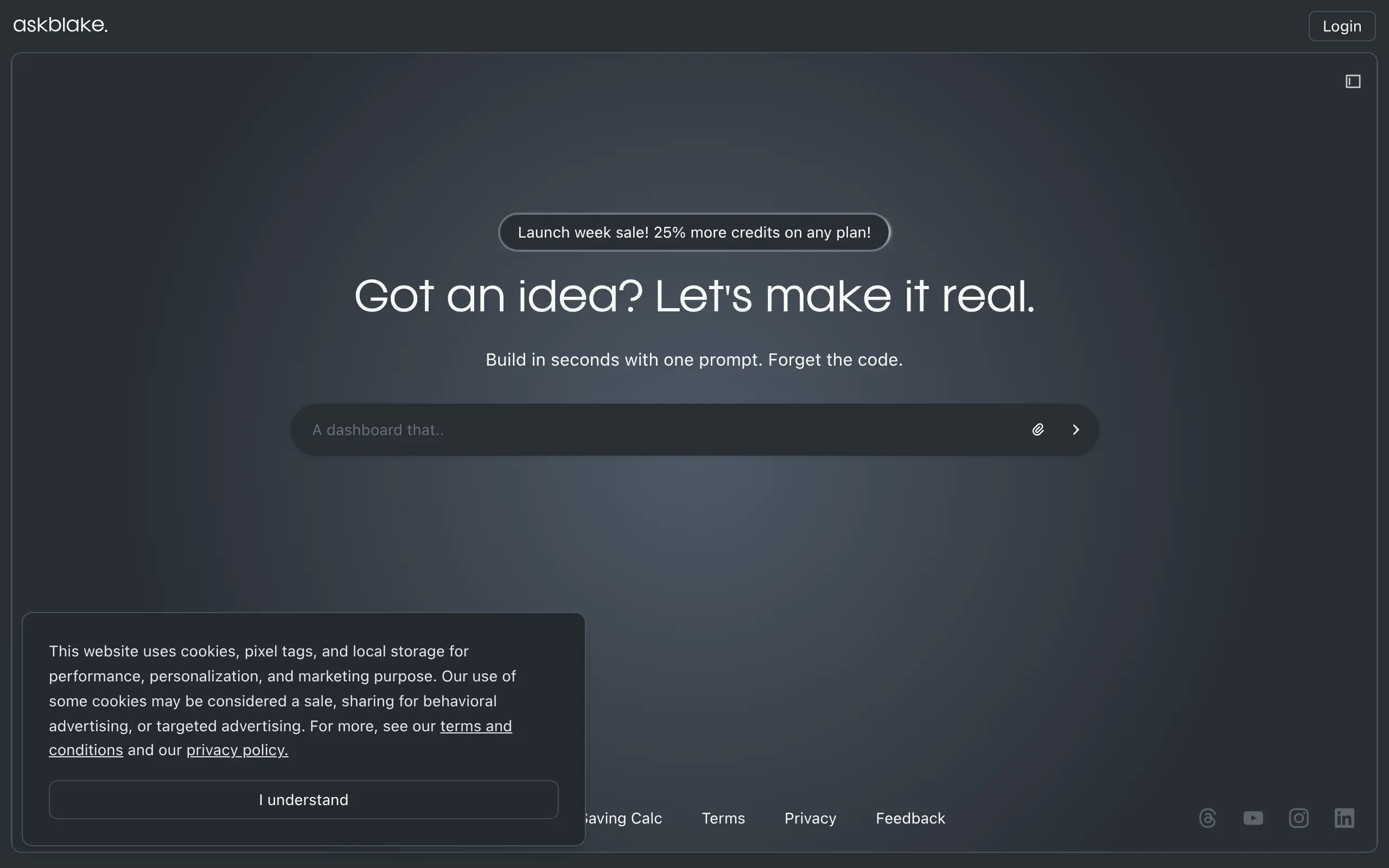
This AI tool lets you describe what you want in plain English and spits out ready-to-use React and Tailwind code. No more copying and pasting from old projects or hunting through documentation.
Just tell it what you need, and you get clean, working code you can drop right into your project.
For business owners who code their own tools or work with small dev teams, this could save you tons of time on the boring parts of web development.
AskBlake Key Features
On-Demand Component Generation: Describe what you need and watch AskBlake create the exact dashboard or web app component you want. Skip the hours of coding and get straight to building your project.
Clean React and Tailwind Code Output: Get production-ready code that’s ready to drop into your project right away. No messy code to clean up means you can move faster without the headaches.
Modular and Reusable Components: Build once, use everywhere. Create components that work across your entire project, saving you from writing the same code over and over.
AI-Powered Efficiency: Let artificial intelligence handle the heavy lifting of component creation. Spend less time typing code and more time growing your business.
Our Take of AskBlake
AskBlake shows real promise for business owners who need to build web components quickly without hiring a full development team. The ability to type what you want and get working React code could save you hours of back-and-forth with developers or struggling through tutorials yourself.
The big win here is speed. If you need a dashboard for tracking sales or a simple contact form, you can get functional code in minutes rather than days. The React and Tailwind CSS output means the components will look modern and work well on different devices right out of the box.
But here’s what you should know before jumping in. The AI-generated components might not match your exact vision perfectly. You’ll probably need to tweak colors, spacing, or functionality to fit your specific needs. If you don’t have basic coding knowledge or someone who can help, making those adjustments could be tricky.
The tool works best for standard components like forms, tables, and basic layouts. If you need something highly custom or complex, you might hit some walls. Think of it as getting a solid foundation that needs some finishing touches rather than a complete, polished product.
For the price point compared to hiring a developer for even simple tasks, it could pay for itself quickly if you regularly need new components. Just go in with realistic expectations. This won’t replace a skilled developer for complex projects, but it can handle a lot of the routine stuff that eats up time and budget.
Bottom line: if you’re comfortable with basic code editing or have someone on your team who is, AskBlake could speed up your web development significantly. If you need everything done perfectly without touching code, you might want to look at more complete website builders instead.
AskBlake's Pricing
The Freelancer plan costs $16 per month and provides 125 credits with no expiration.
The Agency plan costs $40 per month and includes 312 credits that are valid for one month.
The Fullstack plan costs $80 per month and offers 625 credits, also valid for one month.
Final Thoughts about AskBlake
So here’s the real question – how much is your time worth? If you’re spending days building basic components that AskBlake could generate in minutes, you’re probably losing money. Sure, the AI won’t be perfect every time, but even if you need to tweak the output, you’re still way ahead of starting from scratch.
Think about your last web project. How many hours did you spend on navigation bars, forms, and data tables? Now imagine cutting that time by 80% or more. That’s time you could spend on the parts of your business that actually make money.
The best part? You don’t need to be a coding expert to get value from this. If you can describe what you want and make basic edits, you’re good to go. And if you have a developer on your team, they’ll thank you for giving them a head start instead of asking them to build everything from zero.
Ready to see if AskBlake can speed up your next project? Click the button below to give it a try and find out how much time you could save on your web development.
AskBlake FAQs