Make Introduction
If you're running a business and spending hours copying data between apps, sending follow-up emails by hand, or juggling spreadsheets just to keep things moving, you already know how exhausting it gets.
The repetitive stuff eats up your day and pulls you away from the work that actually grows your business.
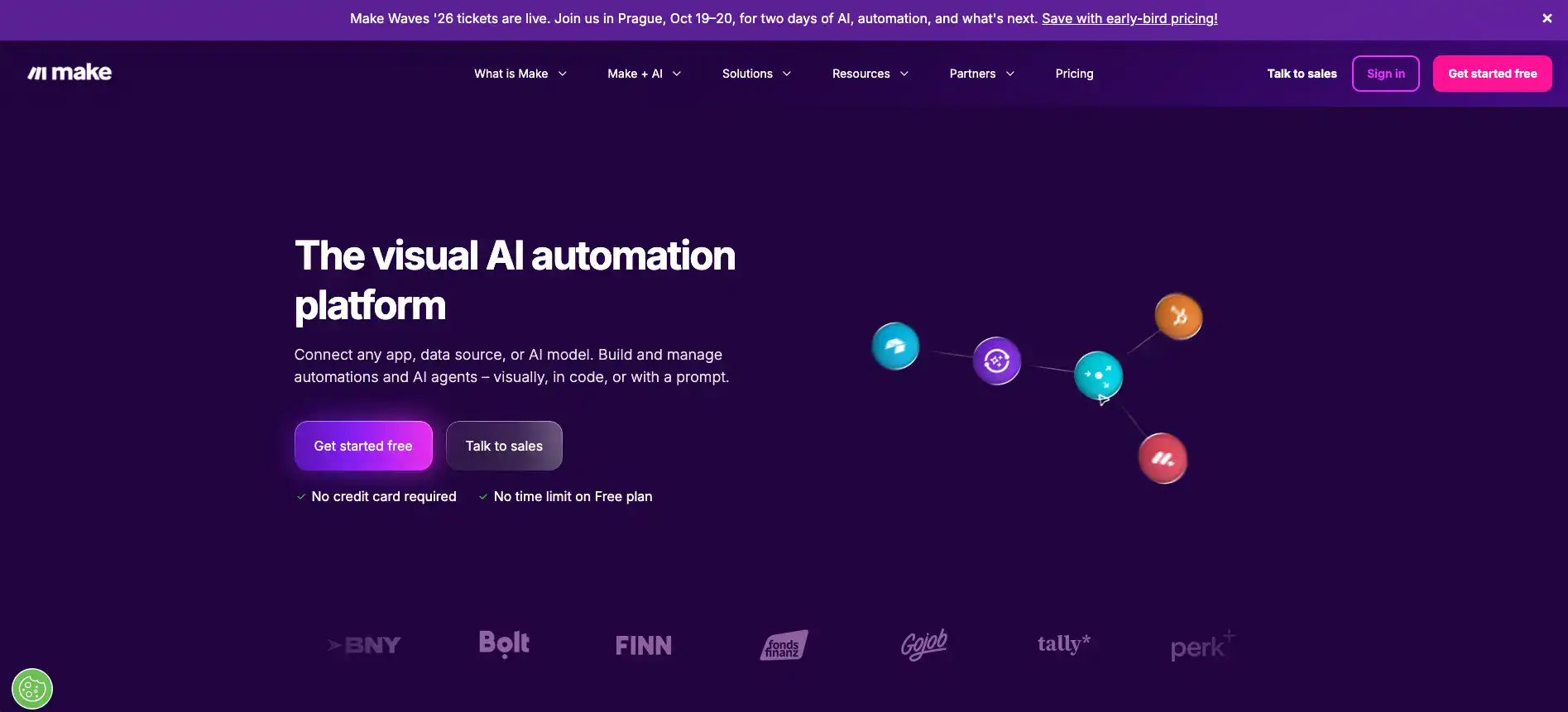
That's where Make.com comes in. It's a visual automation platform that lets you connect your favorite apps and build workflows that run on autopilot.
No coding needed. You drag, drop, and watch your processes handle themselves. Formerly known as Integromat, Make.com has grown into one of the most flexible automation tools out there, with over 2,700 app integrations and features that go way beyond simple “if this, then that” setups.
But is it the right fit for you? In this review, we'll break down what Make.com does well, where it falls short, and whether it's worth your time and money.
Make Key Features
Visual Workflow Builder: Design your automations using a simple drag-and-drop interface that shows you exactly how everything connects. You’ll see your entire process laid out like a map, so you always know what’s happening at each step.
2,700+ App Integrations: Connect the tools you already use — from Google Sheets to Slack to Shopify — all in one place. That means less copying and pasting between apps and more time doing work that actually matters.
Advanced Error Handling: Set up specific rules for what happens when something goes wrong in your workflow. Instead of everything breaking down, your automations can catch mistakes and fix them on their own.
Real-Time Execution Logs: Watch your workflows run in real time and spot problems the second they happen. It’s like having a security camera for your automations — you can see exactly where things went right or wrong.
Native Data Storage: Store and manage data right inside the platform without needing a separate database. This keeps your workflows clean and self-contained, so you don’t have to juggle extra tools.
AI Integration: Add AI agents to your workflows so they can make smart decisions on their own. Think of it like giving your automations a brain — they can analyze info, make choices, and handle tasks that used to need a real person.
Our Take of Make
Make.com is a solid pick if you’re someone who wants deep control over your automations without writing code from scratch. The visual workflow builder is genuinely useful because you can see exactly how your data flows from one app to another, and with over 2,700 app integrations, there’s a good chance it connects to the tools you’re already using. The error handling and real-time logs are nice touches that help you figure out what went wrong fast, which saves you a ton of time when something breaks at 2 AM.
That said, it’s not perfect. The pricing can be confusing. Operations, which are basically the individual steps your workflows take, add up quickly and it’s hard to predict what your monthly bill will look like until you’ve been running things for a while. The free plan is pretty limited too, so if you’re testing it out for real business use, you’ll probably need to jump to a paid tier sooner than you’d like.
There’s also a learning curve here. If you’re not very technical, expect to spend some time watching tutorials and experimenting before things click. It’s not as beginner friendly as something like Zapier, but the tradeoff is that you get way more flexibility and control once you get the hang of it. For teams that need complex, multi-step automations, that tradeoff is usually worth it.
The AI agent features are a newer addition and they’re interesting. They let you build smarter workflows that can adapt based on goals rather than just following a set path. It’s still early days for this feature, but it shows that Make.com is investing in staying competitive.
If you’re a small to medium business owner or a freelancer who handles a lot of repetitive tasks across different apps, Make.com gives you the tools to build some really powerful automations. Just go in knowing that it’ll take a bit of time to learn and that you should keep an eye on your operation counts so your costs don’t surprise you.
Make's Pricing
Make offers a Free plan that includes 1,000 operations per month with a limit of two active scenarios.
The Core plan starts at $10.59 per month (billed annually) and provides 10,000 operations per month along with unlimited active scenarios.
The Pro plan is priced at $18.82 per month (billed annually) and includes 10,000 operations per month with additional features suited for more advanced automation needs.
The Teams plan costs $34.12 per month (billed annually) and also includes 10,000 operations per month with enhanced collaboration and team-oriented capabilities.
An Enterprise plan is also available with custom pricing for organizations requiring tailored solutions, advanced security, and dedicated support.
Operations can be scaled up across all paid plans for an additional cost.
Final Thoughts about Make
So here’s the bottom line. Make.com isn’t for everyone, but if you’re tired of doing the same tasks over and over and you want something that gives you real control over how your apps talk to each other, it’s worth a serious look.
It’s got a learning curve, sure. And yeah, you’ll want to keep tabs on your operation counts so your bill doesn’t catch you off guard. But once you get comfortable with it, you can build automations that honestly feel like having an extra team member working around the clock.
The visual builder alone makes it worth trying because you can actually see what’s happening with your data instead of guessing. And with AI features rolling out, it’s only getting smarter from here. If you’ve been on the fence about automating your workflows, now’s a great time to test it out and see what it can do for your business.
Give it a shot and see how much time you get back in your day. Click the button below to try Make.com and start building your first automation today.
Make FAQs