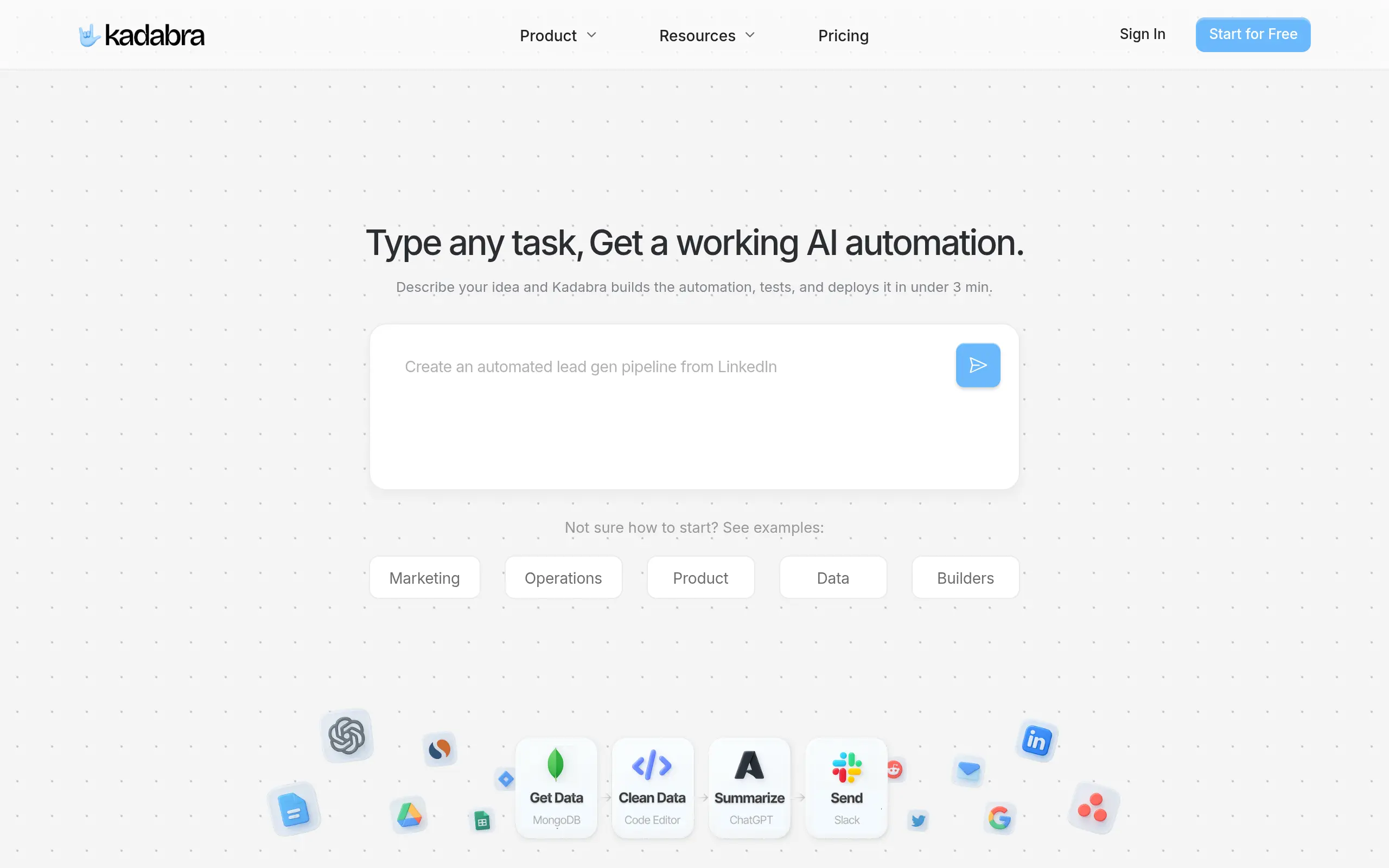
Kadabra Introduction
You're staring at your computer screen, trying to figure out how to automate that repetitive task that eats up hours of your week.
Maybe it's updating spreadsheets, sending follow-up emails, or moving data between your apps. You know there's got to be a better way, but learning to code feels like climbing Mount Everest.
That's where Kadabra comes in. This AI-powered automation platform lets you describe what you want in plain English, and it builds the workflow for you.
No coding required. Just type what you need, and Kadabra creates, tests, and launches your automation in minutes. It's like having a tech-savvy assistant who speaks your language and connects all your favorite tools together.
Whether you're in marketing, sales, or managing products, if you've ever wished you could clone yourself to handle the boring stuff, you'll want to see what Kadabra can do.
Kadabra Key Features
Chat-to-Build Interface: Tell Kadabra what you want in plain English and watch it create working workflows in minutes. You don’t need to learn any coding – just describe your task like you’re talking to a coworker.
Visual Workflow Canvas: See exactly how your automation works with an easy drag-and-drop interface. You can tweak and customize workflows by moving pieces around, making changes as simple as rearranging blocks.
56+ Built-in Integrations: Connect your favorite tools like Slack, Notion, and Google Workspace without any setup hassles. Your automations work seamlessly with the apps you already use every day.
Pro Controls for Advanced Users: Add custom Python code or API calls when you need something specific. You get the flexibility to go deeper without losing the simplicity that makes Kadabra easy to use.
Shareable Workflow Interfaces: Turn complex automations into simple forms your team can use. Your colleagues can run powerful workflows with just a few clicks, no training needed.
Our Take of Kadabra
Kadabra could be a solid choice if you’re looking to automate tasks without needing to hire a developer. The fact that you can describe what you want in plain English and get a working automation in about three minutes is pretty impressive. For businesses that use tools like Slack, Notion, or Google Workspace, you’ll find it connects right in without much fuss.
The visual workflow builder makes it easy to see what’s happening with your automations, which is helpful when you need to make changes or troubleshoot issues. Non-technical team members can actually use this without calling IT every five minutes, which is a big plus for productivity.
That said, if your business needs super specific custom automations, you might hit some walls. The platform gives you some advanced options like Python scripting, but it’s not going to match what a dedicated developer could build from scratch. And depending on what features you need, the pricing could add up if you have to go for the premium tier.
For small to medium businesses trying to save time on repetitive tasks, Kadabra makes sense. It’s accessible enough for most team members to use and quick enough to show results fast. Just be realistic about what it can and can’t do compared to hiring someone to build custom solutions. If your needs fit within what Kadabra offers, you’ll probably see good value from it.
Kadabra's Pricing
The Free plan costs $0 per user per month and includes 1,000 credits, making it suitable for trying the platform and handling small personal projects; it provides access to an AI agent, one custom node, limited schedules, and community support.
The Pro plan costs $9 per user per month and includes 5,000 monthly credits with the option to purchase more, offering everything needed to manage data workflows easily, including unlimited credit purchases, unlimited schedules, unlimited custom nodes, and email support.
The Team plan costs $18 per user per month and provides 10,000 monthly credits with additional credits available for purchase, designed for enhanced collaboration for up to 10 users; it features workflow sharing, AI data integration, team management, and priority support.
The Enterprise plan offers custom pricing and includes advanced security, custom integrations, dedicated support, and SLA guarantees for organizations requiring maximum control and reliability.
Final Thoughts about Kadabra
So there you have it – Kadabra brings automation within reach for anyone who’s tired of doing the same tasks over and over. The best part? You can test it out yourself and see if it fits your workflow. No need to commit right away or spend weeks learning how to use it. Just describe what you want automated and let Kadabra show you what it can do. If you’re ready to get those hours back in your day and focus on work that actually matters, give it a shot. Click the button below to try Kadabra and see how much time you could save starting today.
Kadabra FAQs