Copy.ai Introduction
If you're running a small or medium-sized business, you know the feeling. You've got a million things on your plate, and writing content for your marketing and sales efforts keeps falling to the bottom of your to-do list.
Maybe you've spent hours staring at a blank screen trying to come up with the right words for an email campaign. Or maybe you've hired freelancers who didn't quite nail your brand's tone.
It's frustrating, time-consuming, and honestly, it pulls you away from the work that actually grows your business.
That's where Copy.ai comes in. It's an AI-powered platform that promises to take a huge chunk of the content creation and marketing automation off your hands. But does it actually deliver?
We spent time digging into what real users are saying, testing out its features, and figuring out if it's the right fit for business owners who need results without the headaches.
Here's what we found.
Copy.ai Key Features
Workflows: Set up automations that handle your repetitive sales and marketing tasks for you. This frees up your team to spend time on bigger-picture work instead of getting bogged down in the day-to-day stuff.
Copy Agents: Let AI assistants write and manage your content around the clock. They keep everything on-brand and relevant, so you’re not starting from scratch every time you need a new piece of content.
Tables: Pull all your data from different platforms into one central spot. No more jumping between tabs or apps to find the information you need — it’s all right there, clean and organized.
Actions: Create custom automations that kick off when specific things happen. Think of it like setting up dominoes — one trigger sets off a chain of tasks that get done without you lifting a finger.
Brand Voice: Train the AI to write like your company actually sounds. Every piece of content it creates matches your tone and style, so nothing feels off-brand or out of place when it goes live.
Our Take of Copy.ai
Copy.ai is a solid option if you’re a small or medium-sized business looking to speed up your marketing and sales work with AI.
The platform is pretty easy to pick up, even if you’re not super technical. It’s got a ton of templates for different types of content, and the automation features can save you real time on repetitive tasks like prospecting and content drafting.
That said, it’s not perfect. Some users have flagged that the content it spits out can be hit or miss on accuracy, so you’ll want to double-check what it gives you before publishing anything.
There are also reports of customer support being slow to respond, which can be frustrating if you run into issues. The output can sometimes feel a bit generic too, so if having a unique voice in your content is a big deal for you, expect to do some editing.
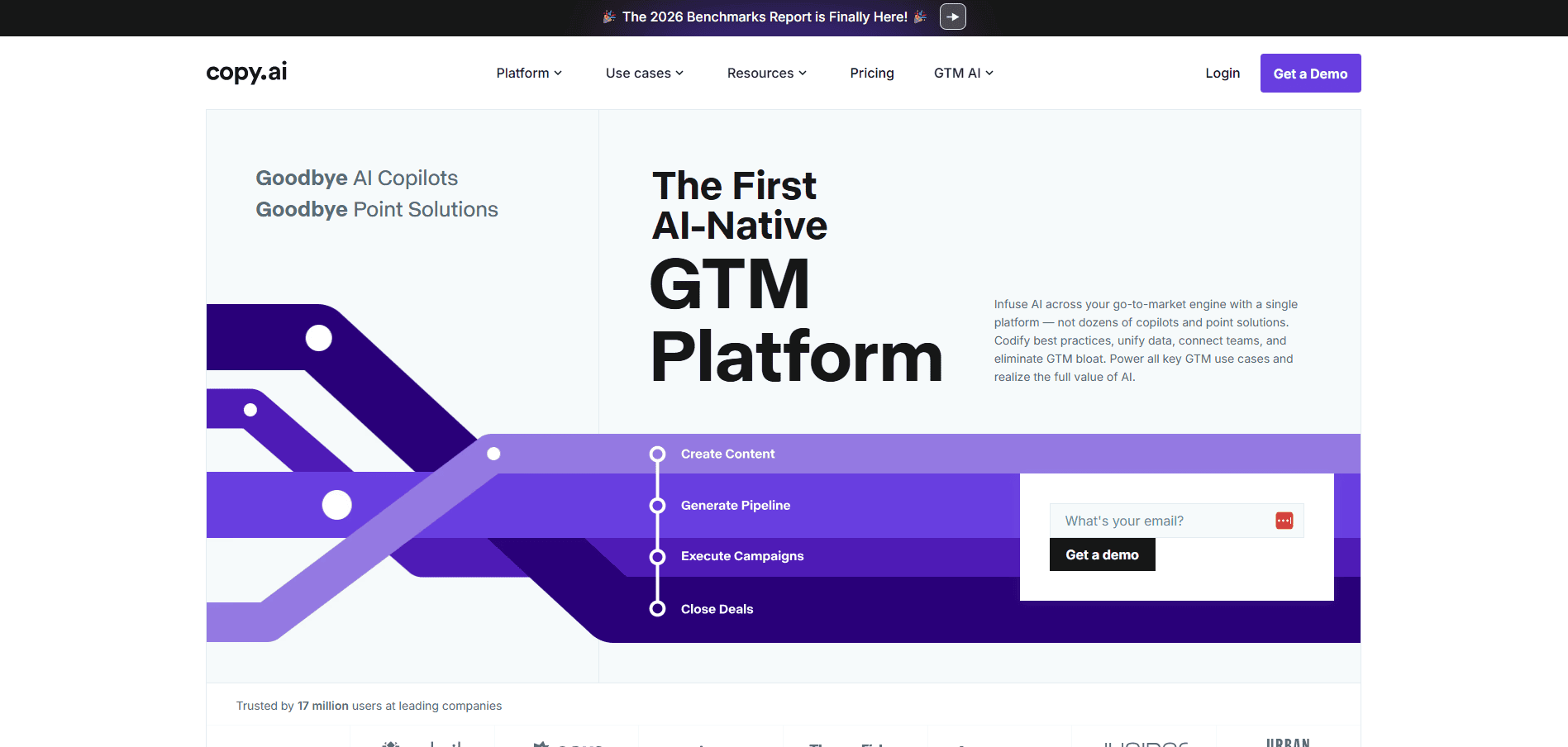
When you stack it up against other AI writing tools, Copy.ai stands out for trying to cover the full go-to-market process rather than just being a writing assistant.
Whether that’s worth it depends on what you actually need. If you’re mostly looking for help with content creation and some basic automation, it could be a good fit. But if content precision is non-negotiable for your business, you might find yourself spending extra time cleaning things up.
We’d say it’s worth trying out their free plan to see if it clicks with how your team works before committing to a paid tier.
Copy.ai's Pricing
Copy.ai offers both self-serve and enterprise pricing tiers.
The Chat plan is designed for small teams and costs $29 per month billed monthly or $24 per month billed annually at $288 per year. It includes 5 seats, unlimited words in chat, unlimited chat projects, and access to OpenAI, Anthropic, and Gemini models.
The Growth plan is for businesses seeking exponential growth and costs $1,000 per month billed annually at $12,000 per year. It includes 75 seats, unlimited words in chat, and 20,000 workflow credits per month.
The Expansion plan costs $2,000 per month billed annually at $24,000 per year and includes 150 seats, unlimited words in chat, and 45,000 workflow credits per month.
The Scale plan costs $3,000 per month billed annually at $36,000 per year and includes 200 seats, unlimited words in chat, and 75,000 workflow credits per month. Both the Expansion and Scale plans require contacting the accounts team.
The Enterprise tier is available for organizations needing a custom solution and includes all advanced features plus guided jumpstart implementation, API access and bulk workflow runs, 20 or more tech integrations, unlimited customizable workflows, a designated account and support team, and enterprise grade security protocols. Enterprise pricing requires a custom demo.
Final Thoughts about Copy.ai
At the end of the day, Copy.ai isn’t a magic wand that’ll fix all your content problems overnight. But it’s a pretty strong tool for business owners who are tired of spending hours on writing tasks that pull them away from running their actual business.
It does a lot of the heavy lifting when it comes to drafting content, automating repetitive marketing work, and keeping your messaging consistent across channels. You’ll still want to review what it produces and add your own human touch — that’s just the reality of working with any AI tool right now. The real question is whether it fits into how your team already works and whether the time it saves you is worth the investment.
The best way to figure that out is to try it yourself. They’ve got a free plan that lets you test things out without any commitment, so there’s no risk in giving it a shot. If you’ve been stuck in a cycle of staring at blank screens or juggling too many freelancers, this might be the thing that finally gets your content machine running smoothly.
Give it a spin and see if it clicks for you. If you want to try Copy.ai, click the button below to get started.
Copy.ai FAQs