Uizard Introduction
You've got an app idea bouncing around in your head, but you're not a designer. Maybe you've tried sketching it out on paper or explaining it to someone, and it just doesn't click.
Hiring a designer costs thousands of dollars, and learning Figma feels like picking up a second language. That's the frustration Uizard is trying to solve.
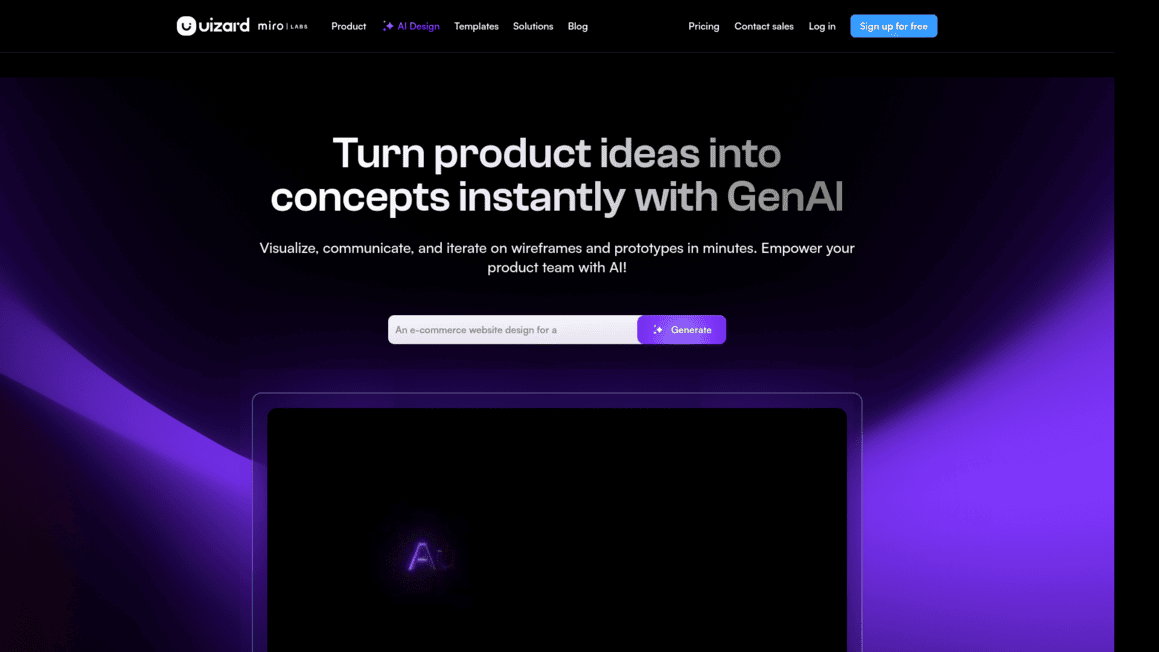
It's an AI-powered design tool that lets you turn text descriptions, rough sketches, or even screenshots into real-looking app and website mockups — no design skills needed. It's built for people like startup founders, product managers, and small business owners who need to get ideas out of their heads and onto a screen fast.
But does it actually deliver? And is it good enough to replace a professional designer? We put it through its paces to find out.
Uizard Key Features
Autodesigner 2.0: Type a simple description of what you want, and get a complete app design back in seconds. You can even edit specific sections by telling it what to change in plain English — no design skills needed.
Screenshot Scanner: Snap a screenshot of any app or website you like, and turn it into an editable mockup you can customize. It’s a fast way to build on ideas you’ve already seen out in the wild.
Wireframe Scanner: Sketch your idea on paper, take a photo, and watch it transform into a clean digital design. This gets you from napkin doodle to real prototype without any extra steps.
Pre-made Templates & UI Components: Pick from a library of ready-to-use design blocks for apps, websites, and dashboards. You’ll save hours by starting with something that already looks good instead of building from scratch.
Drag-and-Drop Interface: Move elements around your design just by clicking and dragging — like arranging furniture in a room. Anyone on your team can jump in and make changes without learning complicated software.
Real-Time Collaboration: Work on designs with your team at the same time, no matter where everyone’s located. You’ll see each other’s changes live, so feedback and edits happen in one place instead of over endless email chains.
Our Take of Uizard
Uizard’s a solid pick if you’re a small business owner or startup founder who needs to get design ideas out of your head and onto a screen fast.
You don’t need to know anything about design to use it, and that’s honestly its biggest selling point.
The AI features like Autodesigner and the Screenshot Scanner can save you a ton of time when you’re just trying to validate an idea or show your team what you’re thinking. It’s great for early-stage stuff like wireframes, quick mockups, and rough prototypes.
That said, it’s not going to replace tools like Figma if you need pixel-perfect, production-ready designs. Professional designers will probably feel limited by the customization options.
The free plan is pretty restrictive too, so if you’re working on more than a couple projects, you’ll likely need to upgrade. And if you rely on a bunch of other tools in your workflow, the limited integrations might frustrate you. The browser-based setup can get sluggish with bigger projects as well.
So here’s the bottom line: if you need a quick, affordable way to turn ideas into visual prototypes and you don’t have a designer on your team, Uizard does that job well. But if your project demands polished, high-fidelity designs or deep integrations with other software, you’ll probably outgrow it pretty quickly.
Uizard's Pricing
Uizard offers four pricing tiers.
The Free plan costs $0 and includes 2 projects, up to 5 screens per project, 3 AI generations per month using the Autodesigner 1.5 engine, 10 free templates, and unlimited free viewers and commenters.
The Pro plan is $12 per month when billed annually and includes up to 100 projects, unlimited screens, 500 AI generations per month with Autodesigner 2.0, developer handoff in CSS and React, access to all templates, and private projects.
The Business plan is $39 per month when billed annually and includes everything in Pro plus 5,000 AI generations per month, faster AI generation, a custom brand kit, unlimited projects, and priority support.
The Enterprise plan offers custom pricing for teams of 15 or more and includes everything in Business plus unlimited AI generations, unlimited teams, design system setup, AI data SLA, custom billing, and whiteglove onboarding support. All plans include unlimited creators per organization and unlimited free viewers. Annual billing on the Pro plan saves 40% compared to monthly pricing.
Final Thoughts about Uizard
So here’s what it comes down to. If you’ve got an app or website idea stuck in your head and no designer to help you get it out, Uizard gives you a real shot at making it visual without spending thousands or learning complex software.
It’s not perfect, and it won’t replace a full design team for polished final products. But for getting your ideas in front of people fast, testing concepts, and moving from “I think it should look like this” to “here, let me show you” — it does that really well. The best way to know if it fits your workflow is to try it yourself.
Give it a text prompt, upload a sketch, or drop in a screenshot and see what comes back. You might be surprised how close it gets you to what you had in mind. If you want to take it for a spin, click the button below and see what you can build today.
Uizard FAQs