Pika Introduction
Creating video content feels like it takes forever. You've got ideas for social media posts, ads, or quick promos, but you don't have the time, budget, or editing skills to bring them to life.
That's a real problem when short-form video is what gets attention online right now. Pika is an AI video tool that lets you turn simple text descriptions, still images, or existing clips into short animated videos in minutes.
It was built by Stanford AI researchers and launched in 2023 with one goal: make video creation easy for people who aren't professional editors. In this review, we'll break down what Pika actually does well, where it falls short, and whether it's the right fit for your business.
Pika Key Features
Text-to-Video: Type a description of what you want to see, and Pika turns your words into a short animated or live-action clip. Great for creating social media content when you don’t have footage to work with.
Image-to-Video: Bring your still photos to life by adding motion to things like hair blowing, lights flickering, or backgrounds moving. You can add camera zooms and pans too, so a single image becomes an eye-catching video in seconds.
Video-to-Video (Remix & Style Transfer): Take footage you already have and change its entire look — swap it to a cartoon style, make it cinematic, or add new objects and characters into the scene. It’s like giving your old videos a fresh makeover without starting from scratch.
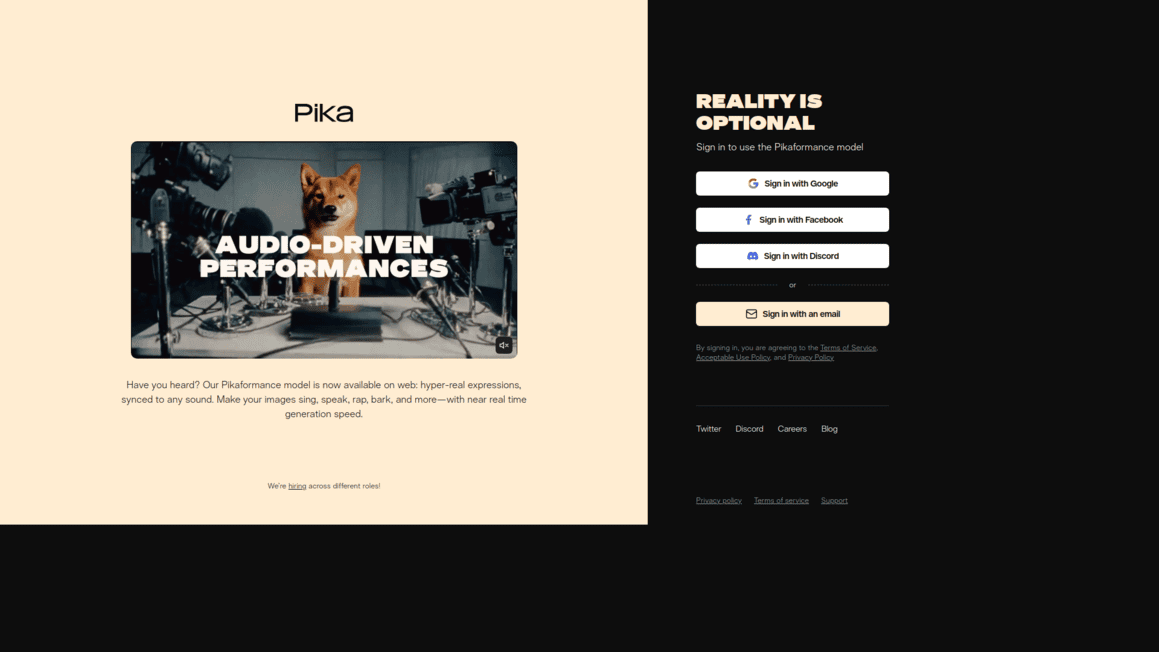
Pikaformance: Turn a static photo into a talking, expressive video by syncing facial movements to audio. If you need a quick spokesperson clip or a fun character video, this feature gets it done without a camera or actor.
Pikaffects: Apply dramatic visual effects to your videos with one click. Pika detects the main subject and adds surreal transformations that grab attention — perfect for scroll-stopping social posts that stand out in a crowded feed.
Our Take of Pika
If you’re a small or medium business owner who needs short video clips for social media, Pika is worth a look. It’s easy to use, even if you’ve never touched video editing software before. You can type in a description, upload an image, or feed it existing footage, and it’ll spit out a short clip pretty quickly. That’s great for folks who need content fast and don’t have the budget to hire a video team.
That said, it’s not perfect. The videos it creates are short, so if you need anything longer than a few seconds, you’ll probably hit a wall. Some users have said the results don’t always match what they asked for, and controlling exactly how things move in the video can be tricky. So if you need precision or longer content, you might find yourself frustrated.
The creative tools like Pikaformance and Pikaffects are fun additions that let you do things like make a still photo talk or add dramatic visual effects with one click. These are nice for grabbing attention on social feeds.
One thing we couldn’t find much info on is how well Pika fits into existing workflows or connects with other tools you might already use. That’s something to keep in mind if you rely on a specific set of apps for your marketing.
Compared to other AI video tools out there, Pika stands out for being approachable and fast. But if you need more control or longer videos, you might want to explore other options before committing. It’s a solid pick for quick, casual video content, but it’s not trying to replace a full video production setup.
Pika's Pricing
Pika offers four subscription tiers billed monthly or yearly, with yearly billing providing a 20% discount.
The Free plan includes 80 monthly video credits with access to Pika 2.5 at 480p resolution only, image-to-video Pikaffects, watermark-free downloads, and commercial use rights.
The Standard plan costs $8 per month when billed yearly and provides 700 monthly video credits with access to all resolutions, Pikaframes, all Pikaffects, and fast generations.
The Pro plan costs $28 per month when billed yearly, includes 2300 monthly video credits with faster generations, and is marked as best value.
The Fancy plan costs $76 per month when billed yearly and delivers 6000 monthly video credits with the fastest generation speeds. All paid plans include access to Pika 2.5 at all resolutions, Pikaframes, Pikascenes, Pikadditions, Pikaswaps, Pikatwists, all Pikaffects, watermark-free downloads, commercial use, and the ability to purchase additional rollover credits.
Video credit costs vary depending on the model and feature used, ranging from 10 credits for Turbo model Pikascenes, Pikadditions, or Pikaswaps up to 80 credits for Pro model Pikatwists. Higher resolution and longer duration videos consume more credits across all features. Plans can be upgraded, switched, or cancelled at any time, and VAT may apply depending on country of residence.
Final Thoughts about Pika
So here’s the bottom line. If you’re spending too much time staring at your screen wishing you could make quick video content without hiring an editor or learning complicated software, Pika might be exactly what you need.
It’s not going to replace a full production team, and it won’t give you long-form content. But for fast, attention-grabbing clips that work on social media, it does the job well.
Think about what you actually need right now. Are you looking for a simple way to turn your ideas into short videos without a big learning curve? Then give it a shot and see how it fits into your routine. The best way to know if it works for you is to try it yourself. If you’re ready to test it out, click the button below and take Pika for a spin.
Pika FAQs