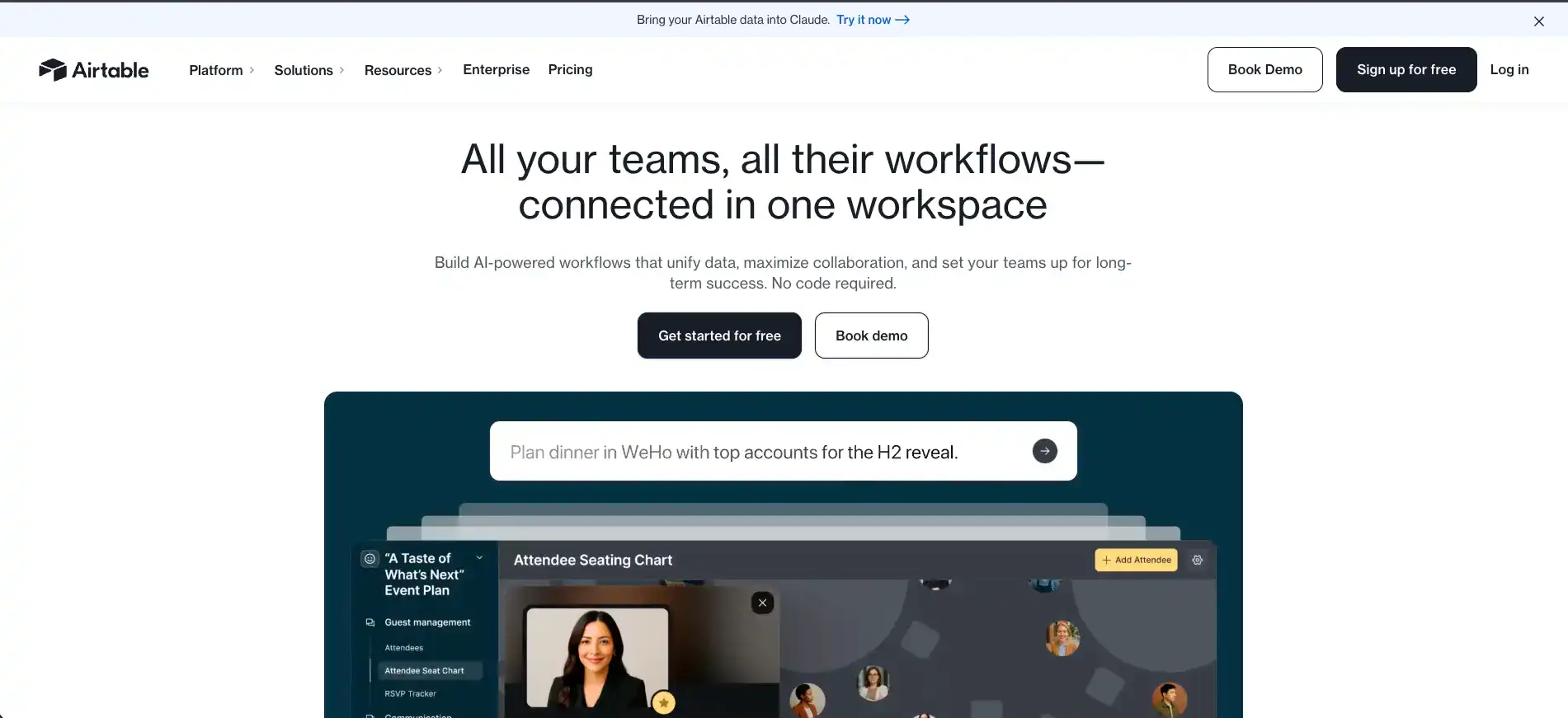
Airtable Introduction
If you've ever tried to manage a project with a messy spreadsheet that's got 47 tabs and zero logic, you know the pain.
Things get lost. People get confused. And somehow, the most important task always slips through the cracks. That's the kind of headache Airtable was built to fix. It takes the spreadsheet format you're already comfortable with and adds the structure of a real database — without making you feel like you need a computer science degree to use it.
Whether you're tracking content, managing clients, or organizing inventory, Airtable gives you one place to keep everything in order. But is it actually worth your time and money?
Let's break it down.
Airtable Key Features
Customizable Views: See your data the way that makes sense for you. Switch between Grid, Kanban, Calendar, Gantt, and Gallery views so you’re always looking at your information in the format that fits your workflow best.
Automations: Stop doing the same repetitive tasks over and over again. Set up automations that handle the busy work for you, so you can spend your time on things that actually move the needle.
Integrations: Connect Airtable with the tools you’re already using, like Slack, Google Drive, Salesforce, and Jira. Your data flows between apps without you having to copy and paste anything.
Collaboration Tools: Work with your team in real time, all in one place. Share bases, leave comments, and set user permissions so everyone’s on the same page and nothing falls through the cracks.
Templates: Get started fast with pre-made templates built for all kinds of use cases. Whether you’re tracking a project, managing content, or running inventory, there’s a template you can grab and customize in minutes.
Our Take of Airtable
If you’re a small-to-medium business owner looking for a way to keep your projects, data, and team organized without needing a computer science degree, Airtable is worth a serious look.
It feels like a spreadsheet on the surface, but underneath it works more like a database, which means you can do a lot more with your data than you could in a typical Google Sheet or Excel file. You can link records together, set up different views like Kanban boards or calendars, and automate repetitive tasks that eat up your time.
It connects with tools you’re probably already using like Slack, Google Drive, and Salesforce, so it fits into your existing setup pretty easily.
The free plan is a solid starting point for smaller teams or solo users who want to test the waters. That said, it’s not perfect. If you’re working with large amounts of data or need a ton of file storage, you might bump into limits that push you toward a paid plan.
And those paid plans can add up, especially as your team grows. Customer support quality seems to depend on what plan you’re on, which can be frustrating if you run into issues on a lower tier. Compared to other tools in this space, Airtable strikes a nice balance between being easy to pick up and being powerful enough to handle real business workflows.
It’s not the cheapest option out there, and it’s not the most advanced, but for most small-to-medium businesses that need flexibility without a steep learning curve, it delivers solid value for the money.
Airtable's Pricing
Airtable offers a Free plan at no cost, designed for individual users or very small teams, providing the essential building blocks to create applications.
The Team plan is priced at $20 per user per month when billed annually and delivers more capacity for growing teams.
The Business plan costs $45 per user per month when billed annually and includes additional customization, data scale, flexibility, and administrative features suited for departments and larger organizations.
The Enterprise Scale plan uses custom pricing based on the organization’s needs and requires contacting sales for a quote. All paid plans charge per seat for users who have edit permissions on at least one base, while read-only collaborators, form submissions, and share links are not charged.
Charges are prorated, so users added partway through a billing cycle only pay for the remaining period.
Payment for Team and self-service Business plans is made via credit card, while Business and Enterprise Scale accounts purchased through sales can be invoiced annually with payment via purchase order, ACH, wire, or check.
Airtable also offers special plans for nonprofits and educational institutions, which can be accessed through dedicated application forms on their website.
Final Thoughts about Airtable
At the end of the day, Airtable isn’t going to be the right fit for everyone, but it checks a lot of boxes for most small-to-medium businesses.
If you’re tired of juggling a dozen spreadsheets and losing track of what’s where, it’s a tool that can bring some real order to the chaos.
It’s easy to pick up, flexible enough to grow with you, and it plays nice with the apps you’re already using. The free plan gives you enough room to kick the tires and see if it clicks with how your team works. If it does, the paid plans open up a whole new level of what you can do with it.
The best way to know if it’s right for you is to just try it. Set up a base, play around with the views, test out an automation or two, and see how it feels.
You’ll know pretty fast whether it fits your workflow or not. If you’re ready to give it a shot, click the button below to get started with Airtable today.
Airtable FAQs