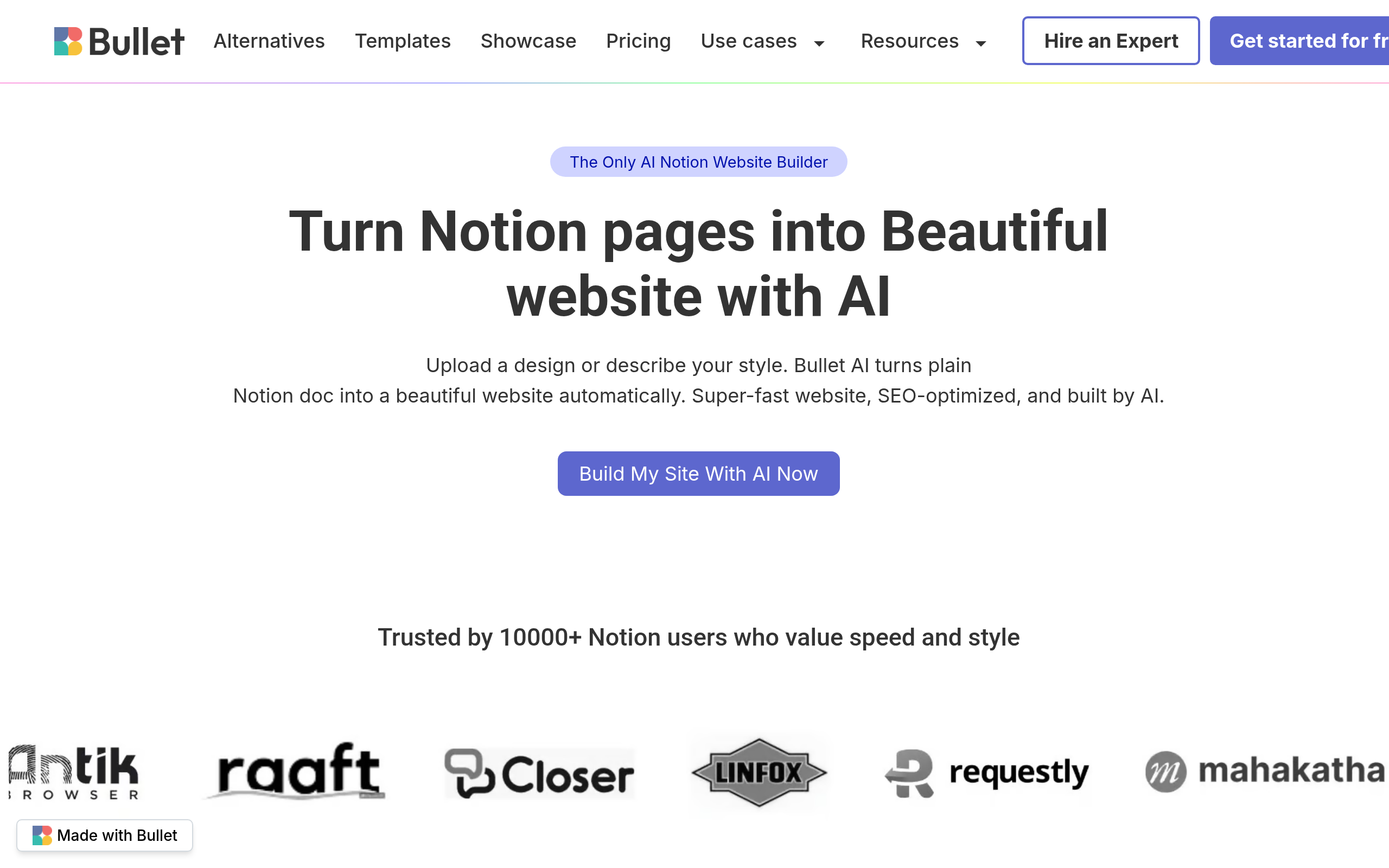
Bullet Introduction
If you're using Notion to organize your business but still struggling to get a professional website up and running, you're not alone. Setting up a website feels like it should be simple, but somehow it turns into this endless project that eats up your time and energy. You've got all your content ready in Notion, your ideas are organized, but translating that into an actual website? That's where things get frustrating.
This is exactly why Bullet caught my attention. It's a tool that takes your Notion pages and turns them into real websites without all the usual headaches. No coding, no hiring developers, no starting from scratch. Just connect your Notion workspace and watch your content transform into a professional site that actually looks good.
What makes this different from other website builders is how it works with what you've already built. If you're like most business owners, you've probably spent hours organizing everything in Notion. Your product info, your blog posts, your knowledge base – it's all there. Bullet lets you use that work instead of making you redo everything on a new platform.
The AI design feature is what really sets this apart. Instead of spending hours picking fonts and colors or trying to make things look professional, Bullet analyzes your content and creates a design that fits. It handles the SEO stuff too, so your site actually shows up when people search for you. Plus, if you want to create member-only areas or capture emails, those features are built right in.
Bullet Key Features
AI-Powered Design: Your Notion pages automatically transform into professional websites with the right layouts, fonts, and colors. No design skills needed – the AI handles the heavy lifting so you can focus on your content.
Customizable Templates: Choose from templates built for blogs, portfolios, knowledge bases, and more. Each template gives you a head start while still letting you make it your own with custom branding and styling.
SEO Optimization: Your website comes ready for Google with fast load times, smart metadata, and automatic social sharing cards. This means more people find your site when they search for what you offer.
Membership and Content Gating: Create exclusive areas on your site with password protection and email capture. Perfect for building your email list or offering premium content to paying members.
Multilingual Support: Build websites in multiple languages to reach customers around the world. You can create different versions of your site for different audiences without starting from scratch.
Team Collaboration: Invite your team to work on your website together. Everyone can contribute their part, making it easier to keep your site updated and fresh.
Our Take of Bullet
If you’re already using Notion to organize your business, Bullet.so makes turning those pages into a real website pretty simple. You won’t need to learn a whole new system or hire someone to build it for you. The AI does most of the design work, so you can focus on your content instead of fussing with layouts and colors.
That said, it’s not perfect for everyone. If you need fancy features like complex e-commerce setups or detailed analytics, you’ll probably need something else. And if you’re not already using Notion, there’s a bit of a learning curve since you’ll need to get comfortable with both tools.
The SEO features are solid and should help people find your site without extra work on your part. The membership and content gating options are nice if you want to build an email list or offer exclusive content to customers. Plus, the customer support seems responsive when you run into issues.
For the price point, it’s a decent value if you’re looking for something that just works without a lot of setup. But before jumping in, make sure your website needs match what Bullet.so offers. If you’re building a simple business site, portfolio, or blog, it’ll probably do the job. If you need more control or advanced features, you might want to look at other options.
The bottom line is that Bullet.so works best for people who already love Notion and want their website creation to be as straightforward as possible. It’s not trying to be everything to everyone, and that’s actually one of its strengths.
Bullet's Pricing
The Free plan costs $0 per site per month, billed monthly, and is free forever. It includes AI-assisted design with 3 credits, automatic SSL (https), manual publishing, optimized themes, SEO optimization, and the “Made with Bullet” badge. Users can also add custom code, fonts, and designs.
The Personal plan, priced at $9 per site per month and billed monthly, is the most popular option. It includes everything in the Free plan, plus 20 AI design credits, unlimited pages and bandwidth, a custom domain, removal of the “Made with Bullet” badge, automatic daily publishing, and customer support.
The Pro plan costs $19 per site per month, billed monthly, and includes everything in the Personal plan, along with 60 AI design credits, sub-directory hosting, hourly auto publishing, multi-lingual site support, unlimited team members, membership site features, privacy-focused analytics, Zapier integration and API access, and priority support.
Final Thoughts about Bullet
So what’s the verdict? If you’re already using Notion and tired of the website building struggle, Bullet.so could be exactly what you need. It won’t replace every website builder out there, but it doesn’t need to. What it does is solve a specific problem really well – turning your organized Notion content into a professional website without the usual headaches.
Think about how much time you’ve already spent trying to get your website right. The design tweaks, the SEO research, the endless revisions. Now imagine just connecting your Notion workspace and having all that handled for you. That’s the real value here – not just another website builder, but one that works with the tools you already use.
The best part is you can test it out yourself without a huge commitment. See if it fits your workflow. Check if the features match what you need. Most importantly, see if it finally gets that website project off your to-do list and into the real world where your customers can find you.
Ready to turn your Notion pages into a real website? Click the button below to try Bullet.so and see how simple website building can actually be.
Bullet FAQs