D-ID Introduction
Let's be real. Making videos is expensive, time-consuming, and honestly kind of a pain. You've got to hire actors, rent equipment, find a good editor, and somehow make it all look professional. And if you want to reach people in different languages?
That's a whole other headache. D-ID is an AI video tool that says it can fix all of that. It turns simple text, audio, or even a photo into a realistic talking avatar video in just minutes. No camera. No actors. No editing skills needed.
Sounds almost too good to be true, right? We put D-ID through its paces to see if it actually delivers on those promises or if it's just another overhyped AI tool. Here's what we found.
D-ID Key Features
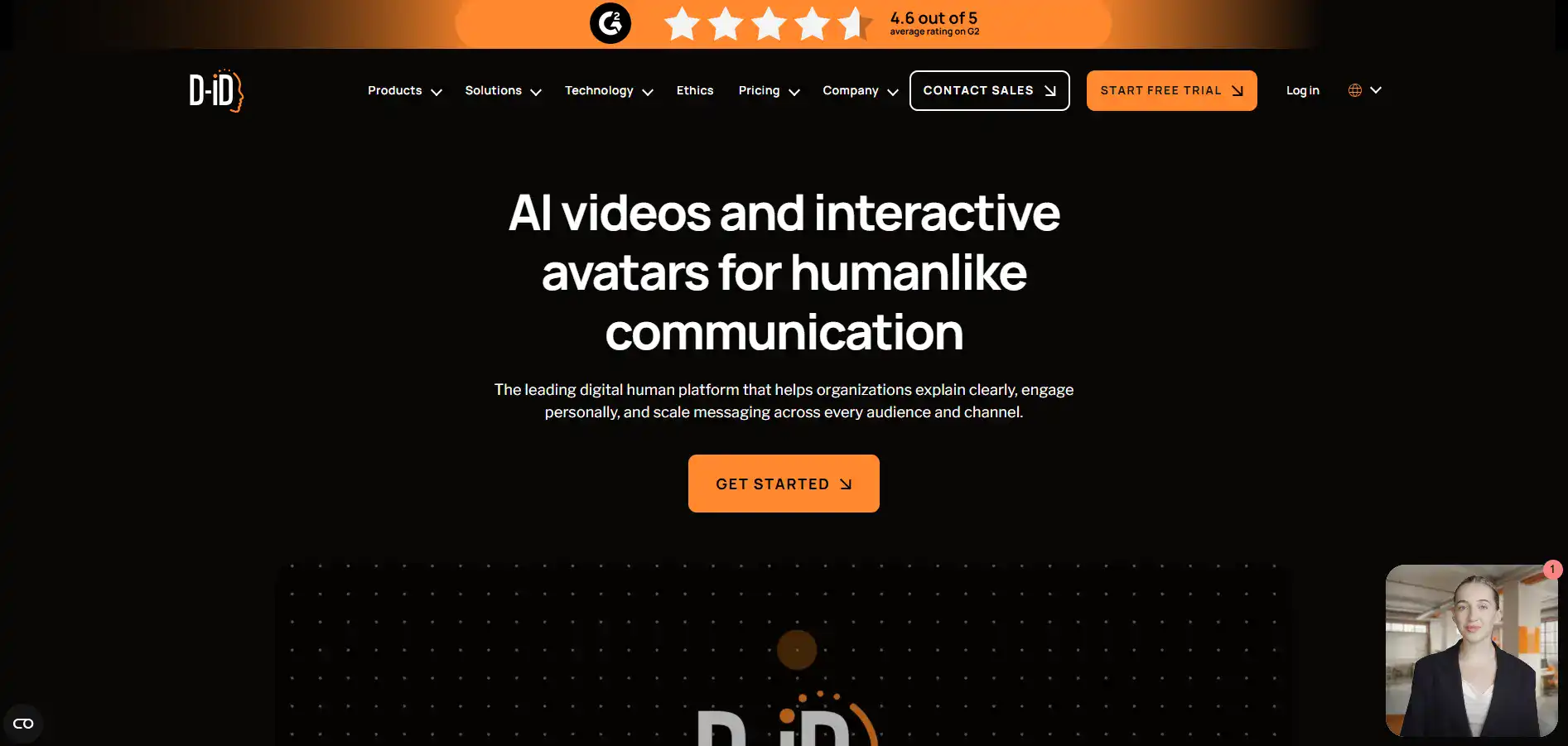
AI Video Generation: Turn text, audio, or a simple photo into a realistic talking avatar video in minutes. You don’t need cameras, actors, or editing skills to create professional-looking videos for your business.
Multilingual Support: Create videos in over 100 languages so you can talk to customers around the world in their own language. It’s a simple way to connect with people no matter where they are.
Customizable Avatars: Upload your own images or videos to build avatars that look and feel like your brand. This keeps everything consistent across your marketing without hiring talent for every piece of content.
Interactive AI Agents: Set up real-time conversational avatars that can chat with your customers, answer questions, and respond naturally. Think of it like a virtual team member who’s always available and speaks multiple languages.
API Integration: Plug D-ID right into the tools and platforms you already use. This makes it easy to automate video creation and scale your content without adding extra steps to your workflow.
Our Take of D-ID
If you’re a small or mid-sized business owner looking to create professional-looking videos without hiring actors or renting studio space, D-ID is worth a look.
The platform lets you turn a simple photo or text script into a talking avatar video in just minutes. It’s pretty intuitive to use, so you don’t need to be a tech wizard to get started. The multilingual support covering over 100 languages is a real plus if you’re trying to connect with customers in different countries. And the avatars themselves look surprisingly realistic with solid lip-sync quality.
That said, there are some things to keep in mind. Users have flagged issues with customer support being slow or unresponsive, which can be frustrating if you run into a problem. The pricing has also been a sticking point for some people who feel they’re not getting enough value for what they pay. And here’s one that might catch you off guard: even on some paid plans, your videos may still have a watermark. That’s a tough sell if you’re using these videos for client-facing work.
The API integration is a nice touch for teams that want to plug D-ID into their existing systems and automate video creation at scale. When you stack it up against similar tools, D-ID holds its own with the quality of its avatars and the interactive AI agent feature. But we’d recommend doing a trial run and checking the plan details closely before committing, especially around watermark policies and what level of support you can expect.
D-ID's Pricing
D-ID does not display specific pricing amounts on their main pricing page. The platform operates on a minutes-based system where video duration is deducted from your monthly allocation, rounded up to the nearest 15-second interval. Plans include a Trial plan and a Lite plan, both of which include a D-ID watermark on generated videos, with Trial users receiving a full-screen watermark. Higher-tier paid plans remove or reduce the watermark. Minutes do not roll over and are renewed each billing cycle. Users can choose between monthly and annual billing, with the ability to switch between the two at any time. API access is available across plans, with API usage drawing from the same minute balance as the web platform. D-ID also offers Enterprise-level options for larger organizations. For detailed plan tiers, specific minute allocations, and exact pricing, users are directed to the platform or the separate API pricing page.
Final Thoughts about D-ID
So here’s the bottom line. D-ID is a solid tool if you want to create talking avatar videos without all the hassle and cost of traditional video production.
It’s easy to use, the avatars look natural, and the multilingual support is a big win if you’re reaching customers in different parts of the world. But it’s not perfect.
The customer support issues, pricing concerns, and that watermark situation on some paid plans are things you’ll want to think about before you pull out your credit card. Our advice? Take it for a test drive first. See how it fits into your workflow.
Check the plan details carefully so you know exactly what you’re getting. If it clicks for you, it could save you a ton of time and money on video content. If you’re ready to give D-ID a shot and see what it can do for your business, click the button below to get started.
D-ID FAQs