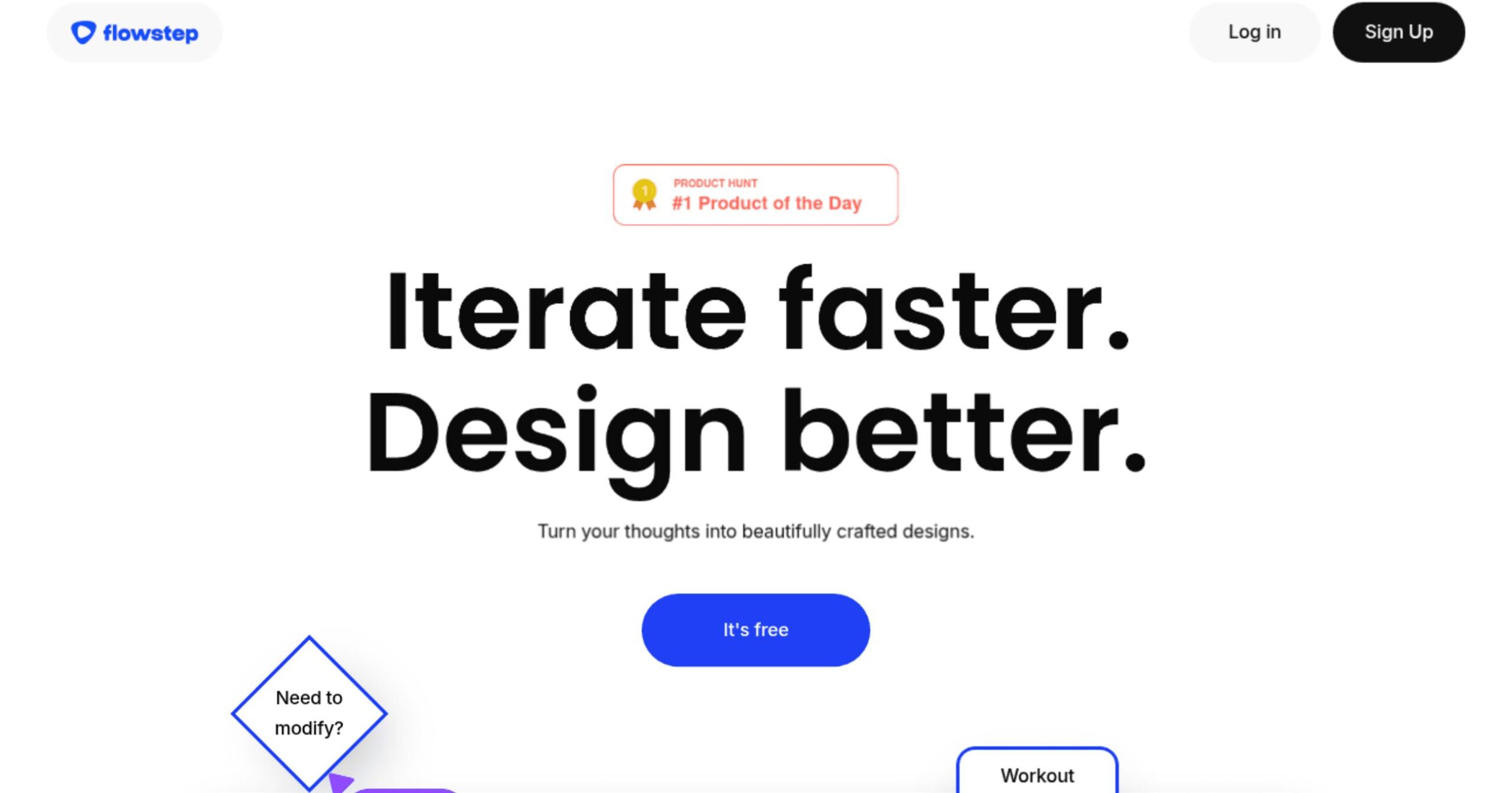
Flowstep Introduction
Imagine cutting your design time from hours to seconds. That’s what Flowstep brings to your workflow. If you’re tired of spending countless hours creating wireframes, UI designs, and user flows, this AI-powered tool might be exactly what you need.
For entrepreneurs and business owners who manage design projects, the struggle is real. You know good design matters, but the process takes forever. Your team spends more time on repetitive tasks than on creative problem-solving. Meanwhile, competitors are moving faster, and your product launch keeps getting pushed back.
Flowstep turns your simple text descriptions into professional designs instantly. Type what you want, and watch as the AI creates editable wireframes, complete UI layouts, and user flows. No more starting from scratch. No more endless revisions of basic elements. Just describe your vision and let the AI handle the heavy lifting.
What makes this different from other design tools? It’s built for speed without sacrificing quality. Your team can collaborate in real-time, export directly to tools like Figma and Adobe XD, and maintain consistent design systems across all projects.
For businesses looking to streamline their design process and get products to market faster, Flowstep offers a practical solution that actually delivers results.
Flowstep Key Features
Text-to-Design Generation: Turn simple text descriptions into complete UI designs in seconds, cutting design time from hours to minutes. This means you can create professional mockups without manual drawing or complex software skills.
Real-Time Team Collaboration: Work together with your team on the same design at the same time, seeing each other’s changes instantly. This keeps everyone on the same page and speeds up project completion.
Smart Design Suggestions: Get AI-powered recommendations that improve your layouts and catch potential issues before they become problems. This helps create better designs while learning best practices along the way.
Design System Integration: Keep all your designs consistent by connecting to your existing brand guidelines and style rules. This ensures every new design matches your company’s look perfectly.
One-Click Export to Popular Tools: Send your finished designs straight to Figma, Framer, or Adobe XD with a single click. This saves time on file conversions and fits right into your current workflow.
Reusable Component Library: Build a collection of design elements you can use again and again, with automatic documentation of colors, spacing, and fonts. This creates a time-saving toolkit that grows with each project.
Our Take of Flowstep
From the perspective of busy entrepreneurs, Flowstep’s AI design tool could genuinely save hours of back-and-forth with designers. The ability to type what you want and receive professional UI designs in seconds addresses a real pain point for business owners who need quick mockups or wireframes but lack design skills.
The real-time collaboration features make it practical for teams working remotely, and the fact that it exports directly to tools like Figma means you can hand off designs to developers without friction. For entrepreneurs managing multiple projects, the component library feature helps maintain brand consistency across different designs without extra effort.
However, there are some important considerations. The subscription cost might feel steep for solopreneurs or businesses just starting out. Additionally, while the basic features are straightforward, deriving the most value from the advanced AI suggestions requires time to learn a resource that many entrepreneurs lack.
For established businesses already spending significant money on design work, Flowstep could potentially reduce those costs while speeding up the creative process. The AI-driven suggestions function like having a design consultant on demand, which can help non-designers make more informed visual decisions.
Bottom line:
If you regularly create mockups, wireframes, or need to communicate design ideas quickly, Flowstep offers clear, time-saving benefits. But weigh the monthly cost against how often you actually need design work done.
For businesses producing multiple designs weekly, it’s likely worth the investment.
For occasional design needs, you might want to start with their free trial to see if it fits your workflow.
Flowstep's Pricing
Free Plan: $0 per month and includes 100 credits per month, access to all AI workflows, basic integrations, and community support.
Pro Plan: $29 per month (or $24/month billed annually) and includes 5,000 credits per month, everything in Free plus advanced integrations, priority support, custom workflows, and API access.
Business Plan: $99 per month (or $79/month billed annually) and includes 20,000 credits per month, everything in Pro plus a dedicated account manager, custom integrations, SLA guarantee, and advanced analytics.
Enterprise Plan: Custom pricing with unlimited credits, everything in Business plus custom AI model training, on-premise deployment options, 24/7 phone support, and custom contracts.
Final Thoughts about Flowstep
Flowstep could be the tool that finally helps you stop wasting time on repetitive design tasks. Think about how many hours you currently spend creating wireframes or explaining design ideas to your team. Now imagine doing that work in seconds instead.
The real question isn’t whether AI can help with design, it’s whether you’re ready to work smarter instead of harder. Your competitors are already using tools like this to move faster and launch products quickly. Every day you wait is another day falling behind.
Take a few minutes to test Flowstep yourself. See how quickly you can turn your ideas into professional designs. Try the collaboration features with your team. Export a design to your favorite tool. The free trial gives you enough time to see if this fits your workflow.
Ready to cut your design time from hours to seconds?
Click here to try Flowstep today and see what AI-powered design can do for your business.
Flowstep FAQs