Google Ads Introduction
If you've ever felt like you're throwing money at advertising and hoping something sticks, you're not alone.
Most small business owners struggle with getting their products or services in front of the right people at the right time. That's where Google Ads comes in. It's one of the biggest advertising platforms on the planet, and it's been around since 2000.
The idea is simple: show your ads to people who are already searching for what you sell. Sounds great, right? But here's the thing. Google Ads can be a goldmine or a money pit depending on how you use it.
The platform is packed with features, targeting options, and campaign types that can feel overwhelming if you're just getting started. We spent time digging into everything Google Ads has to offer, from its search and display ads to its AI-driven campaign tools, and we talked to real users about their experiences.
In this review, we'll break down what works, what doesn't, and whether it's worth your hard-earned budget.
Google Ads Key Features
Search Ads: Put your business right in front of people who are already looking for what you sell. Your text ads show up in Google search results when someone types in keywords related to your product or service, so you’re reaching folks who are ready to buy.
Display Ads: Get your brand seen across millions of websites and apps with eye-catching visual ads. This is great for building awareness with people who might not know about your business yet but fit your ideal customer profile.
YouTube Ads: Show video ads to the massive audience on YouTube and grab attention in a way that text and images just can’t. It’s a smart way to tell your brand’s story and connect with people while they’re watching content they love.
Performance Max: Let Google’s AI do the heavy lifting by running one campaign across all of Google’s channels at once — Search, Display, YouTube, Gmail, and more. It automatically figures out where your ads perform best and shifts your budget there in real time.
Keyword Planner: Find the right words and phrases your customers are actually typing into Google. This free tool helps you pick keywords that’ll bring in the most relevant traffic so you’re not wasting money on clicks that don’t convert.
Google Ads Editor: Download this free app and manage your campaigns right from your desktop — even without an internet connection. It’s perfect for making bulk changes across multiple campaigns at once, which saves you a ton of time if you’re running a lot of ads.
Our Take of Google Ads
If you’re a small or medium-sized business owner trying to get more eyes on what you sell, Google Ads is one of the biggest platforms out there to do it. It’s been around since 2000, and it gives you access to people searching on Google, browsing websites, watching YouTube, and using apps. That’s a lot of potential customers.
The targeting options are really strong. You can get specific about who sees your ads based on things like location, age, interests, and what people are actually searching for. The analytics and reporting tools are solid too. You can see exactly how your campaigns are doing and make smart changes based on real data. And if you’re already using Google Analytics, the two work together seamlessly, which makes tracking your results a lot easier.
That said, there are some real downsides to keep in mind. The cost per click can get expensive fast, especially if you’re in a competitive industry. If you don’t keep a close eye on your budget, you could burn through money without seeing a great return. The platform itself has a learning curve. Setting up campaigns and managing them takes time and know-how. If you’re brand new to paid advertising, you might feel overwhelmed at first.
Customer support is another sore spot based on user reviews. Getting timely help from Google’s team isn’t always easy, and that can be frustrating when you’re dealing with issues that affect your ad spend.
If you decide to go with Google Ads, it’s worth setting a clear budget before you start and sticking to it. You might want to invest in some training or bring in someone who knows the platform well so you’re not wasting money while you figure things out. It’s a strong tool with serious reach, but it does take hands-on effort to get the most out of it.
Google Ads's Pricing
Google Ads operates on a pay-per-click model with no fixed subscription plans or set pricing tiers.
Instead, advertisers set their own adjustable monthly budget and only pay when users interact with their ads. There is no minimum spend requirement to get started.
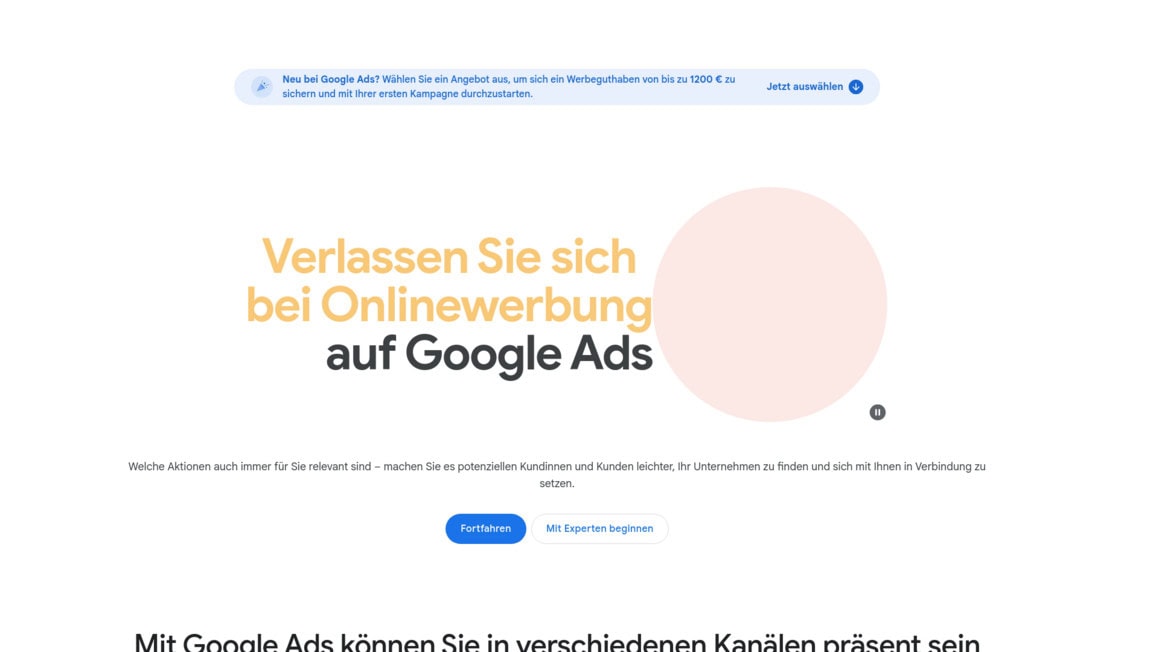
New advertisers can choose from one of three sign-up offers (Offer A, Offer B, or Offer C), each providing a different amount of advertising credit after meeting a required minimum spend within the first 60 days.
The exact credit amounts and minimum spend thresholds vary depending on the offer selected and are personalized for each user. Google provides budget recommendations and a monthly budget cap feature so advertisers maintain full control over their spending. Free personalized support from Google Ads specialists is also available to help create a tailored advertising plan.
Final Thoughts about Google Ads
So here’s the bottom line. Google Ads is a seriously strong platform with a reach that’s hard to beat.
If you’re willing to put in the time to learn it, set a clear budget, and stay on top of your campaigns, it can bring real results for your business. But it’s not a magic button. You’ve got to be hands-on, or you’ll watch your money disappear fast with little to show for it.
If you’re brand new to paid ads, consider taking a course or hiring someone who knows the platform before you start spending. And if you’ve been running ads for a while but aren’t seeing the returns you want, it might be time to rethink your strategy and dig into those analytics tools Google gives you.
The data is all there. You just have to use it. Think about what you’re spending right now on advertising and ask yourself if you’re really reaching the right people. If the answer is no, or even maybe, Google Ads is worth a serious look. Ready to give it a shot? Click the button below to get started and see what Google Ads can do for your business.
Google Ads FAQs