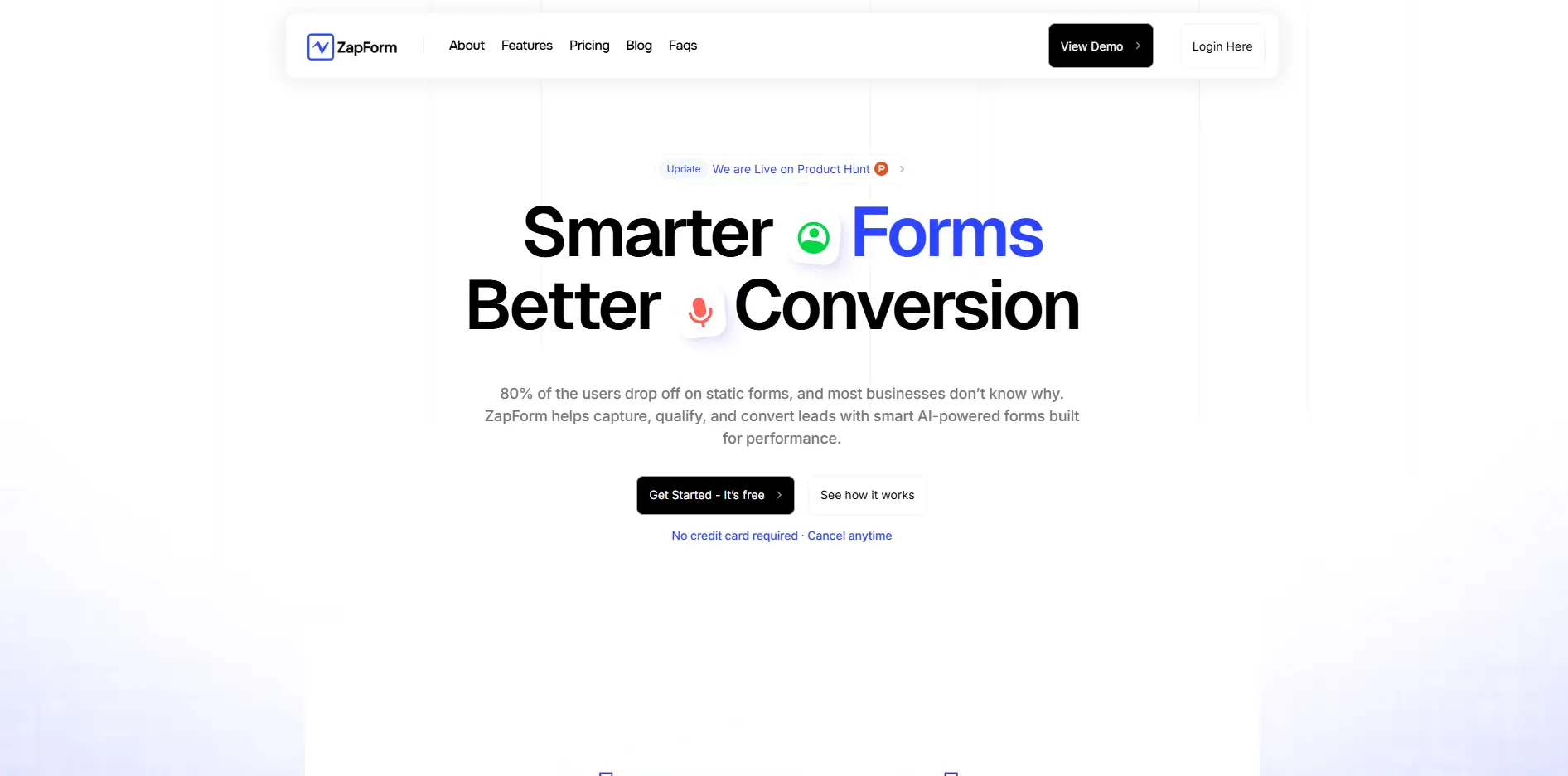
Zapform Introduction
You know that feeling when you check your analytics and see another visitor bail halfway through your contact form? Yeah, we've all been there. The truth is, most forms are boring, static, and ask for too much info upfront. That's where Zapform comes in.
This AI-powered form builder does something pretty cool – it actually adapts to each person filling it out. Instead of showing everyone the same old fields, it changes based on their answers, making the whole experience feel more like a conversation than a chore. For entrepreneurs and creators trying to capture more leads without the technical headache, this could be the solution you're looking for.
We're diving deep into what makes Zapform tick, who it's best for, and whether it's worth your time and money.
Zapform Key Features
Smart Form Builder: Create forms that change based on what your visitors do. This means more people actually finish filling them out, turning browsers into buyers.
Lead Scoring: Know which leads are worth your time instantly. The AI scores each person who fills out your form, so you can focus on the hot prospects first.
Appointment Booking: Let people book meetings right from your forms. No back-and-forth emails needed – they pick a time that works and you’re all set.
NPS and Survey Collection: Find out what your customers really think with built-in surveys. You’ll spot problems early and keep your customers happy.
Integrations with Popular Applications: Connect your forms to the tools you already use. Whether it’s your CRM, email platform, or other apps, everything works together smoothly.
Industry-Specific Templates Library: Start with forms that already work for businesses like yours. Pick a template, tweak it a bit, and you’re ready to collect leads in minutes.
Our Take of Zapform
So here’s what we think about Zapform after digging into what it offers.
If you’re trying to get more leads without the usual headache of static forms, Zapform brings something different to the table. The AI-powered features actually make sense for busy entrepreneurs who don’t have time to constantly tweak their forms. You set it up once, and it adapts based on how people interact with it.
The real selling point is how it scores leads automatically. Instead of guessing which leads are worth your time, you get real-time info about who’s most likely to buy. That’s pretty useful when you’re juggling multiple things in your business.
What’s nice is you don’t need to be tech-savvy to use it. The interface is straightforward, and they’ve got templates for different industries. Plus, it connects with over 100 different apps, so it’ll probably work with whatever tools you’re already using.
Now, let’s be honest about the downsides. The free plan is pretty limited. You only get a certain number of form entries per month, which might not cut it if you’re running bigger campaigns. And while the basic stuff is easy to figure out, some of the fancier features take time to learn.
For small to medium businesses looking to boost their conversion rates, Zapform makes a lot of sense. The AI features aren’t just fluff – they actually help you capture better leads. Just be ready to pay for a proper plan if you want to use it seriously. The investment could pay off if you’re currently losing leads to clunky forms, but weigh it against your current setup and budget first.
Zapform's Pricing
The Free plan, priced at $0 per month, is designed for individuals and small teams just getting started. It includes unlimited forms, up to 500 responses per month, integration with Google Sheets and Calendar, email and Slack delivery, as well as webhook and redirection options.
Users can get started at no cost. The One-Time Payment Limited Lifetime Offer is ideal for scaling companies and organizations aiming to increase conversions. This plan includes unlimited forms and responses, custom integrations with various applications, conditional logic and workflows, and access to all upcoming future features.
Final Thoughts about Zapform
Ready to turn more of your website visitors into actual leads? If you’re tired of watching people abandon your forms halfway through, it might be time to give Zapform a shot. The AI-powered features could be exactly what you need to boost those conversion rates without adding more work to your plate.
Think about it – how much is each lost lead costing your business right now? With Zapform’s adaptive forms and automatic lead scoring, you could be capturing and converting more prospects while spending less time managing the process. Plus, since it connects with the tools you’re already using, you won’t have to rebuild your entire workflow.
The choice is yours, but if you’re serious about growing your business and want forms that actually work for you instead of against you, why not see what Zapform can do? Take a few minutes to check it out – your future leads (and your bottom line) will thank you.
Want to give Zapform a try and see if it’s right for your business? Click the button below to get started.
Zapform FAQs