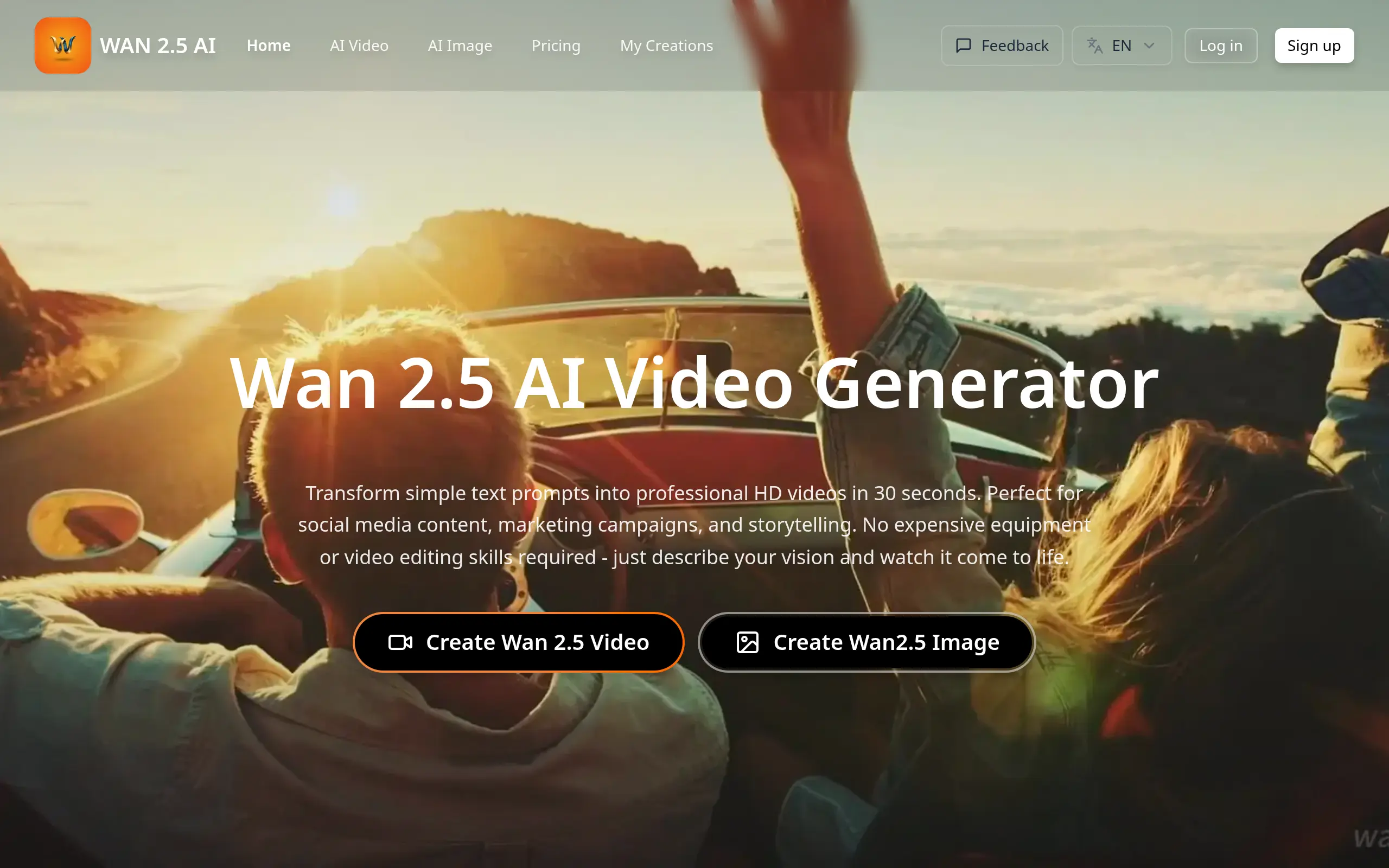
Wan 2.5 Introduction
Making videos for your business feels impossible when you don't have fancy equipment or editing skills. You watch competitors pump out professional content while you're stuck with basic photos and text posts. The cost of hiring a video team or buying expensive software keeps you from creating the content your audience wants.
Wan 2.5 promises to change that. This AI video tool says it can turn your simple text descriptions and still images into real videos in just minutes. No camera crew needed. No complex software to learn. Just type what you want or upload an image, and the AI creates a video with motion and sound.
For business owners who need video content but can't afford traditional production costs, this sounds almost too good to be true. Can AI really replace expensive video equipment and editing expertise? Does Wan 2.5 live up to its promises, or will you end up with amateur-looking videos that hurt your brand?
We tested Wan 2.5 to find out if it's worth your time and money. Here's what we discovered about its features, quality, and real-world performance for small business video needs.
Wan 2.5 Key Features
Text-to-Video Generation: Turn your written ideas into professional 720P HD videos in minutes. No filming equipment needed – just type what you want to see and watch your concepts come to life.
Image-to-Video Conversion: Bring your static photos and graphics to life with natural motion. Transform product images, logos, or any still visual into engaging video content that captures attention.
Realistic Motion Generation: Create videos with smooth, natural movements that look professionally filmed. Your generated content flows seamlessly, making viewers forget it was created by AI.
Audio-Visual Synchronization: Get perfectly matched soundtracks and ambient sounds with your videos automatically. Save hours of editing time while creating immersive content that sounds as good as it looks.
Consumer Hardware Compatibility: Run the software on your regular computer without buying expensive equipment. Works smoothly on standard GPUs, keeping your costs down while producing professional results.
Fast Processing Speed: Create 10-second HD videos in just minutes, not hours. Meet tight deadlines and respond quickly to trends without sacrificing quality.
Our Take of Wan 2.5
If you’re running a small business and need to create videos quickly without breaking the bank, Wan 2.5 could be worth checking out. The tool lets you turn text descriptions and images into 720P videos, which is pretty handy when you need content for social media or marketing campaigns.
The good news is you don’t need fancy equipment or technical know-how to use it. You can run it on a regular computer and get a 10-second video made in just minutes. That’s a big time-saver if you’re juggling multiple tasks like most business owners do.
But here’s what you should know before jumping in. The quality isn’t always consistent. Sometimes you’ll get great results, other times not so much – especially if you’re trying to create videos with people in them or complex scenes. Audio can be hit or miss too, with some users finding their videos have no sound or the audio doesn’t match up properly with the video.
The 720P resolution might be fine for social media posts, but if you need higher quality for professional presentations or your website, you might find it lacking. And since there’s no clear info about how it works with other tools you might already be using, you could end up spending extra time figuring out your workflow.
Price-wise, it seems affordable compared to hiring a video editor or buying expensive software. But you’ll want to factor in the time you might spend doing quality checks and potentially re-generating videos that don’t turn out right the first time.
For quick, simple videos where perfect quality isn’t critical, Wan 2.5 could save you time and money. But if your business depends on consistently professional video content, you might want to keep looking or have a backup plan ready.
Wan 2.5's Pricing
Wan25 offers three subscription tiers with a 30% discount on monthly plans and 50% savings on annual billing.
The Starter plan at $20.90/month includes 1,500 credits, 10-second video generation, image generation, private storage, and commercial licensing.
The Pro plan at $34.90/month provides 4,000 credits with priority queue access for faster generation and priority support.
The Max plan at $69.90/month delivers 10,000 credits with all Pro features included. All plans remove watermarks and reset credits monthly.
A Pay As You Go option is also available, though specific pricing details are not provided on this page. Custom enterprise plans can be arranged by contacting their support team.
Final Thoughts about Wan 2.5
Video content isn’t optional anymore if you’re serious about growing your business. Your customers expect it, and your competitors are already doing it. Wan 2.5 gives you a way to start creating videos today without spending thousands on equipment or months learning complicated software.
Sure, it’s not perfect. You’ll get some videos that need a redo, and the audio might act up sometimes. But when you compare that to the cost of hiring a video team or buying professional software, those small hassles might be worth it for getting your video marketing off the ground.
Think about what matters most for your business right now. If you need quick social media videos that don’t have to be Hollywood quality, this tool could help you stay competitive. If you’re looking for something to create high-end promotional videos for major campaigns, you might need to keep searching.
The real question is whether you can afford to keep putting off video creation while your competitors grab your customers’ attention. Sometimes good enough today beats perfect tomorrow, especially when it comes to staying relevant online.
Ready to see if Wan 2.5 works for your business? Click the button below to give it a try and start creating videos in minutes instead of months.
Wan 2.5 FAQs