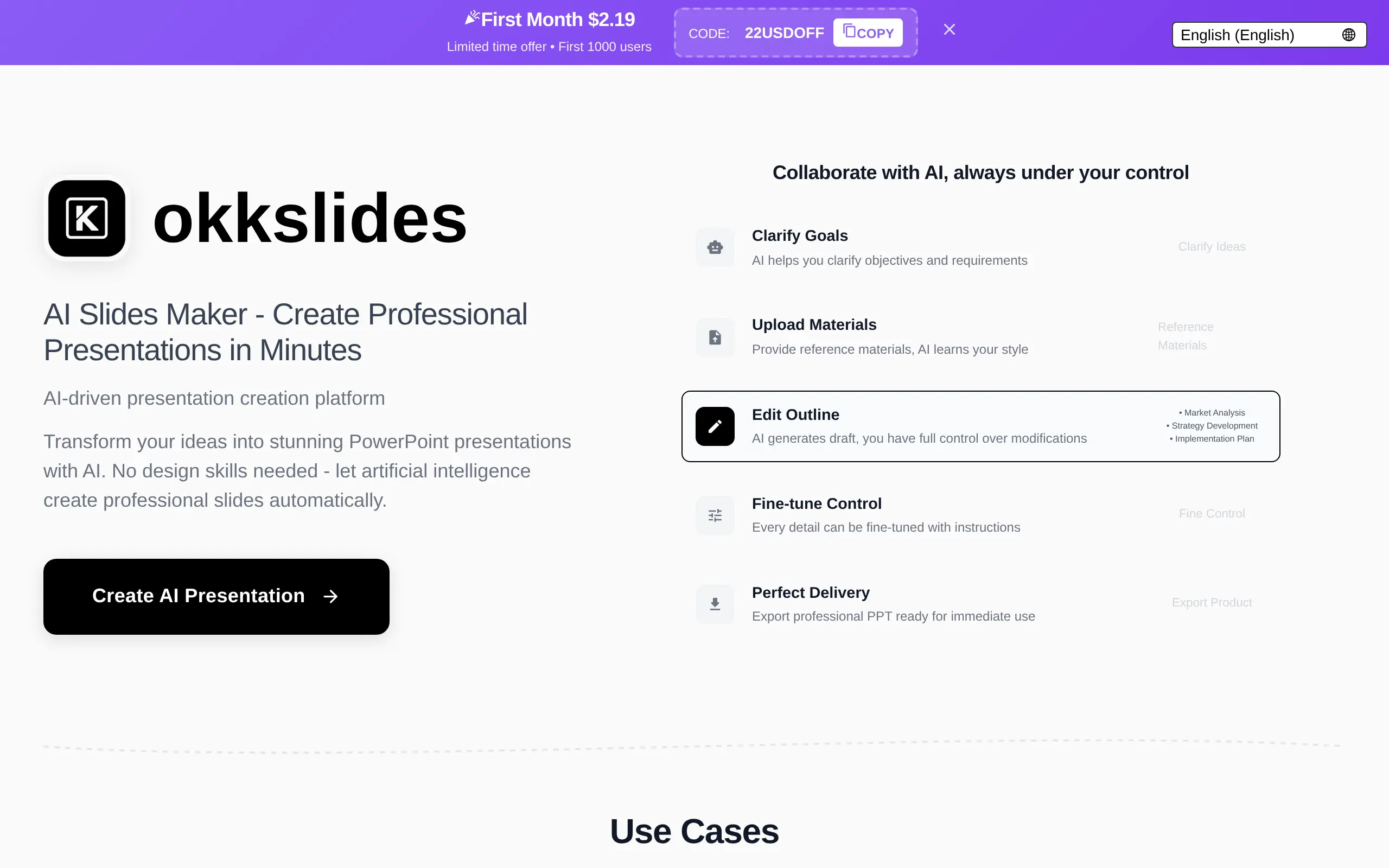
okkslides Introduction
Ever spent hours wrestling with PowerPoint, trying to make your business presentation look halfway decent? You're not alone. Creating professional slides that actually impress clients and colleagues can feel like a full-time job when you've got a business to run.
That's where Okkslides comes in. This AI-powered presentation tool promises to turn your ideas into polished slides in minutes, not hours. Instead of starting from scratch or fumbling with design elements, you simply tell it what you need, and it creates professional presentations for you.
For busy business owners who'd rather focus on closing deals than picking fonts, Okkslides might just be the productivity boost you've been looking for. But does it really deliver on its promises? Let's take a closer look at what this tool can (and can't) do for your next big presentation.
okkslides Key Features
AI-Generated Slides: Let artificial intelligence do the heavy lifting for your presentations. Just tell it what you need, and watch as professional slides appear in seconds – no design skills required.
Business and Professional Templates: Access templates built specifically for business presentations. Whether you’re pitching to investors or presenting quarterly results, you’ll find designs that make you look polished and prepared.
Customization Options: Make each presentation truly yours with easy customization tools. Change colors, fonts, and layouts to match your brand without starting from scratch.
Our Take of okkslides
If you’re looking for a quick way to create presentations without spending hours on design, okkslides could be worth checking out. The AI does most of the heavy lifting, which is great if you’re pressed for time or design isn’t your strong suit. We found it works best for standard business presentations where you need clean, professional slides fast.
The tool shines when you need to whip up a pitch deck or quarterly report and don’t have time to mess around with layouts. Just feed it your content and let the AI handle the visual side. That said, if you’re someone who likes having complete control over every design element, you might find it a bit limiting. The templates look professional, but you can’t always tweak them exactly how you’d want.
For small business owners who regularly create presentations, this could save you significant time. Instead of starting from scratch each time, you get a solid foundation to work from. The interface is straightforward enough that you won’t need to watch tutorials to get started.
One thing to keep in mind is that the AI won’t always nail what you’re going for on the first try. Sometimes you’ll need to regenerate slides or manually adjust the output. It’s not perfect, but for the time it saves, many users will find that trade-off acceptable.
The lack of clear information about integrations is something to consider. If you’re using specific business tools and need your presentation software to play nice with them, you’ll want to verify compatibility before committing. Without knowing the pricing structure, it’s hard to say if it offers good value compared to alternatives like Canva or Google Slides with AI features.
okkslides's Pricing
Enjoy our Special First Month Offer — get your first month for only $2.19 instead of $25.00! Simply copy the promo code 22USDOFF and apply it at checkout to unlock this exclusive discount.
Start your AI slides creation journey today by choosing the Monthly Plan, which includes 2,500 credits per month, monthly credit resets, unlimited usage, and priority support.
Don’t miss this limited-time offer — sign up now and enjoy premium features for just $2.19 for your first month!
Final Thoughts about okkslides
Bottom line? If you’re tired of spending hours making slides look professional, okkslides could change how you handle presentations. It won’t replace a professional designer for high-stakes pitches, but for day-to-day business presentations, it gets the job done quickly.
Think about all those times you’ve stayed late perfecting slides instead of preparing what you’ll actually say. Or when you’ve recycled old presentations because creating new ones takes too long. This tool tackles those exact pain points.
The real question is whether the time you’ll save is worth learning a new tool. For most business owners juggling multiple priorities, that answer is probably yes. Even if you only create a few presentations each month, cutting that time from hours to minutes adds up fast.
Ready to see if okkslides can speed up your presentation workflow? Give it a try and judge for yourself whether AI can handle your slide design needs. Click the button below to get started.
okkslides FAQs