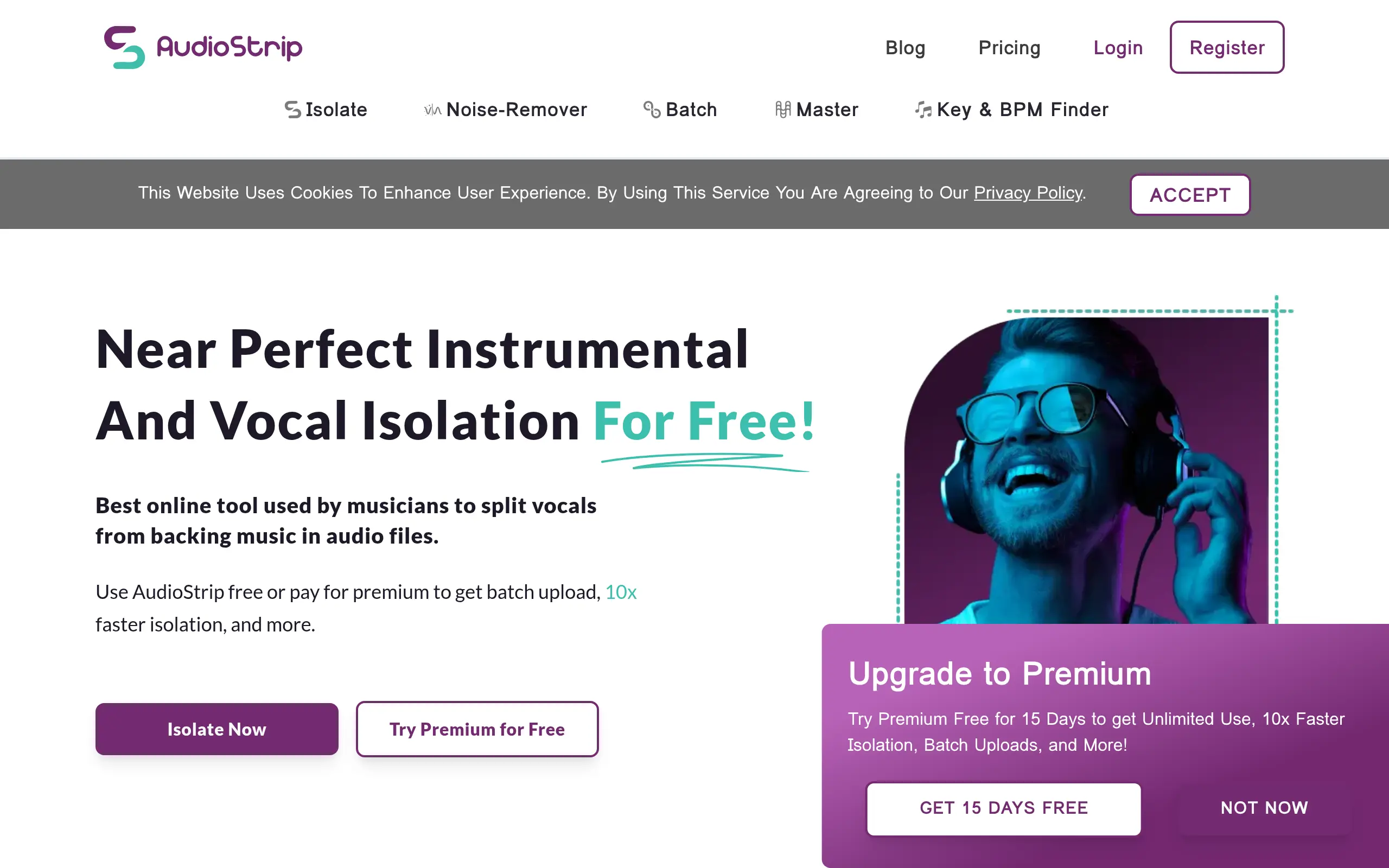
Audio Strip Introduction
If you're tired of spending hours trying to separate vocals from music tracks or wishing you could create clean instrumentals for your projects, you're not alone.
Whether you're a DJ looking to craft the perfect mashup, a content creator needing background music without vocals, or a musician wanting to study isolated parts of your favorite songs, the struggle to cleanly separate audio elements has always been a real headache.
Traditional methods often leave you with muddy results or require expensive software and technical know-how that feels overwhelming.
That's where AudioStrip comes in – a straightforward online tool that uses AI to split your audio files into separate vocal and instrumental tracks. No complex software to install, no steep learning curves, just upload your file and let the technology do the heavy lifting.
In this review, we'll take a close look at what AudioStrip offers, how well it actually works, and whether it's worth your time and money compared to other options out there.
Audio Strip Key Features
Vocal and Instrumental Isolation: Split any song into separate vocal and instrumental tracks with AI precision. Create acapellas for remixes or remove vocals for karaoke versions in seconds.
Batch Processing: Upload and process multiple songs at once instead of one at a time. Save hours of work when you need to separate vocals from an entire album or playlist.
Multiple Audio Format Support: Work with WAV, MP3, OGG, M4A, WMA, and FLAC files without converting them first. Keep your original audio quality intact no matter what format you’re using.
Web-Based Platform: Access AudioStrip from any computer with internet – no downloads or installations needed. Start separating audio tracks right away without waiting for software updates.
Automatic MIDI Transcription: Convert audio melodies into MIDI files you can edit in your music software. Turn any song into sheet music or change instruments without re-recording.
Instant AI Mastering: Get professional-sounding tracks with automatic volume and EQ adjustments. Make your separated vocals and instrumentals sound polished without hiring an audio engineer.
Our Take of Audio Strip
Audio Strip works well for small business owners who need quick vocal separation without the technical headache. You get clean results that rival expensive studio software, but you’re doing it all from your browser. The free version lets you test things out with a few tracks per month, which is enough to see if it fits your workflow.
The real value shows up when you’re working on client projects. Instead of spending hours trying to manually separate vocals or paying for studio time, you can upload a track and get usable stems in minutes. The batch processing feature in the premium version saves serious time if you’re handling multiple tracks for a campaign or project.
What sets it apart from competitors is the simplicity. You don’t need audio engineering knowledge or expensive plugins. Upload your file, wait a few minutes, and download your separated tracks. The quality holds up well enough for most commercial uses, whether you’re creating background music for videos or pulling vocals for remixes.
The lack of a mobile app might slow you down if you work on the go, and you’ll need reliable internet since everything happens online. During busy times, processing can take longer than usual, which could mess with tight deadlines.
For the price point, especially if you’re comparing it to traditional audio separation methods or hiring someone else to do it, Audio Strip makes financial sense. The premium plan pays for itself quickly if you’re regularly working with audio content. Just remember that while the results are good, they might not match what a professional audio engineer could do with high-end equipment. But for most business needs, the quality and convenience make it a solid choice.
Audio Strip's Pricing
The Free Plan costs £0 per month and includes 3 isolations, 3 masters, and 3 enhancements per month. Isolation speed ranges from 15 to 60 minutes, with outputs available in MP3 format. Each upload has a size limit of 50 MB and a song duration limit of 8 minutes.
The Premium Plan, priced at £5.99 per month (discounted from £7.99), offers unlimited isolations, masters, and enhancements with over 10x faster isolation speed. It supports WAV, FLAC, and MP3 output formats, allows uploads up to 200 MB in size and 20 minutes in duration, and includes fewer captchas, batch uploads, and automatic email delivery of processed files, along with access to future premium features.
Final Thoughts about Audio Strip
You’ve got audio that needs splitting, and now you know AudioStrip can handle it without the technical fuss. The question isn’t whether it works – we’ve seen it delivers clean separations that match what you’d get from pricier alternatives. The real question is whether you’ll keep wrestling with muddy audio results or let AI do the heavy lifting for you.
Think about the last time you needed clean vocals or instrumentals. How many hours did you spend trying to get it right? What opportunities did you miss because the process took too long? AudioStrip puts those problems behind you. Start with the free version and test it on your toughest tracks. You’ll quickly see if it fits your workflow.
The choice comes down to this: continue struggling with complicated software and poor results, or get professional-quality audio separation in minutes. For most business owners working with audio content, that’s an easy decision. Your time is worth more than what you’ll spend on a premium plan, and your clients deserve better than amateur-sounding results.
Ready to stop wasting time on audio separation? Click the button below and try AudioStrip on your next project. Upload a track, grab a coffee, and come back to perfectly separated vocals and instrumentals. Your future self will thank you for making audio work simple again.
Audio Strip FAQs