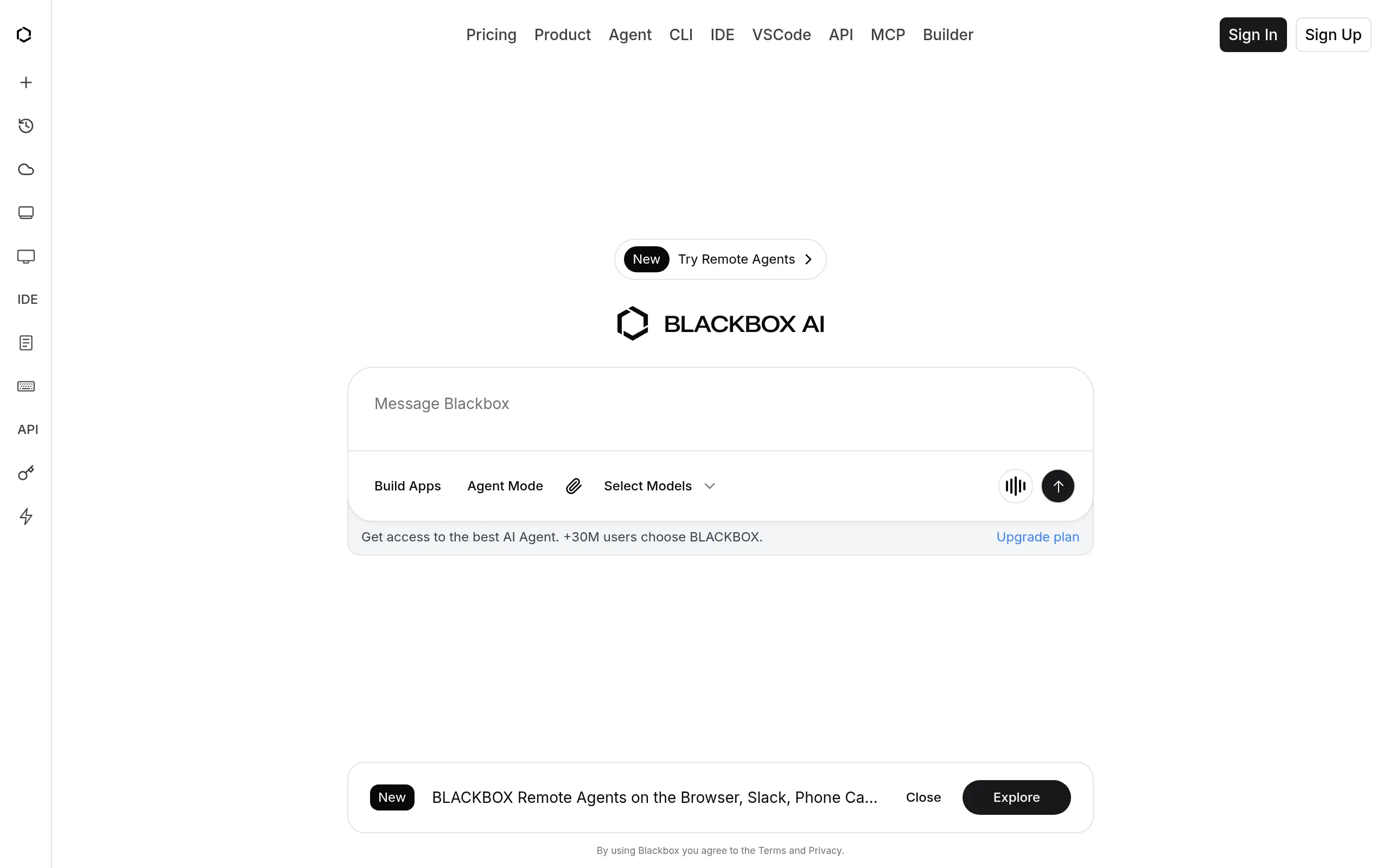
BlackBox AI Introduction
Writing code can feel like you're constantly fighting against the clock. You know that feeling when you're stuck on a bug for hours, or when you need to write the same type of code over and over? That's where BlackBox AI comes in. This AI-powered coding assistant promises to cut down your debugging time and help you write code faster by turning your plain English descriptions into actual, working code.
If you're a developer who's tired of spending too much time on repetitive tasks, or if you're someone who's just getting started with coding and feels overwhelmed by syntax, BlackBox AI might be exactly what you're looking for. It works right inside your favorite code editor, suggesting fixes and generating code as you type. Think of it as having a coding buddy who's always there to help, without the awkward small talk.
But here's the thing – not every AI coding tool lives up to the hype. Some are too expensive, others don't work well with certain programming languages, and a few just make things more complicated than they need to be. So let's dig into what BlackBox AI actually does, what it costs, and whether it's worth adding to your development toolkit.
BlackBox AI Key Features
Real-Time Code Suggestions: Get instant code recommendations while you type, cutting down debugging time and helping you write cleaner code faster.
Natural Language to Code: Simply describe what you want in plain English and watch it transform into working code. Perfect for beginners or when you’re stuck on syntax.
IDE Integration: Works seamlessly with Visual Studio Code and JetBrains, so you don’t have to switch between different tools to get your work done.
Advanced Analytics: Track how your team uses code and spot inefficiencies. See exactly where you can improve performance and save development time.
Security Features: Keep your code safe from unauthorized access with built-in protection. Great for teams working on sensitive projects who need that extra peace of mind.
Multi-Language Support: Code in Python, JavaScript, Java, and more without switching tools. Your whole team can use it, no matter what language they prefer.
Our Take of BlackBox AI
BlackBox AI presents an interesting mix of strengths and limitations for small business owners looking to speed up their development process. The real-time code suggestions and natural language features can definitely save your developers time, especially if you’re working with a team that includes junior developers who might benefit from the AI guidance.
The IDE integration works smoothly with Visual Studio Code and JetBrains, which most development teams already use. This means you won’t have to change your existing workflow to start using BlackBox AI. The advanced analytics feature gives you insights into how your team codes, which could help identify areas where you can improve efficiency.
But there are some real considerations to think about. First, the pricing might make you pause if you’re running a small operation or just have a few developers. Several users have mentioned it feels expensive for what you get, particularly if your developers only code occasionally rather than full-time.
The lack of Linux support is a significant gap. If your team uses Linux machines for development, you’ll need to find workarounds or consider other options. Plus, since BlackBox AI needs a constant internet connection, remote developers or those in areas with spotty internet might face interruptions.
The learning curve is another factor to consider. With so many features packed in, your team might need time to figure out how to use everything effectively. This could slow things down initially, which isn’t ideal when you’re trying to boost productivity.
When you compare BlackBox AI to other coding assistants on the market, it holds its own with security features and analytics that many competitors don’t offer. But whether those extras justify the price and limitations really depends on your specific needs. If your team primarily uses Windows or Mac, works in stable internet environments, and can afford the investment, BlackBox AI could streamline your coding process. However, if budget is tight or your setup includes Linux machines, you might want to explore other options first.
BlackBox AI's Pricing
The PRO Plan, designed for everyday productivity, is priced at $14.43 per month (currently offered at a limited-time rate of $4.81 per month). It includes $10 worth of credits, unlimited Grok Code Fast access via the IDE Agent, CLI, and Remote Agents, and provides access to leading AI models such as OpenAI GPT-5, Claude Sonnet 4.5, and Claude Opus 4.1. This plan features the best autonomous coding agent, remote and voice agents, unlimited code completion, VSCode integration, and API access to all text, image, and video models.
The PRO PLUS Plan, the most popular option, costs $28.86 per month (discounted to $9.61 per month) and includes everything in the PRO Plan, plus $20 worth of credits, three times more usage capacity, and the ability to scale usage based on specific needs. It offers higher output limits, early access to new AI capabilities, and a unified API for top LLMs, image, and video generation models. Additional features include a Desktop Agent, Web IDE, integration with local IDEs, the ability to generate and execute code, unlimited projects for organizing chats and documents, Figma-to-Code conversion, and comprehensive BLACKBOX Agent features such as SMS, voice, Slack integration, multi-agent execution, Vercel deployment, end-to-end encryption, and logging. Auto-refill is enabled by default.
The UNLIMITED Plan, built for teams and organizations, costs $57.79 per month (currently $38.53 per month) and includes everything in PRO PLUS, along with team collaboration tools, centralized billing, advanced security controls, priority support, custom integrations, usage analytics and reporting, and auto-refill.
Finally, the Enterprise Plan, designed for large companies requiring enhanced security, includes everything in the Business Plan, plus training opt-out by default, SAML SSO, priority access for faster performance and no queues, dedicated customer support, and a custom SLA tailored to organizational needs.
Final Thoughts about BlackBox AI
So what’s the bottom line with BlackBox AI? It really comes down to what your development team needs right now. If you’re dealing with junior developers who need guidance, or your experienced coders are burning too much time on repetitive tasks, this tool could pay for itself pretty quickly through time savings alone.
The real question you need to ask yourself is whether the productivity gains outweigh the costs and limitations. Take a hard look at your current development setup. Are you using Windows or Mac? Do you have reliable internet? Can your budget handle the subscription? If you’re answering yes to these questions, BlackBox AI might be the productivity boost your team needs.
For teams that fit the right profile, the combination of real-time suggestions, natural language coding, and security features creates a package that’s tough to beat. But if you’re working with tight budgets or Linux systems, you’ll want to keep shopping around.
Here’s what I’d suggest: gather your development team and talk through your biggest pain points. Are you losing hours to debugging? Are junior developers struggling with syntax? If these problems sound familiar, BlackBox AI could be your solution. Just make sure everyone understands both what it can do and where it falls short before you commit.
Ready to see if BlackBox AI can transform your coding workflow? Give it a shot and see if it lives up to the promise. Your future self might thank you for all those saved hours of debugging time.
Want to try BlackBox AI for yourself? Click the button below to get started.
BlackBox AI FAQs