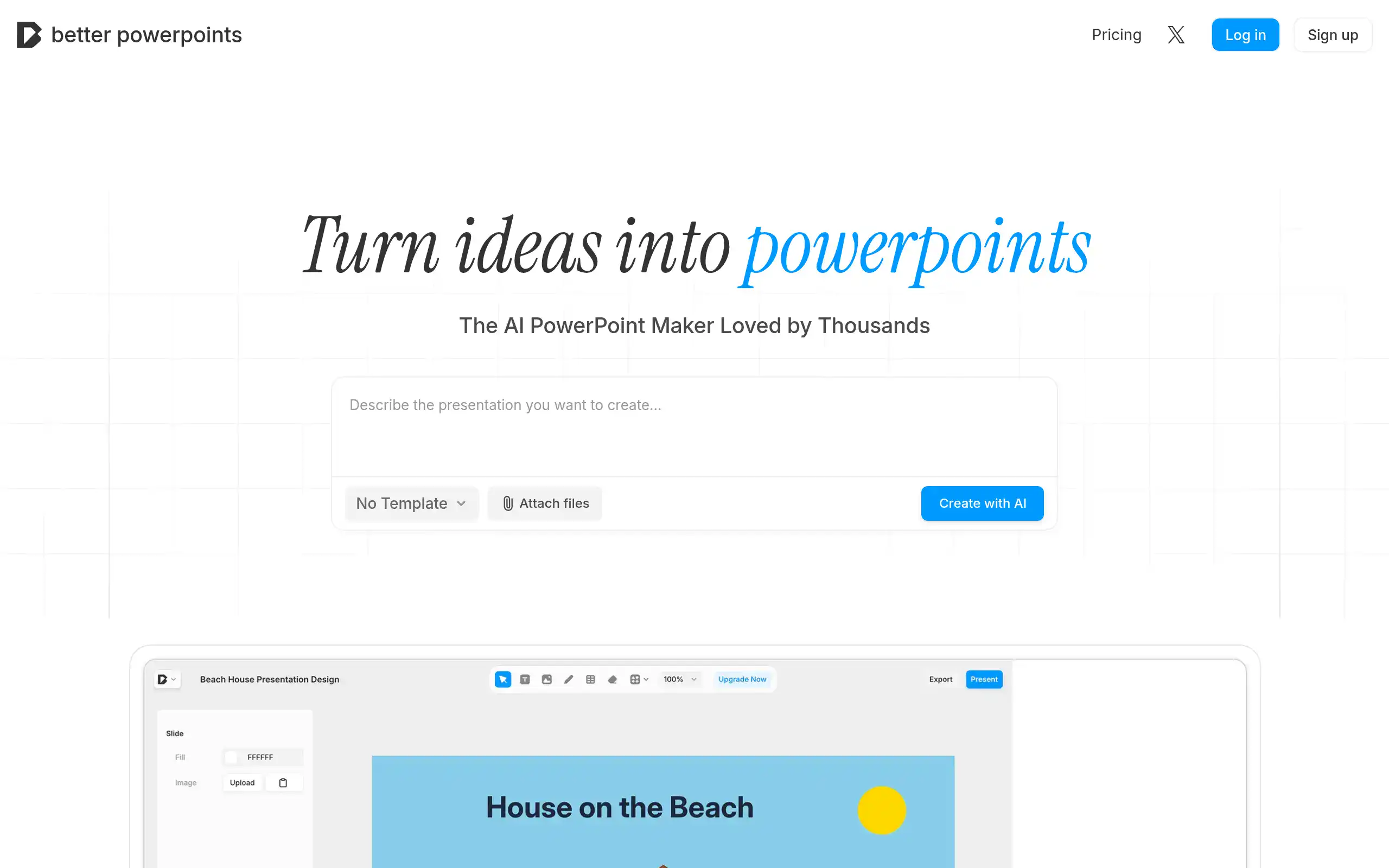
Better Powerpoints Introduction
Let's be honest – creating presentations can eat up hours of your day.
You start with good intentions, but before you know it, you're stuck tweaking fonts and moving text boxes around instead of focusing on what really matters: your message.
If you're tired of wrestling with PowerPoint templates that never quite fit your needs, Better Powerpoints might be exactly what you're looking for.
This new AI-powered tool promises to turn your ideas into polished presentations in minutes, not hours. What caught my attention about Better Powerpoints isn't just the AI features – it's the fact that everything stays on your computer.
No uploading sensitive business data to the cloud, no worrying about who might see your confidential pitch deck.
For business owners who value both efficiency and privacy, that's a pretty compelling combination. But does it actually deliver on these promises? I spent the last few weeks putting Better Powerpoints through its paces to find out if it's worth your time and money.
Better Powerpoints Key Features
AI-Powered Presentations: Transform your ideas into complete slide decks in seconds. Just type in your topic, outline, or script, and watch as the AI creates professional slides with titles, bullet points, and speaker notes—saving you hours of design work.
Real-time Collaboration: Work on presentations with your team at the same time. See changes instantly, leave feedback, and edit together from anywhere—making team projects smoother and faster.
Export to PPTX Format: Download your presentations as PowerPoint files that work everywhere. Share with clients, present offline, or make last-minute edits in PowerPoint without losing any formatting.
Advanced Editing Tools: Fine-tune every detail with professional editing options for shapes, text, tables, images, and diagrams. You get the speed of AI creation plus total control over the final look.
Local-First Storage: Keep your presentations private and secure right in your browser. No uploads to servers means your sensitive business data stays on your computer, and everything loads lightning-fast.
Our Take of Better Powerpoints
Better Powerpoints caught our attention as a fresh take on presentation software that puts your privacy first. If you’re tired of cloud-based tools that store your business data on their servers, this browser-based approach might be exactly what you’re looking for.
What sets it apart is how it handles your work. Everything stays on your computer, which means your sensitive business presentations never leave your device. For small business owners who handle confidential client information or proprietary data, that’s a big deal.
The mix of AI help and manual control strikes a nice balance. You’re not stuck with whatever the AI creates – you can jump in and tweak things to match your style. This flexibility matters when you’re presenting to different audiences, from investors to employees.
But here’s what gives us pause: this tool just launched in November 2025, and there aren’t many reviews yet. Without hearing from other business owners who’ve put it through its paces, it’s hard to know how well it performs in real-world situations.
We also couldn’t find clear information about how it connects with other business tools you might already use. If you rely on pulling data from spreadsheets or integrating with your CRM, you’ll want to test those features carefully before committing.
For now, Better Powerpoints looks like a solid option if privacy is your top concern and you want more control over AI-generated content. But with such limited track record, we’d suggest starting with their free features to see if it fits your workflow before making any long-term decisions.
Better Powerpoints's Pricing
Better Powerpoints offers two paid plans with a 3-day free trial.
The Pro plan costs $9.99 per month and includes 150 generations monthly, premium AI models (Gemini 2.5 Flash & Pro), the ability to generate 5-40 slides per presentation, unlimited file uploads, and advanced templates.
The Premium plan is priced at $19.99 per month with 400 generations monthly and includes everything in Pro plus priority support and early access to new features.
Both plans require a credit card for the free trial. There is also a Free plan mentioned but specific details are not provided on this pricing page.
Final Thoughts about Better Powerpoints
Better Powerpoints could be the answer if you’re looking for a presentation tool that respects your privacy and speeds up your workflow. The combination of AI assistance and local storage makes it stand out from the crowd, especially if you handle sensitive business information. While it’s still new on the scene, the features look solid for anyone who wants to create presentations faster without sacrificing control over their content.
Before you make any decisions, think about what matters most for your business. Do you need tight integration with other tools? Are you comfortable trying something new without many reviews? How important is keeping your data off the cloud? These questions will help you figure out if Better Powerpoints fits your needs.
The best part is you can test it out risk-free since it works right in your browser. Take a few minutes to create a sample presentation and see how it feels. You might discover it saves you hours each week – time you can spend growing your business instead of fussing with slide layouts.
Ready to see if Better Powerpoints can transform how you create presentations? Click the button below to give it a try and start building your first AI-powered slide deck today.
Better Powerpoints FAQs