Ellie Introduction
Ever feel like you're drowning in emails? You're not alone. Between client messages, vendor communications, and internal team updates, the average business owner spends hours each week just managing their inbox. It's exhausting, and let's be honest – most of those hours could be better spent growing your business.
That's where Ellie comes in. This AI email assistant promises to cut your email time dramatically by learning how you write and drafting responses that sound just like you. No more staring at a blank screen trying to craft the perfect reply. No more copy-pasting the same answers to similar questions. Just quick, personalized responses that get the job done.
But here's the thing – we've all seen AI tools that promise the moon and deliver something that sounds like a robot wrote it. So the real question is: can Ellie actually write emails that won't make your clients wonder if you've been replaced by a computer? And more importantly, is it worth adding another subscription to your business expenses?
We put Ellie through its paces to find out if this email assistant lives up to the hype. From setup to daily use, we tested everything to give you the straight scoop on whether this tool deserves a spot in your productivity toolkit.
Ellie Key Features
AI Writing Style Learning: Ellie studies your past emails to write responses that sound exactly like you. Your clients won’t know the difference between your replies and Ellie’s, keeping all your business relationships feeling personal and authentic.
Smart Context Reading: The AI reads entire email threads to understand what’s being discussed. You get replies that make sense and address the right points, so you don’t have to worry about sending confusing responses.
Custom Knowledge Training: Feed Ellie your business documents, pricing sheets, or FAQs through simple file uploads. Your AI assistant becomes an expert on your specific business, pulling the right information into replies automatically.
Language Matching: Ellie automatically detects and responds in the same language as incoming emails. You can handle international clients or multilingual teams without translating messages yourself.
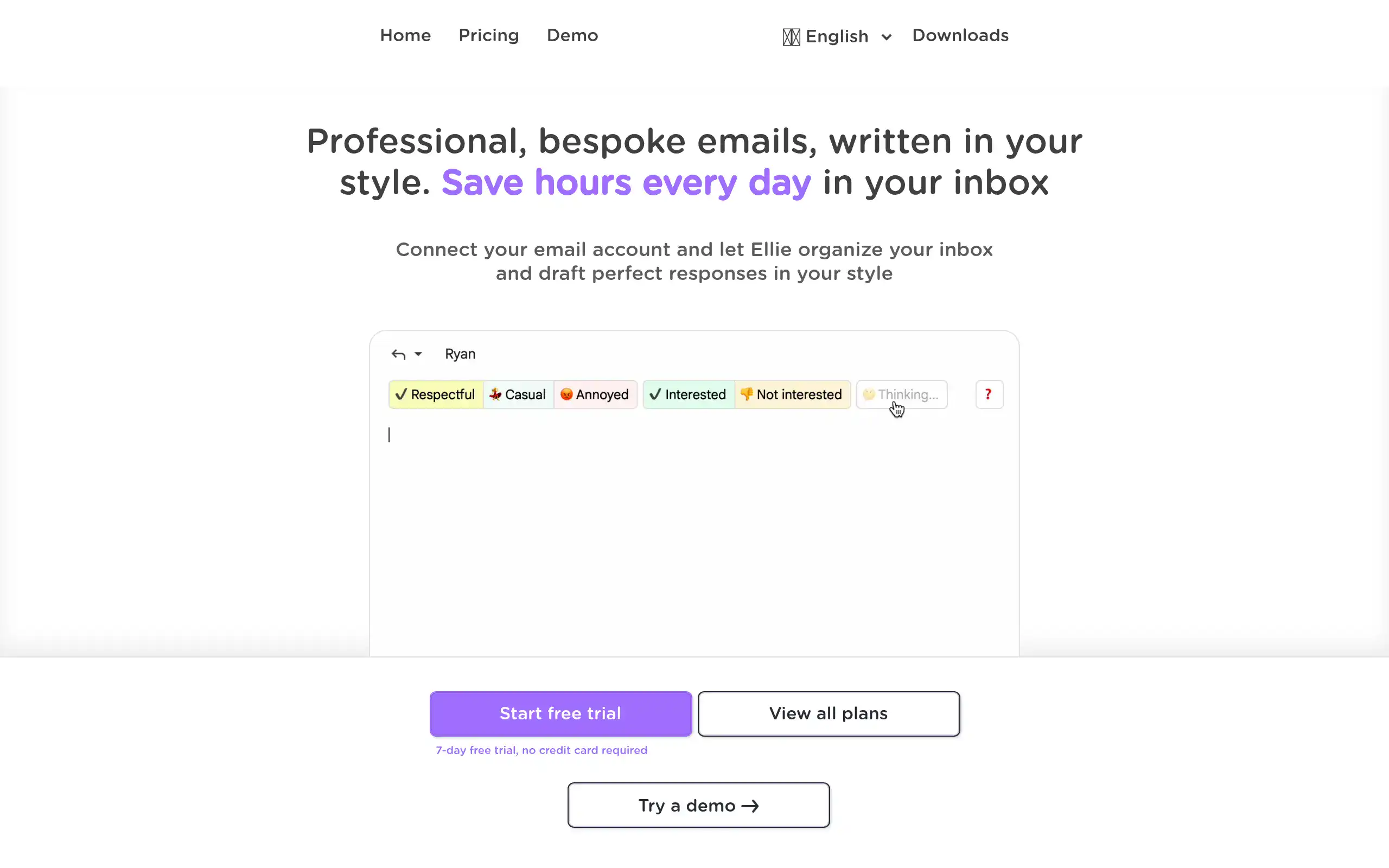
Role-Based Responses: Switch between different response styles for different situations – professional for clients, casual for team members. You get the right tone every time without having to think about it.
Direct Inbox Integration: Works right inside Gmail, Outlook, or Fastmail through a simple browser extension. You draft AI-powered replies without leaving your inbox or learning new software.
Our Take of Ellie
If you’re running a small business and drowning in emails, Ellie could be the assistant you didn’t know you needed. It sits right in your inbox and learns how you write, which is pretty handy when you need to fire off quick responses that still sound like you.
The best part? You don’t need to be tech-savvy to use it. Just install the browser extension and you’re good to go. For business owners who use Gmail, Outlook, or Fastmail, it fits right into your existing workflow without any fuss.
That said, if you’re using a different email client, you might be out of luck. And like any AI tool, it can sometimes miss the mark on tricky emails, so you’ll want to double-check before hitting send on anything important.
The subscription cost is something to think about too. You’ll need to weigh whether the time you save is worth the monthly fee. For many business owners juggling multiple responsibilities, saving even an hour a day on emails could easily pay for itself.
What sets Ellie apart from other email assistants is how it picks up on your writing style. This matters when you’re trying to maintain personal relationships with clients. Nobody wants to receive robotic-sounding emails, and Ellie does a decent job of avoiding that trap.
Bottom line: if you spend too much time on email and use one of the supported email clients, Ellie is worth trying out. Just keep an eye on those AI-generated responses for the first few weeks to make sure they’re hitting the right tone for your business.
Ellie's Pricing
The Casual plan, designed for people overwhelmed with emails and seeking assistance, costs $19 per month and includes 25 replies per day, an intelligent AI model, email training, basic knowledge-base training, and roles, and it comes with a 7-day free trial with no credit card required.
The Business plan, intended for small teams that manage large volumes of email, is priced at $39 per month and offers direct integration, 100 replies per day, an intelligent AI model, email training, advanced knowledge-base training, auto-draft, auto-categorization, roles, team sharing, three included seats, one connected account per user, and email support.
The Professional plan, built for large teams and enterprise users handling hundreds of daily emails, costs $79 per month and includes direct integration, unlimited replies, an intelligent AI model, email training, advanced knowledge-base training, roles, team sharing, five included seats, up to three connected accounts per user, and priority support.
Final Thoughts about Ellie
So there you have it – the full breakdown on Ellie and whether it’s worth your time and money. The real question now is: what’s your next move? Are you going to keep spending hours each week in your inbox, or are you ready to try something different?
Think about it this way. If Ellie saves you just one hour a day (and most users report saving way more than that), that’s five hours a week you get back. Five hours to focus on strategy, connect with customers, or heck, even take a proper lunch break. Over a month, that’s 20+ hours. What could you do with an extra 20 hours in your business?
The beauty of Ellie is that it doesn’t require you to change how you work. It slides right into your existing email setup and starts helping immediately. No complicated onboarding. No steep learning curve. Just install it and watch your email time shrink.
Sure, it’s not perfect. You’ll still need to review those AI-generated responses, especially at first. And yes, it’s another subscription to manage. But if you’re serious about reclaiming your time and growing your business instead of managing your inbox, this could be the tool that makes it happen.
Ready to see if Ellie can transform your email game? Click the button below to give it a try and start getting those hours back.
Ellie FAQs