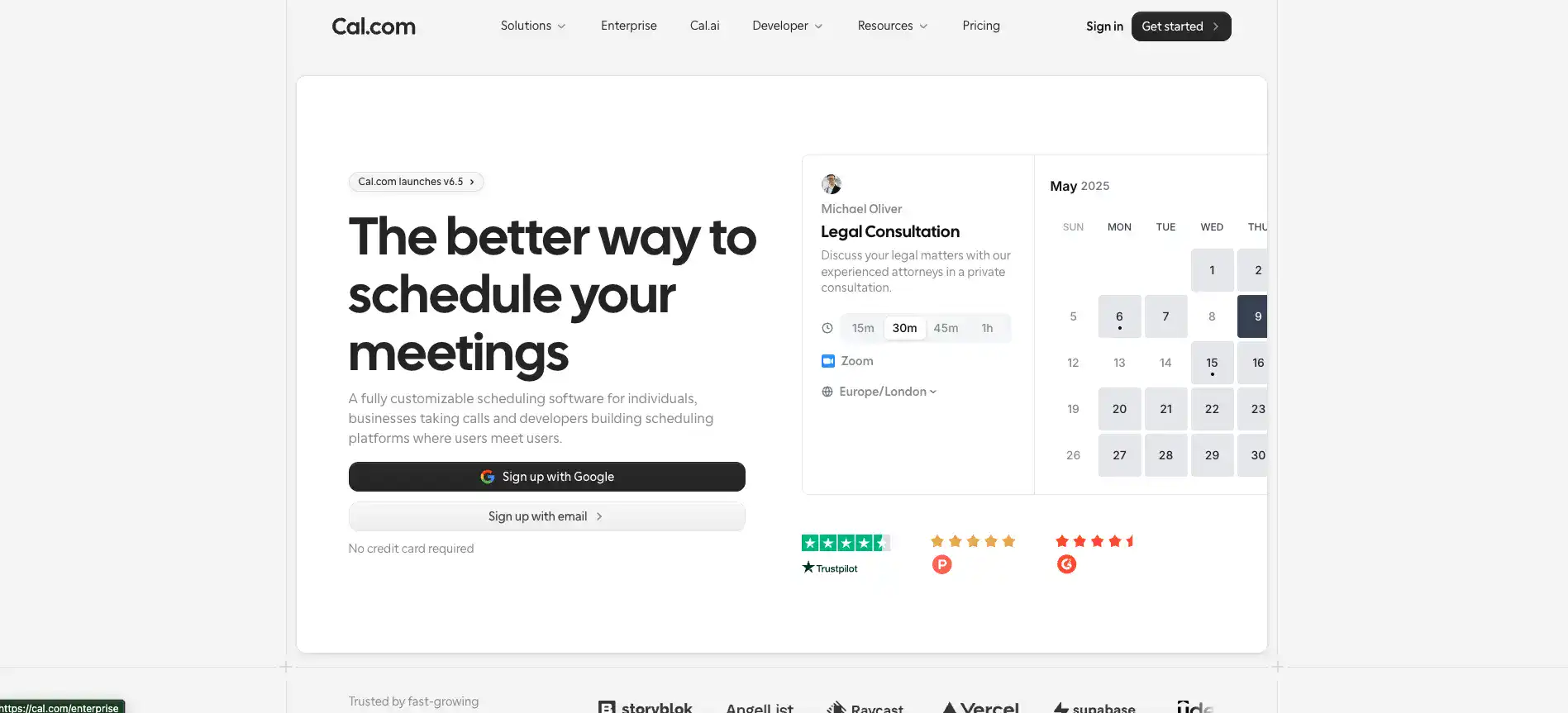
Cal.com Introduction
If you've ever spent way too many emails going back and forth just to find a time that works for a meeting, you know how frustrating scheduling can be.
It's one of those small tasks that eats up way more time than it should. And when you're running a business, every minute counts.
That's where Cal.com comes in. It's an open-source scheduling tool that lets people book time with you without all the hassle. Whether you're a freelancer, a small business owner, or part of a bigger team, it's built to make your life easier.
But does it actually deliver? We took a close look at what Cal.com offers, what it does well, and where it falls short so you can decide if it's the right fit for you.
Cal.com Key Features
Calendar Integration: Connect your existing calendars so everything stays in sync. You won’t have to worry about double bookings or manually updating your availability across different platforms.
Customizable Availability: Set your own working hours, add buffer time between meetings, and block off personal time. This way, people can only book you when it actually works for your schedule.
Multiple Meeting Types: Offer video calls, phone calls, or in-person meetings — all from one booking page. Your clients get to pick the format that works best for them, and you stay organized no matter how the meeting happens.
Team Scheduling: Let your whole team share availability and accept group bookings together. It’s a simple way to coordinate schedules without the endless email chains trying to find a time that works for everyone.
Embeddable Booking Pages: Drop a booking widget right into your website so visitors can schedule with you without clicking away. It keeps things smooth for your customers and helps you capture more appointments on the spot.
Open-Source Platform: Since Cal.com is open-source, developers on your team can dig into the code and customize it however you need. If you’ve got specific workflows or unique requirements, you’re not stuck with a one-size-fits-all setup.
Our Take of Cal.com
Cal.com is a solid pick if you’re a small-to-medium business owner who’s tired of the endless back-and-forth that comes with scheduling meetings. It’s open-source, which means developers can get under the hood and customize it to fit exactly what a business needs.
That’s a big deal if you’ve got specific workflows or want your booking page to look and feel like part of your own website. The interface is clean and pretty easy to figure out, so you won’t spend hours just trying to set things up.
And based on what users are saying on Trustpilot, the support team actually gets back to you and helps solve problems, which is always a good sign.
On the flip side, there aren’t a ton of in-depth third-party reviews out there yet, so it’s hard to know how it performs across every possible use case.
If you’re planning to use the more advanced features, expect to spend a little extra time learning how everything works. It’s not overly complicated, but it’s not a one-click setup either.
We’d say Cal.com is worth a serious look, especially if you value flexibility and want a scheduling tool that can grow with your business. Just make sure you take advantage of any free trial or demo so you can test it against your own needs before committing.
Cal.com's Pricing
Cal.com offers four pricing tiers.
The Individual plan is free forever and includes one user, unlimited event types and calendars, email and SMS notifications, 100+ app integrations, mobile app and browser extension access, Stripe and PayPal payment acceptance, two-way Salesforce and HubSpot sync, and one-click Calendly import.
The Teams plan costs $12 per user per month when billed yearly, saving 25%, and comes with a 14-day free trial. It adds everything in the free plan plus scheduling across one team, round-robin scheduling, managed and collective event types, recurring events, customizable email and SMS notifications, Cal.com branding removal, routing forms, booking analytics, and custom APIs.
The Organizations plan costs $28 per user per month when billed yearly, also saving 25%, with a 14-day free trial. It builds on the Teams plan with unlimited sub-teams, routing by custom variables, a company subdomain, SAML SSO and SCIM, SOC 2, HIPAA, and ISO 27001 compliance, instant meetings, domain-wide delegation, role-based permissions, and additional APIs.
The Enterprise plan has custom pricing and requires contacting sales. It includes everything in the Organizations plan plus dedicated onboarding and engineering support, SLA and uptime guarantees, HRIS and directory integrations, priority Slack and account support, and a dedicated database.
A detailed feature comparison covering scheduling controls, customization options, security features, and integrations is available on their pricing page.
Final Thoughts about Cal.com
At the end of the day, scheduling shouldn’t be the thing that slows your business down. Cal.com gives you a real shot at taking back that wasted time and putting it toward the stuff that actually matters. It’s flexible, it’s clean, and it grows with you as your business picks up steam.
That said, no tool is perfect for everyone. The best thing you can do is try it out for yourself and see how it fits into the way you already work.
Poke around, set up a few meeting types, connect your calendar, and get a feel for it. You’ll know pretty quickly if it clicks. If you’re ready to give it a go, click the button below and take it for a spin.
Cal.com FAQs