Xero Introduction
Running a small business means you're probably wearing a dozen hats at once. And let's be honest, bookkeeping is usually the hat nobody wants to put on.
Between tracking expenses, sending invoices, reconciling bank statements, and making sure payroll goes out on time, it's easy to feel like you're drowning in numbers.
Maybe you've been stuck using spreadsheets that are one wrong formula away from disaster. Or maybe you've tried accounting software that felt like it was built for CPAs, not regular business owners just trying to keep things organized.
That's where Xero comes in. It's a cloud-based accounting tool that's been around since 2006, and it's built with small and medium-sized businesses in mind.
The idea is simple: give you one place to handle all your financial stuff without needing an accounting degree to figure it out.
But does it actually deliver on that promise?
We took a close look at what Xero offers, what it does well, and where it falls short so you can decide if it's the right fit for your business.
Xero Key Features
Invoicing: Create and send professional-looking invoices in just a few clicks. Your clients can pay you online right from the invoice, which means you get your money faster and spend less time chasing payments.
Expense Tracking: Snap a photo of your receipt, upload it, and let Xero sort it into the right category. You’ll always know exactly where your money’s going without digging through shoeboxes of paper receipts.
Bank Reconciliation: Connect your bank accounts and watch transactions flow in automatically. Xero matches them up with your records, so you’re not spending hours manually entering data or hunting down discrepancies.
Payroll Processing: Run payroll for your whole team right inside Xero. It handles tax calculations and direct deposits, so you don’t need a separate payroll service eating into your budget.
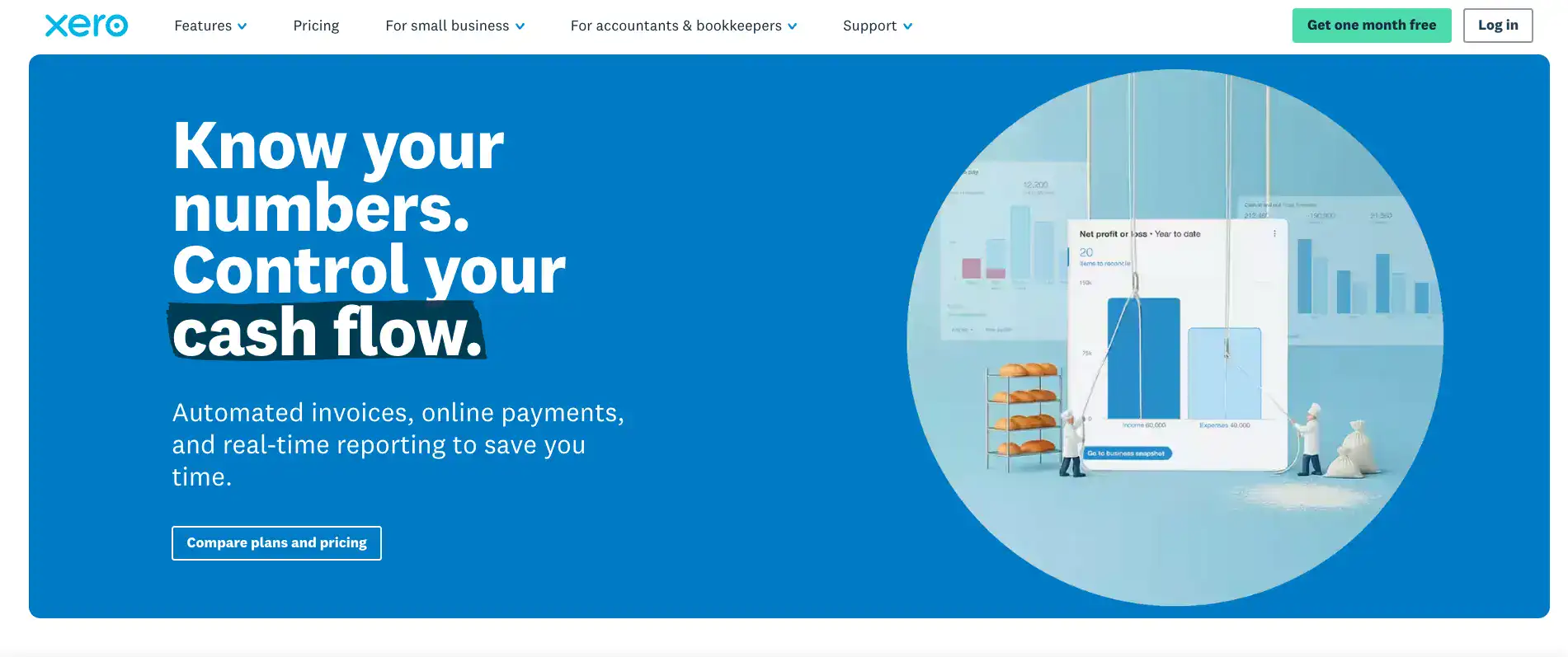
Financial Reporting: Pull up customizable reports that show you exactly how your business is doing. You’ll spot trends, track cash flow, and make smarter decisions with numbers that are always up to date.
Project Tracking: Keep tabs on what each project is costing you and whether it’s actually making money. You can assign expenses and time to specific jobs, so you’ll know which projects are worth taking on again.
Multi-Currency Support: Send invoices and track expenses in different currencies without the headache. If you’re working with international clients or vendors, Xero handles the conversions and keeps your books clean.
Our Take of Xero
If you’re running a small or medium-sized business and you’re tired of messy spreadsheets or outdated accounting software, Xero is worth a serious look. It’s a cloud-based accounting tool that covers the basics really well — invoicing, expense tracking, bank reconciliation, payroll, and financial reporting all live under one roof. The interface is clean and pretty easy to pick up, so you won’t spend weeks trying to figure out how things work. One thing that really stands out is that every plan comes with unlimited users. That’s a big deal if you’ve got a growing team, because most competitors charge you more for each person you add. And with over 1,000 app integrations available, you can connect Xero to the other tools your business already uses without much hassle. That said, it’s not perfect. The cheapest plan comes with limits on how many invoices and bills you can send, which could be a problem if your business is picking up speed. Some of the more advanced features take time to learn, and certain add-ons cost extra — so the price you see at sign-up might not be the price you end up paying. It’s the kind of thing you’ll want to map out before committing. Compared to other accounting tools in this space, Xero holds its own. It strikes a good balance between being simple enough for someone who isn’t an accountant and being powerful enough to actually handle real business needs. If you’re looking for an accounting solution that can grow with you and you’re okay with potentially upgrading your plan as your needs expand, Xero is a solid option to consider.
Xero's Pricing
Xero offers three monthly subscription plans with an introductory 80% discount for the first three months for new US customers.
The Early plan is usually $25 per month, discounted to $5 per month for the first three months, and includes sending quotes and up to 20 invoices, entering up to 5 bills, bank transaction reconciliation, bill and receipt capture with Hubdoc, real-time reports, W-9 and 1099 management, sales tax, basic financial performance visualization, and a 30-day cash flow forecast.
The Growing plan is usually $55 per month, discounted to $11 per month for the first three months, and includes everything in Early but with unlimited invoices and bills, auto-reconciliation of bank transactions, customizable performance dashboards, tailored financial health scorecards, enhanced performance graphs, and a 60-day cash flow forecast.
It also offers an optional Inventory Plus add-on for $39 per month after a free first month.
The Established plan is usually $90 per month, discounted to $18 per month for the first three months, and includes everything in Growing plus a 180-day cash flow forecast, KPI and ratio analysis, multi-currency support, project tracking, expense claims, and industry benchmarking. It also offers the optional Inventory Plus add-on.
All plans include the option to accept online invoice payments and make online bill payments, though payment fees apply for both. A free one-month trial is available on all plans as an alternative to the discount offer.
All subscriptions auto-renew monthly until cancelled, and prices are listed in USD excluding applicable taxes.
Final Thoughts about Xero
At the end of the day, the best accounting tool is the one you’ll actually use. Xero checks a lot of boxes for small and medium-sized businesses. It’s clean, it’s easy to get started with, and it grows with you as your business picks up.
The unlimited users on every plan is a standout perk you won’t find with most competitors, and the app integrations mean you can plug it right into the way you already work. Sure, it’s got some rough edges.
The starter plan can feel tight if you’re sending a lot of invoices, and some extras will bump up your monthly bill. But if you go in with your eyes open and pick the plan that fits your needs right now, you’ll be in good shape.
If you’ve been putting off getting your books in order or you’re frustrated with whatever system you’re using now, it’s worth giving Xero a try.
Most people find that once they get set up, they wonder why they waited so long.
Take a few minutes to think about what your business actually needs from an accounting tool, and see if Xero lines up. If it does, click the button below to get started and see it for yourself.
Xero FAQs