Google Cloud (GCP) Introduction
If you're running a business and you've ever felt stuck trying to figure out cloud computing, AI, or how to scale your tech without hiring an army of engineers, you're not alone.
It's one of those things that sounds great on paper but can feel like a lot when you're actually trying to get started.
That's where Google Cloud Platform, or GCP, comes in. It's Google's cloud computing suite, and it's been around since 2008, giving businesses access to the same kind of infrastructure that runs Google Search, YouTube, and Gmail.
Whether you need to build apps, store data, or tap into some seriously smart AI tools, GCP puts a lot of firepower at your fingertips. But here's the real question: is it the right fit for your business, or is it overkill?
We took a close look at what GCP offers, what real users are saying, and where it falls short so you can decide if it's worth your time and money.
Google Cloud (GCP) Key Features
Vertex AI Platform: Build, train, and launch your own AI models all in one place. You’ve got access to over 200 foundation models, including Google’s latest Gemini models, so you can create smart apps without stitching together a dozen different tools.
Gemini Models: Work with Google’s most advanced AI that understands text, images, and video all at once. This means you can feed it different types of content and get useful outputs back — whether you’re analyzing photos, writing copy, or processing video clips.
AI Infrastructure: Run your AI projects on Google’s specialized hardware, including Tensor Processing Units (TPUs) and GPUs built for heavy AI workloads. Your models train faster and run smoother, which saves you both time and money.
Natural Language AI: Pull real insights out of messy, unstructured text like emails, reviews, or support tickets. It handles sentiment analysis, picks out key entities, and breaks down syntax — so you can understand what your customers are really saying without reading every single message.
Vision AI: Analyze images and videos automatically to detect objects, read text, and spot patterns. Great for businesses that need to process visual content at scale, like scanning product photos or reviewing security footage.
Document AI: Turn stacks of unstructured documents into clean, organized data you can actually use. Contracts, invoices, forms — it reads them, pulls out the info that matters, and puts it into a format that’s easy to search and analyze.
Our Take of Google Cloud (GCP)
Google Cloud Platform is a solid choice if you’re a small-to-medium business owner who wants access to the same cloud infrastructure that runs some of the biggest services on the internet. The AI and machine learning tools are impressive, and the Vertex AI platform gives you access to over 200 foundation models, which is a lot of flexibility when you’re trying to build something smart into your business. The scalability is real too. If your business grows fast, GCP can keep up without you having to rebuild everything from scratch.
That said, let’s be honest about the downsides. GCP has a learning curve that can feel steep, especially if you don’t have a dedicated tech team. The sheer number of services and options can be confusing when you’re just getting started. And based on user reviews from Gartner, the customer support experience isn’t always great, which can be frustrating when you’re stuck on something and need help fast.
Pricing is another thing to watch. GCP uses a pay-as-you-go model, and costs can add up quickly if you’re not careful about how you configure things. It’s easy to spin up services and forget about them, so you’ll want to keep a close eye on your billing dashboard.
When you compare GCP to competitors like AWS and Microsoft Azure, it holds its own, especially on the AI side. Google has been investing heavily in AI for years, and that shows in what they offer. But AWS still has a larger market share and a bigger ecosystem of third-party integrations, and Azure tends to be a smoother fit if your business already runs on Microsoft products.
If you’ve got some technical know-how on your team and you’re looking to build AI-driven tools or need a cloud platform that scales well, GCP is worth a serious look. But if you’re a smaller operation without much tech support, you might find yourself spending more time learning the platform than actually using it. We’d suggest taking advantage of Google’s free tier to test things out before committing any real budget.
Google Cloud (GCP)'s Pricing
Google Cloud offers a generous free tier to help new users get started.
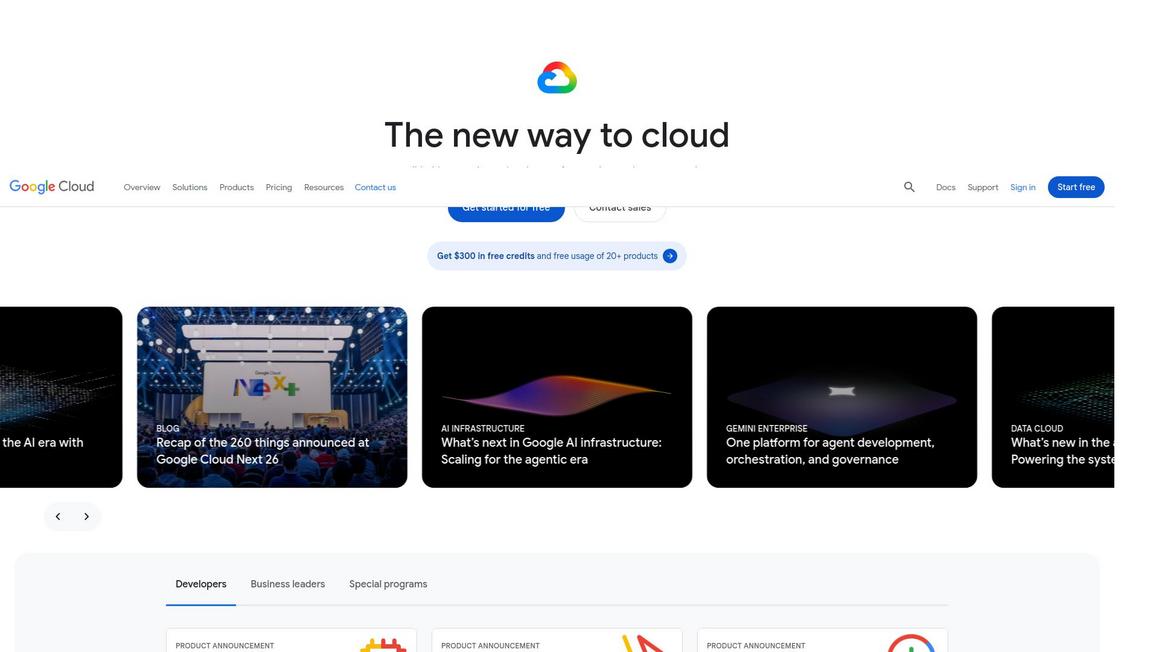
New customers receive $300 in free credits to explore and test eligible Google Cloud products, along with ongoing free usage of more than 20 products on the free tier.
For startups, the Google for Startups Cloud Program provides early-stage funded companies with up to $350,000 in cloud credits.
AI builders can join the Gemini Enterprise Agent Ready (GEAR) program to receive 35 monthly learning credits at no cost.
Beyond these introductory offers, Google Cloud operates on a pay-as-you-go consumption model across its 150+ products spanning compute, storage, databases, data analytics, AI and machine learning, networking, security, and more.
Specific pricing varies by product and usage volume, and prospective customers can contact the Google Cloud sales team for tailored quotes and enterprise agreements.
Final Thoughts about Google Cloud (GCP)
So here’s the bottom line. Google Cloud Platform is a seriously capable tool that can give your business access to the kind of tech that used to be reserved for massive companies with huge budgets.
The AI features alone are worth paying attention to, and the fact that it scales with you means you’re not going to outgrow it anytime soon. But it’s not perfect.
The learning curve is real, the pricing needs babysitting, and the support could be better. If you’ve got even a little tech savvy on your team and you’re ready to start building smarter systems, GCP is a strong option to consider.
If you’re on the fence, the free tier is a no-brainer way to get your feet wet without spending a dime.
Take some time to explore what’s there, play around with the tools, and see if it fits the way you work. You might be surprised at what you can build once you get going.
If you’re ready to give it a shot, click the button below to get started.
Google Cloud (GCP) FAQs