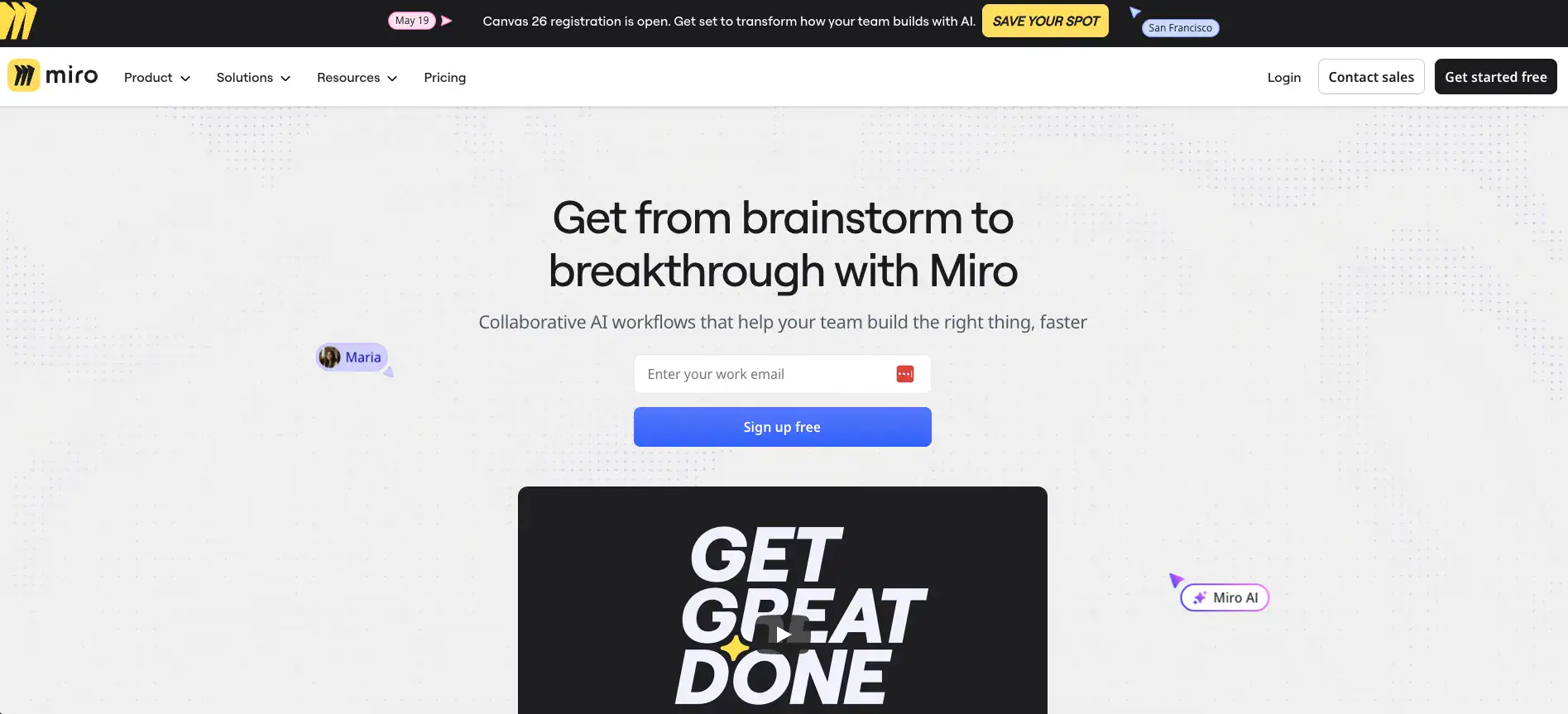
Miro Introduction
If your team's spread across different cities or even different time zones, you know how frustrating it can be to get everyone on the same page.
Sticky notes on a wall don't work when half the crew is remote. Email chains turn into a mess. And trying to brainstorm over a regular video call? That's about as productive as yelling ideas into the wind.
This is exactly the kind of problem Miro was built to solve. It's an online whiteboard that gives your whole team one big, shared space to think, plan, and build together, no matter where they are. Since 2011, it's grown into one of the most popular collaboration tools out there, and millions of people use it every day.
But is it actually worth your time and money? We put it through its paces to find out what it does well, where it falls short, and whether it's the right fit for your business.
Miro Key Features
AI-Powered Collaboration: Let Miro’s built-in AI do the heavy lifting for you. Generate mind maps, summarize entire boards, and turn simple text into polished diagrams — so your team spends less time on busywork and more time on the ideas that matter.
Infinite Canvas: Work without boundaries on a canvas that stretches as far as your ideas go. Whether you’re mapping out a product launch or running a brainstorm session, you’ll never run out of room to think big.
Templates and Miroverse: Skip the blank-page struggle with hundreds of ready-made templates for everything from sprint planning to customer journey maps. The Miroverse community library gives you even more options built by real users solving real problems.
Integrations: Connect Miro to the tools your team already uses — like Slack, Jira, and Google Drive. Everything stays in sync, so you’re not jumping between apps or copying information from one place to another.
Real-Time Collaboration: Work on the same board with your whole team at the same time, no matter where everyone’s located. Comment, vote on ideas, and even hop on a video chat right inside the board — it’s like being in the same room together.
Our Take of Miro
Miro’s a solid pick if you’re running a small or mid-sized team and you need a shared space to think out loud together. The infinite canvas gives your crew room to brainstorm without feeling boxed in, and the template library means you don’t have to start from scratch every time you kick off a new project. It plugs into tools like Slack, Jira, and Google Drive pretty smoothly, so you’re not ripping apart your current workflow just to add another app to the mix. The AI features are a nice touch too, letting you spin up mind maps or summarize boards without doing all the heavy lifting yourself.
That said, it’s not perfect. If your boards get really big or complex, you might notice things slowing down, which can be frustrating when you’re in the middle of a working session. And if you ever find yourself without an internet connection, you’re pretty much locked out since the offline options are slim. On the pricing side, there’s a free tier that works for smaller needs, but once you start looking at the paid plans, the cost can add up, especially when you compare it to some of the alternatives out there.
For teams that do most of their work remotely or across different time zones, Miro does a great job keeping everyone on the same page with its real-time collaboration tools. You can comment, vote, and even hop on a video chat right from the board. It’s built for the way modern teams actually work together. If your biggest pain point is getting people aligned when they’re not in the same room, Miro’s worth a serious look. Just make sure the pricing fits your budget and that your team’s boards won’t push the platform’s performance limits before you commit to a paid plan.
Miro's Pricing
Miro offers four pricing tiers. The Free plan costs $0 and supports unlimited members with one workspace containing up to 3 editable boards, 5,000+ templates, 160+ apps and integrations, layers, 10 Miro AI credits per month per team, and 5 Talktracks for interactive video recordings.
The Starter plan costs $8 per member per month billed annually or $10 billed monthly and adds unlimited boards, unlimited visitors, high resolution exports, version history, Brand Center with custom templates, Spaces and Blueprints, 25 Miro AI credits per month per member, facilitation tools including timer, voting, and video calls, private boards, and unlimited Talktracks.
The Business plan costs $20 per member per month billed annually or $25 billed monthly and builds on Starter with multiple workspaces, unlimited guests, 3,900+ diagramming shapes and icons, advanced data tables, Jira, Azure DevOps, and Asana integrations, Miro MCP, Single Sign-On, knowledge integrations with Glean, Gemini, and Copilot, 50 Miro AI credits per month per member, AI Sidekicks, and multi-step AI Flows.
The Enterprise plan uses custom pricing starting from 30 members and adds flexible licensing, SCIM automation, centralized user management and analytics, integration and app management, enterprise-grade security, regional data hosting in the EU, US, or AU, a Customer Success program, and custom AI credit amounts with admin control.
Several paid add-ons are also available across plans, including Miro Prototypes for Starter, Business, and Enterprise, and Enterprise-exclusive add-ons such as AI Workflows, Miro Insights, Miro Portfolios, Enterprise Guard, and Premium Support.
Final Thoughts about Miro
Look, no tool is going to be perfect for every single team out there. But if you’re tired of scattered ideas, messy email threads, and the constant struggle of trying to get remote teammates aligned, Miro checks a lot of boxes.
It’s easy to pick up, it plays nice with the tools you’re already using, and the AI features save you time you’d rather spend on actual work.
The free plan gives you a real chance to kick the tires before you spend a dime, which is always a plus. Just keep an eye on how your boards perform as they grow, and make sure you’ve got a solid internet connection since offline support isn’t its strong suit.
The best way to know if it’s right for your team is to actually get in there and use it. Set up a board, invite a few teammates, and run a quick brainstorm session.
You’ll know pretty fast whether it fits the way your crew works. If you’re ready to give it a shot, click the button below to get started with Miro today.
Miro FAQs