Nano Banana Pro Introduction
If you've ever spent hours trying to get an AI image generator to actually make what you're picturing in your head, you know the frustration.
Blurry outputs, weird text that looks like alien language, and characters that change faces every time you hit generate. It's enough to make you want to throw your laptop out the window.
That's exactly why Nano Banana Pro caught our attention when Google dropped it back in November 2025.
Built on the Gemini 3 Pro model, this tool promises up to 4K resolution images in under 10 seconds, with editing controls that feel more like a professional photo studio than a simple prompt box.
For small business owners and creatives who need polished visuals without hiring a design team, those claims sound pretty appealing. But does it actually deliver? And what about the complaints we've been seeing around customer support and surprise usage caps? We put Nano Banana Pro through its paces to find out if it's really worth your time and money.
Nano Banana Pro Key Features
High-Resolution Output: Create images in 1K, 2K, or 4K resolution so your visuals look crisp and professional. Whether you’re making social media graphics or print materials, everything comes out sharp and detailed.
Thinking Mode: Let the AI reason through your complex prompts to give you exactly what you’re picturing. This means you can describe tricky scenes or ideas, and the tool figures out how to make them look right.
Web Search Integration: Pull in real-time info from the web so your images stay current and accurate. If you need visuals that reflect what’s happening right now, this feature keeps things grounded in reality.
Multi-Image Fusion: Blend up to 8 reference images together into one creative composition. This is great when you want to combine different visual elements — like mixing product photos with lifestyle shots — into something totally new.
Professional Editing Controls: Fine-tune camera angles, lighting, depth of field, and color grading like you’re working in a real studio. You get precise control over every detail without needing expensive software or a photography background.
Character Consistency: Keep up to 5 characters looking the same across multiple images. This is a big deal if you’re building a brand mascot, creating a visual story, or running a campaign where your characters need to look identical from one image to the next.
Our Take of Nano Banana Pro
If you’re a small or medium business owner looking for a fast way to create professional-looking images, Nano Banana Pro is worth a look. It’s built on Google’s Gemini 3 Pro model, and it can pump out high-quality images up to 4K resolution in under 10 seconds. That’s pretty impressive when you stack it up against other AI image tools out there right now.
The editing controls are solid too. You can tweak camera angles, lighting, depth of field, and color grading, which means you’re getting something close to studio-level control without needing a full design team. The multi-image fusion feature, where you can blend up to 8 reference images together, opens up a lot of creative options for things like marketing materials and product visuals. And the character consistency feature that keeps up to 5 characters looking the same across different images is a real plus if you’re building a brand or telling a visual story.
That said, there are some things to keep in mind before you go all in. Customer support has been a pain point for some users based on reviews on Trustpilot. People have mentioned unresponsive service and account issues that didn’t get resolved. That’s a concern, especially if you’re relying on this tool for your day-to-day business needs.
There’s the access issue too. Google has put usage caps on free users because of high demand, and that happened without much warning. If you’re counting on consistent access, you might run into some frustrating limits unless you’re on a paid plan.
One more thing to be aware of is that research has shown iterative editing, meaning going back and editing the same image multiple times, can lead to some quality loss over time. It’s not something you’d notice right away, but it’s good to know if you plan on doing heavy editing work.
So where does that leave us? Nano Banana Pro is a strong tool with impressive speed and output quality. For creating polished visuals quickly, it checks a lot of boxes. But the support issues and usage restrictions are real drawbacks that could affect your experience. We’d say it’s a tool worth testing out for yourself, but go in with your eyes open about those limitations.
Nano Banana Pro's Pricing
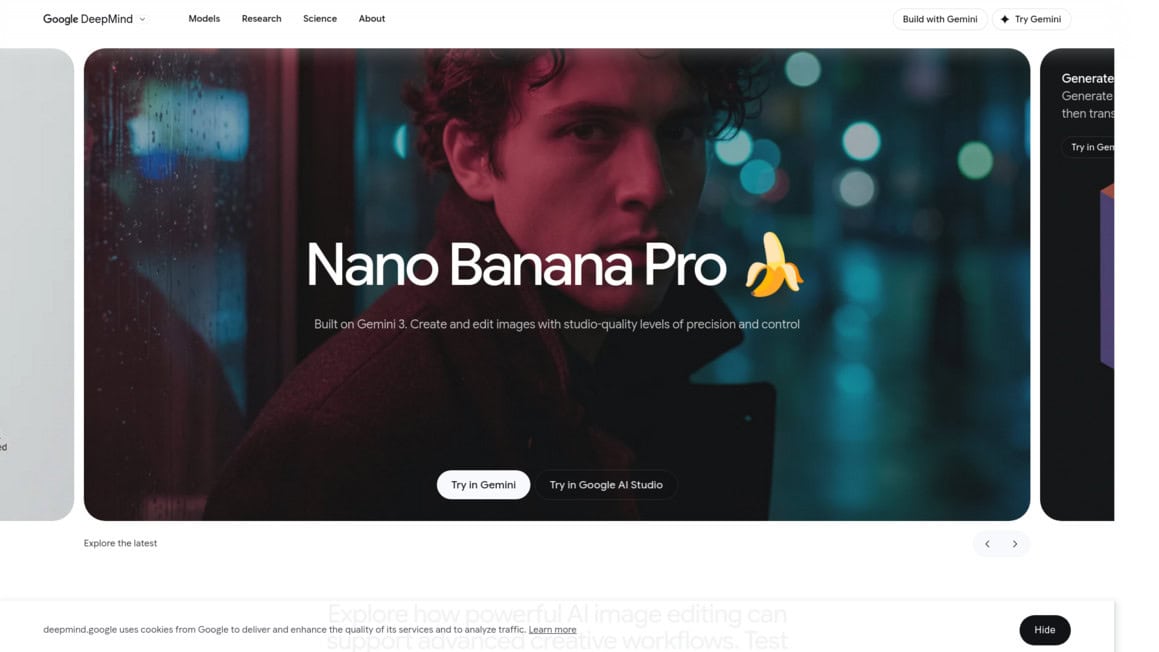
The page for Nano Banana Pro does not display any specific pricing information, plan tiers, or cost details.
The model is available to use through several platforms including Gemini, Google AI Studio, the Gemini API, and Vertex AI Studio. Access through Gemini allows users to try the image generation capabilities directly, while Google AI Studio is positioned as the fastest path from prompt to production.
The Gemini API provides a developer-focused entry point for building with the model, and Vertex AI Studio offers an enterprise-ready environment for testing, tuning, and deploying generative AI. Users should visit each platform directly to review current pricing, usage limits, and available plan tiers, as costs may vary depending on the access method and usage volume selected.
Final Thoughts about Nano Banana Pro
At the end of the day, Nano Banana Pro brings a lot to the table for anyone who needs professional-looking visuals without the headache of learning complex design software or hiring a whole creative team.
The speed is real, the output quality is impressive, and features like character consistency and multi-image fusion give you options that most AI image tools just don’t offer right now.
But we’d be doing you a disservice if we didn’t remind you about the customer support concerns and those usage caps that can sneak up on you.
Go in knowing what to expect, and you’ll be in a much better spot to decide if this tool fits your workflow. If you’re running a business and you need sharp visuals fast, it’s hard to ignore what this tool can do.
The best way to know if it’s right for you is to try it yourself and see how it handles your specific needs. Give it a real test with the kind of images you actually need for your business, and let the results speak for themselves. If you’re ready to see what Nano Banana Pro can do, click the button below to get started.
Nano Banana Pro FAQs