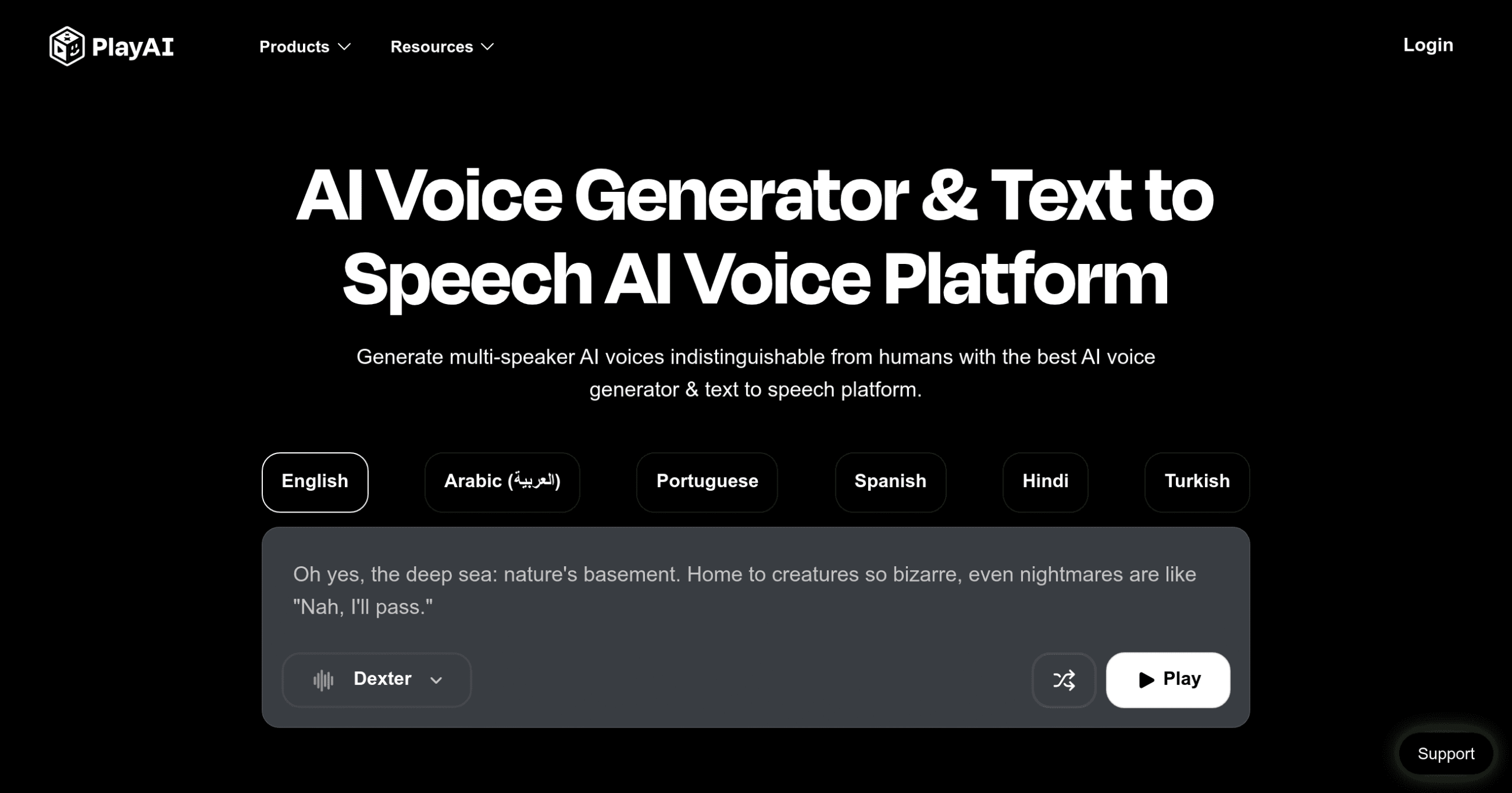
Play.ht Introduction
Need to turn your written content into professional voiceovers but can't afford a voice actor? You're not alone. Creating audio content used to mean expensive studio time or settling for robotic computer voices that made listeners click away.
Play.ht changes that. This AI text-to-speech platform takes your words and transforms them into voices so natural, your audience won't know they're computer-generated. Whether you're creating training videos, podcasts, or making your website more accessible, Play.ht gives you over 900 voices in 142 languages to choose from.
Think about all the times you've wanted to add voiceovers to your content but stopped because of cost or complexity. Small business owners use Play.ht to create professional marketing videos. Teachers turn their lessons into audio files students can listen to anywhere. Content creators add voices to their videos without recording a single word themselves.
The platform goes beyond basic text-to-speech. You can clone voices, adjust speech patterns, and even create conversations between multiple characters. If you run a WordPress site, their plugin converts your blog posts to audio automatically. For developers, the API lets you build voice features right into your apps.
But here's what really matters – does Play.ht actually deliver voices that sound human? Can small businesses afford it? And what about those customer support issues some users mention? Let's dig into what this tool really offers and whether it's worth your investment.
Play.ht Key Features
Ultra-Realistic Voice Library: Access over 900 AI voices in 142 languages to create audio content that sounds like real people talking. Your international customers will hear messages in their native language with authentic accents.
Voice Cloning Technology: Create a digital copy of your own voice or your team’s voices for consistent brand messaging. Record once and use your custom voice across all your audio content without needing to record again.
Speech Fine-Tuning Controls: Adjust the speed, pitch, and tone of any voice to match your exact needs. Make voices sound more excited for sales content or calm for meditation apps with simple slider controls.
Multi-Voice Conversations: Build engaging audio with different characters or speakers in one project. Create training scenarios, podcast-style content, or customer service demos that feel like real conversations.
WordPress Audio Automation: Convert every blog post into audio automatically with their WordPress plugin. Your readers can listen to your content while driving or exercising, increasing engagement time on your site.
Developer-Friendly API: Connect Play.ht’s voices directly to your apps, websites, or software products. Add professional voice features to your business tools without building your own text-to-speech system.
Our Take of Play.ht
Play.ht could be a solid choice if you’re looking to add professional voiceovers to your content without hiring voice actors. With over 900 AI voices in 142 languages, you’ve got plenty of options for reaching different audiences. The voice quality is pretty impressive – most people won’t even know they’re listening to AI.
What sets Play.ht apart is the voice cloning feature. You can create custom voices that match specific accents or speaking styles, which is great for keeping your brand voice consistent across all your audio content. The customization controls let you tweak things like speed, pitch, and pauses, so you can get the tone just right for your message.
For business owners already using WordPress, the automatic blog-to-audio plugin is a nice touch. It makes your content more accessible and gives visitors another way to consume your information. The API integration also means you can build voice features directly into your apps or services if that’s part of your business model.
However, there are some things to consider. Customer support seems to be a weak spot based on user feedback, with many reporting slow or no responses to their issues. This could be frustrating if you run into problems and need quick help. The pricing might also be steep for smaller businesses or if you’re just starting out.
Since it’s cloud-based, you’ll need a reliable internet connection to use it. There’s no offline option, which could be limiting if you work in areas with spotty connectivity. And while the voice cloning is useful, it might not be as advanced as what you’d get with specialized voice cloning tools.
For most small and medium businesses, Play.ht offers enough features and quality to create professional audio content for marketing, training, or customer service. Just weigh the costs against your actual needs and maybe test it during a trial period before committing to a paid plan.
Play.ht's Pricing
Play.ht offers a free version that allows users to preview all available AI tools and convert a few words to audio files for testing purposes. This gives you the opportunity to explore features for professional voiceovers, speech generation needs, and video content creation before committing to a paid plan.
The platform provides commercial-use licenses for their text-to-speech and AI voice generator features, making it suitable for business applications. While specific pricing tiers aren’t detailed in the provided information, Play.ht offers plans for everyone from independent creators to enterprise users.
For enterprise customers, Play.ht also offers on-premise deployments of their AI voice models, which would require reaching out to their team directly for custom pricing and implementation details.
Additional pricing plans and detailed tier information are available but not specified in the current page content.
Final Thoughts about Play.ht
If you’re tired of recording voiceovers yourself or paying voice actors, Play.ht might be exactly what you need. The voices sound real enough that your audience won’t know they’re AI-generated, and with over 900 voices in 142 languages, you can reach customers around the world in their own language.
Before jumping in, think about what you’ll actually use it for. Will you convert blog posts to audio? Create training videos? Build customer service demos? Knowing your main use case helps you decide if the features justify the cost.
Keep in mind that customer support appears to be an issue, so factor that into your decision.
The best part? You don’t have to guess if it’ll work for you. Most text-to-speech tools offer free trials or demos. Test it with your actual content. See if the voices match your brand. Verify if the customization options provide you with the necessary control. Pay attention to how easy it is to use – you don’t want to waste hours learning complicated software.
Ready to create professional voiceovers without the hassle of recording?
Click the button below to try Play.ht and see if it fits your business needs.
Play.ht FAQs