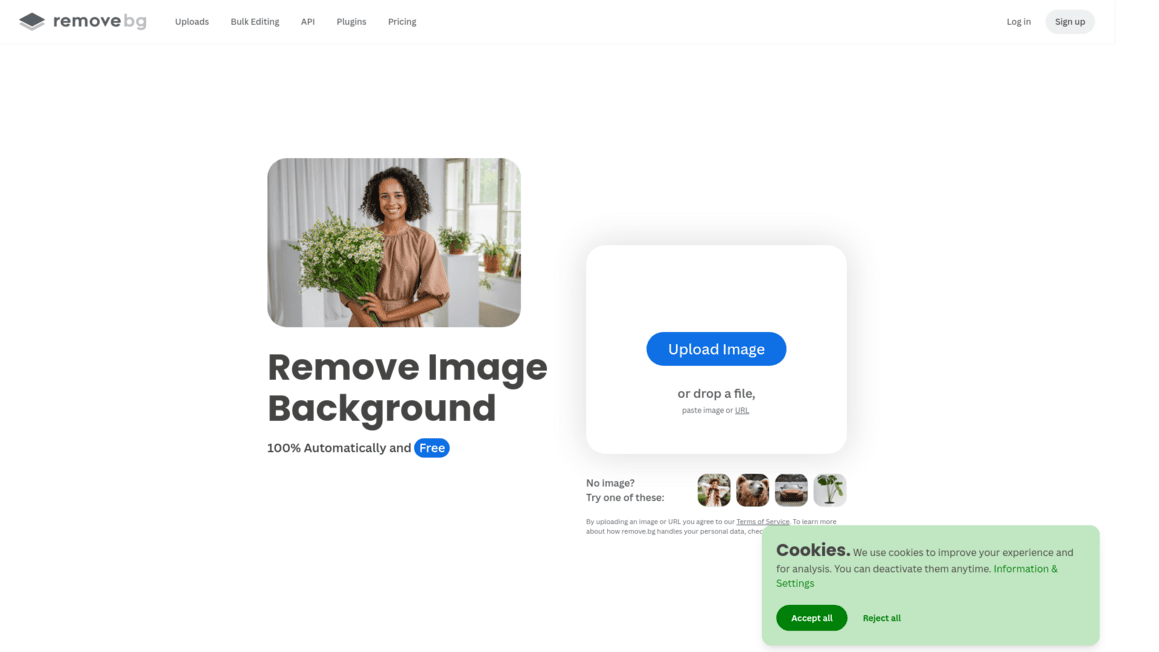
Remove.bg Introduction
If you've ever spent 30 minutes in Photoshop trying to cut out a person's hair from a busy background, you know the frustration. It's tedious, it's slow, and honestly, it makes you want to throw your laptop out the window.
Whether you're running an online store and need clean product photos, or you're a marketer putting together social media graphics on a deadline, background removal is one of those tasks that eats up way more time than it should.
That's where Remove.bg comes in. It's an AI-powered tool that promises to do in seconds what used to take you half an hour or more. But does it actually deliver? And is it worth your money? We put it through its paces to find out.
Remove.bg Key Features
Automatic Background Removal: Upload any image and get a clean cutout in seconds. You don’t need any design skills — the AI does all the heavy lifting so you can skip the tedious manual editing.
High-Quality Edge Detection: Get crisp, natural-looking edges around tricky details like hair, fur, and wispy edges. Your cutouts look professional without spending hours zooming in and tracing outlines by hand.
Bulk Processing: Remove backgrounds from up to 500 images per minute. If you’re running an online store or managing a big photo library, this saves you days of work.
Integrations and API Access: Connect Remove.bg directly to tools you already use like Photoshop, Figma, and Shopify. You can remove backgrounds without leaving your workflow or switching between apps.
Magic Brush Tool: Fine-tune your results when the AI doesn’t get it perfect on the first try. You can manually add or remove areas so the final image looks exactly how you want it.
Design Templates: Pick from ready-made templates to place your cutout into a polished design right away. Great for social media posts, product listings, or marketing materials when you need something fast.
Our Take of Remove.bg
If you’re a small-to-medium business owner who regularly needs backgrounds removed from product photos or marketing images, Remove.bg is worth a look.
It’s fast, it’s accurate most of the time, and it plugs right into tools you’re probably already using like Photoshop and Shopify.
The AI does a solid job with tricky stuff like hair and fur, which is usually a pain to cut out by hand. That said, there are some things to keep in mind. The free version only gives you low-resolution downloads, so if you need full-quality images, you’ll have to pay.
And the credit-based pricing can add up quick if you’re processing a lot of images. Some users have reported that accuracy dips on more complex or detailed photos, so it’s not perfect every time. You’re also not getting a full editing suite here.
It does one thing, removes backgrounds, and that’s it. If you need more editing tools, you’ll still need something else in your toolkit.
For businesses that process a moderate number of images and value speed over having every editing feature in one place, Remove.bg makes sense. But if you’re dealing with hundreds of images daily, you’ll want to crunch the numbers on their pricing plans to make sure the cost lines up with what you’re getting back in time saved.
Remove.bg's Pricing
You can start with a flexible pay-as-you-go option by purchasing 3 credits for $3, making it easy to try things out before committing.
If you prefer a monthly plan, the Lite subscription costs $9 per month and includes up to 40 credits, along with features like an AI photo editor, background removal, AI-generated backgrounds, erase and restore tools, max-quality exports, automation, and API integrations.
For more demanding use, the Pro plan—priced at $39 per month and labeled as the most popular—offers up to 200 credits and includes everything in Lite plus bulk editing capabilities. If you need even more capacity, the Volume+ plan provides 500 credits for $89 per month, adding custom volume options, advanced API controls like crop, scale, and positioning, and is designed for users handling large-scale workflows.
There’s also a free option with 1 trial credit to test AI editing features, allowing you to experiment before upgrading. You can easily top up credits anytime, log in if you already have an account, or create a new one to get started.
Final Thoughts about Remove.bg
So here’s the bottom line. If you’re spending more time cutting out backgrounds than actually running your business, Remove.bg is worth trying out.
It’s not perfect, and it won’t replace a full editing suite, but it does one thing really well and it does it fast. Think about how much time you’re currently spending on background removal.
Now think about what you could do with that time back. That’s the real value here.
The best way to know if it’s right for you is to just test it yourself. Upload a few images, see how the AI handles your specific use case, and decide from there. If you’re ready to give it a shot, click the button below to try Remove.bg and see the results for yourself.
Remove.bg FAQs