Saveitnow Introduction
Ever find yourself drowning in a sea of saved articles, videos, and resources you meant to read “later”? You're not alone. Most entrepreneurs and busy professionals have dozens of browser tabs open, countless bookmarks scattered across folders, and no real system to find that perfect article they saved three weeks ago.
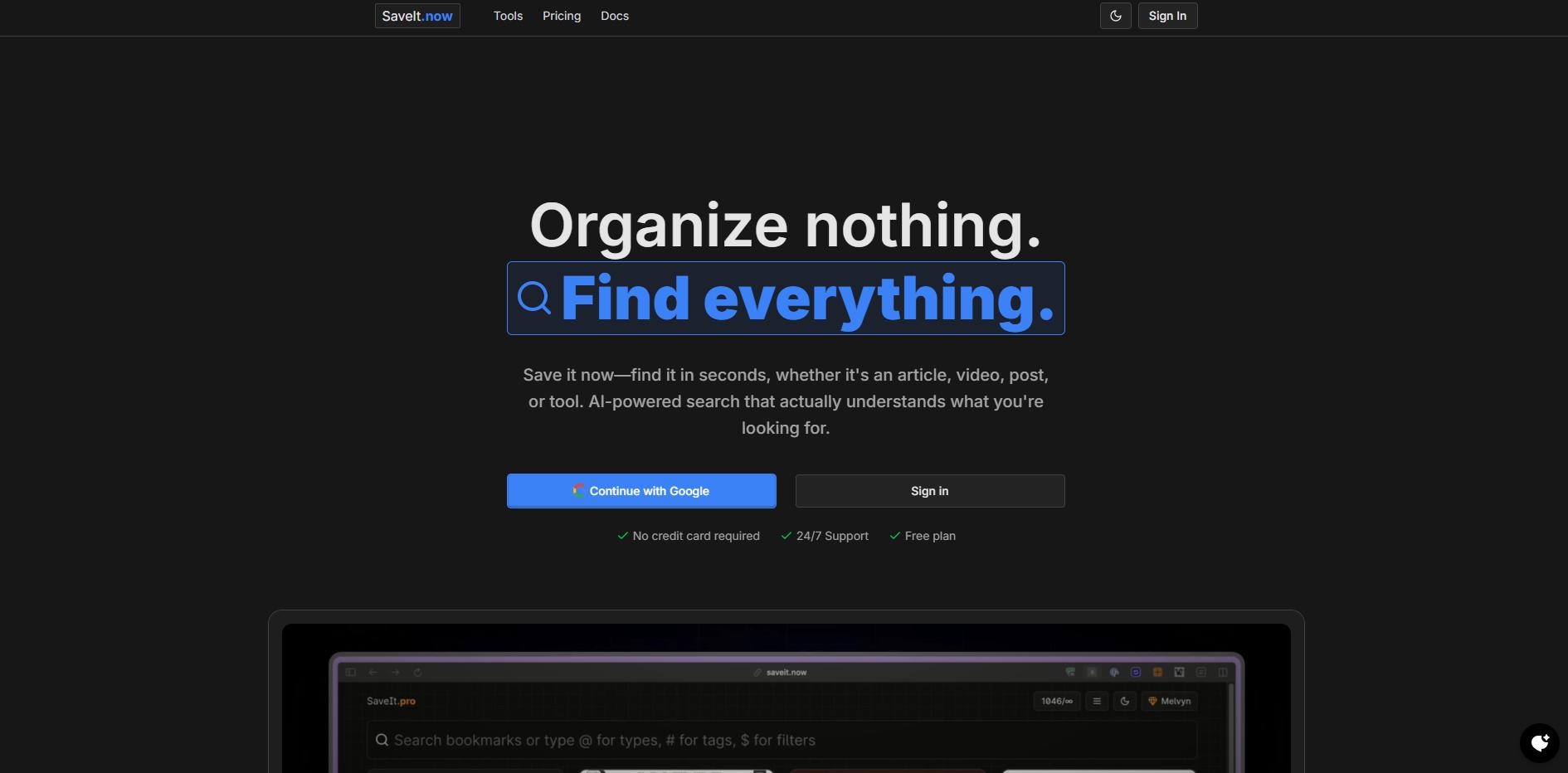
SaveIt is an AI-powered bookmarking tool that promises to fix this mess. Instead of spending precious time organizing folders or trying to remember which category you filed something under, SaveIt uses artificial intelligence to help you save and find content with zero manual organization required.
For business owners who constantly research competitors, save industry insights, or collect content ideas, this tool could be the difference between wasted hours searching and instant access to your digital library. Let's explore whether SaveIt lives up to its promise of making your saved content actually useful again.
Saveitnow Key Features
AI-Powered Summaries: Get quick snapshots of your saved articles and videos without opening each one. This helps you understand the main points instantly and decide what to read later.
Smart Search That Understands You: Type what you’re looking for in plain English, and the AI finds it. No more scrolling through endless bookmarks or trying to remember exact titles.
Visual Previews at a Glance: See thumbnails and screenshots of your saved content immediately. This makes finding that specific article or video much faster than reading through text lists.
One-Click Browser Extensions: Save any webpage, YouTube video, social media post, or PDF with a single click. Works seamlessly with Chrome and Firefox, so you never lose track of important content.
No Folders or Tags Needed: Let AI handle the organizing for you. Save time by skipping manual sorting and let the smart system keep everything accessible.
API Access for Power Users: Connect SaveIt to your other business tools with Pro-level API access. Create, search, and manage bookmarks automatically to fit your workflow.
Our Take of Saveitnow
SaveIt helps you focus on what matters most – growing your business – by taking the hassle out of organizing bookmarks. The AI-powered search means you can find that perfect article or tool you saved weeks ago just by typing what you remember about it. No more wasting time clicking through endless folders.
For busy entrepreneurs who save lots of resources, the AI summaries are a real time-saver. You can quickly scan through saved content without opening each link, helping you find exactly what you need in seconds. The visual previews make it even easier to spot the right resource at a glance.
The platform works best if you’re comfortable letting AI handle organization for you. Some business owners might miss having folders or tags to sort things their way. And right now, it’s mainly for desktop users since the mobile app isn’t ready yet. This could be limiting if you do a lot of work on your phone or tablet.
At its core, SaveIt solves a real problem many entrepreneurs face – digital clutter. The browser extensions make saving content quick and painless, and the search actually works when you need it. For the price point and features offered, it delivers solid value for small businesses drowning in bookmarks.
We’d recommend SaveIt for entrepreneurs who save lots of online resources and want a simpler way to manage them. If you prefer manual organization or need mobile access right away, you might want to wait for future updates or look at other options.
Saveitnow's Pricing
Saveitnow offers a straightforward two-tier pricing structure.
The Free plan costs $0 per month and includes 20 bookmarks and access to the Chrome extension, making it suitable for users just getting started with bookmark organization.
The Pro plan is priced at $5 per month and provides unlimited bookmarks, API access, CSV export functionality, and priority support.
Both plans allow users to save, search, and organize bookmarks with AI assistance, with the free tier offering a risk-free way to test the service before upgrading to unlock advanced features.
Final Thoughts about Saveitnow
SaveIt solves a problem we all face – too much saved content and not enough time to organize it. If you’re tired of losing track of valuable resources or spending ages searching through bookmarks, this tool might be exactly what you need. The AI-powered search and automatic summaries turn your digital mess into an organized library that actually works for you.
Think about how many hours you’ve lost trying to find that one article you saved weeks ago. With SaveIt, those hours turn into seconds. For busy entrepreneurs who value their time, that’s worth considering. The platform keeps improving with regular updates, so you’re investing in a tool that grows with your needs.
Ready to take control of your digital clutter? Click here to try SaveIt and see how much time you can save with smarter bookmarking. Your future self will thank you for making the switch.
Saveitnow FAQs