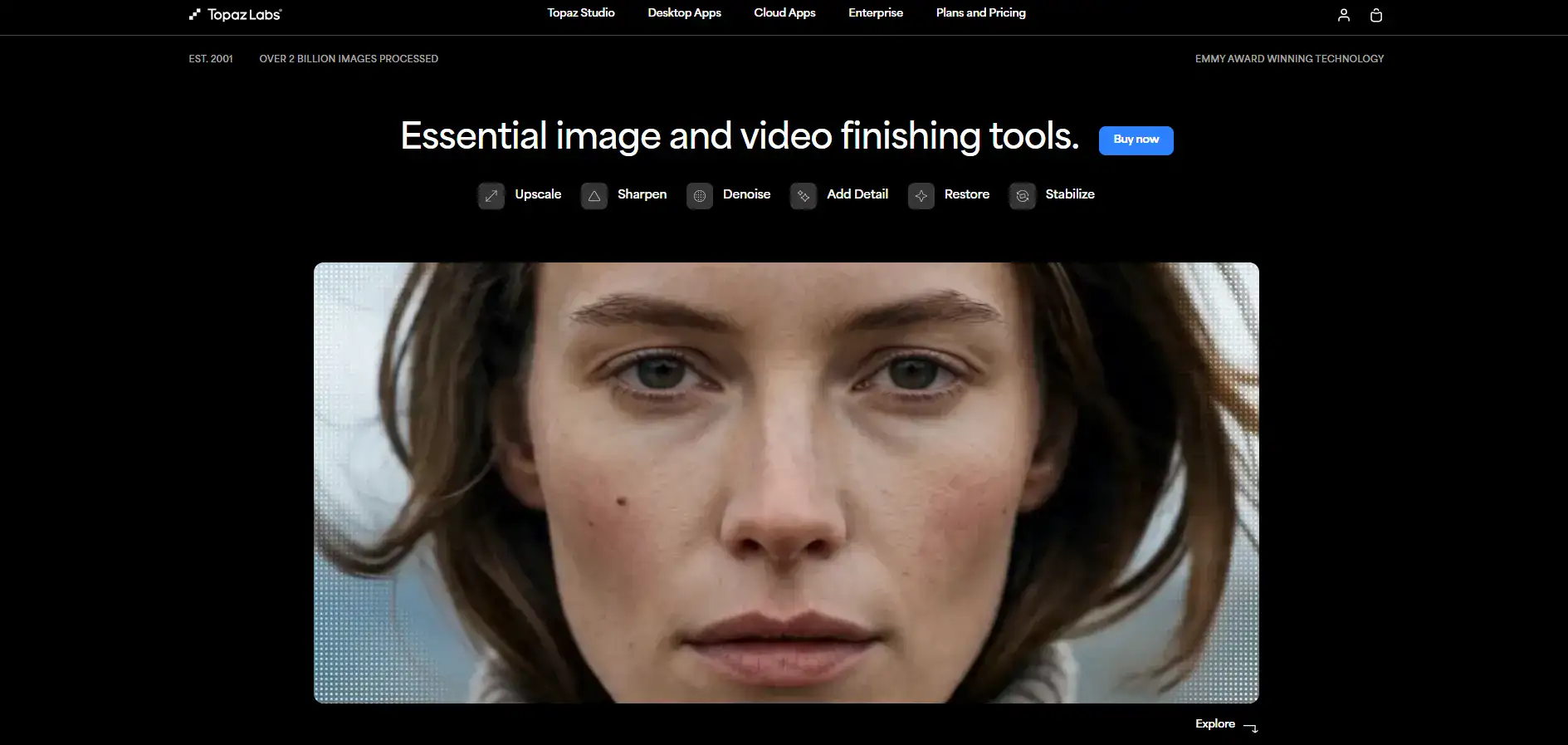
Topaz Photo AI Introduction
You've got a folder full of photos that look great on your phone screen but fall apart the moment you try to print them or use them on your website.
Maybe they're grainy from shooting in low light. Maybe they're just not sharp enough. Or maybe you need to blow them up to a bigger size without everything turning into a blurry mess.
It's frustrating, especially when you know the shot was perfect in every other way. That's where Topaz Photo AI comes in. It's an all-in-one tool that uses artificial intelligence to fix noisy, blurry, or too-small photos. It combines what used to be three separate apps from Topaz Labs into one place, so you don't have to juggle multiple programs just to get a clean, sharp image.
In this review, we'll break down what it does well, where it falls short, and whether it's worth the price tag for your business.
Topaz Photo AI Key Features
Autopilot Mode: Let the software do the thinking for you. It scans your photo and picks the best fixes automatically, so you don’t have to guess which settings to use. Great for when you’ve got a big batch of images and don’t want to tweak each one by hand.
Noise Reduction: Clean up grainy, noisy photos — especially ones taken in dim lighting. The AI strips away that ugly grain while keeping your image looking natural. Your low-light shots will finally look the way you wanted them to.
Image Upscaling: Blow up your photos up to 6x their original size without turning them into a blurry mess. This is a lifesaver when you need to print a photo large or when a client sends you a tiny image that needs to look good on a billboard.
Sharpening and Deblurring: Fix motion blur and soft focus so your photos look crisp and clear. If you’ve got shots that are slightly out of focus or blurred from movement, this tool brings them back to life.
Face Recovery: Make blurry or low-resolution faces look clear and detailed again. This one’s huge for group photos, event shots, or old images where faces got lost in the compression.
Subject Detection and Masking: The software spots your subject and lets you make edits to just that area — without touching the background. This means you can sharpen a person’s face without over-sharpening the trees behind them.
Our Take of Topaz Photo AI
If you’re a small-to-medium business owner who regularly works with photos for your website, social media, or marketing materials, Topaz Photo AI is worth a serious look. It brings together noise reduction, sharpening, and image upscaling into one app, which means you don’t have to juggle three different tools to get your images looking right.
The AI does a solid job of cleaning up grainy low-light shots and making small images bigger without turning them into a blurry mess. It works as a plugin with Adobe Photoshop and Lightroom too, so it fits into workflows you might already have set up. That said, it’s not perfect. Processing can be slow, especially with larger files, so if you’re cranking through hundreds of product photos on a deadline, that could be frustrating.
The noise reduction sometimes goes too far and smooths out textures you actually want to keep. And the subject detection feature can get confused when backgrounds are busy or when your subject isn’t a person. Price-wise, it’s on the higher end compared to some alternatives, so you’ll want to think about how often you’d actually use it before committing. For businesses that regularly need to rescue underexposed event photos, upscale images for large print, or just make product shots look crisper, the time savings and quality improvements could pay for themselves pretty quickly. But if you only touch up a photo once in a while, the cost might be harder to justify.
Topaz Photo AI's Pricing
Topaz Labs offers its products through a unified Topaz Studio subscription or as individual app purchases.
Topaz Studio Personal is priced at $279 per year billed annually (normally $399, currently 30% off), $37 per month billed monthly for 12 months, or $69 on a pure monthly basis. This plan includes access to all apps (Topaz Video, Topaz Photo, Topaz Gigapixel, Gigapixel iOS, Bloom, Astra, Express, and Mosaic), unlimited local rendering, unlimited cloud image rendering, 300 monthly video cloud credits that do not roll over, 2 image cloud concurrency, a 32MP cloud export limit on Bloom and Express, and limited commercial use for organizations under $1M USD annual revenue.
Topaz Studio Pro is priced at $559 per year billed annually (normally $799, currently 30% off) or $75 per month billed monthly for 12 months. The Pro plan includes all apps with pro licenses featuring exclusive models and expanded local capabilities, unlimited local and cloud image rendering, 600 monthly video cloud credits, 4 image cloud concurrency, a 100MP cloud export limit on Bloom and Express, full commercial use, and seat management. Individual apps can also be purchased separately with their own Personal and Pro tiers. Topaz Video starts at $25 per month on an annual plan, Topaz Photo at $17 per month annually, and Topaz Gigapixel at $12 per month annually.
Cloud apps including Bloom, Express, Astra, Mosaic, and Gigapixel iOS each have their own pricing tiers starting as low as $3.75 per month for Mosaic on an annual plan. An Enterprise tier with custom pricing is also available for organizations needing custom terms, API access, on-premise processing, offline authentication, and dedicated support.
Final Thoughts about Topaz Photo AI
So here’s the bottom line. If you’re tired of fighting with grainy, blurry, or too-small photos, Topaz Photo AI can save you a ton of headaches. It’s not flawless — the processing speed and occasional over-smoothing mean you’ll still need to pay attention to your results.
But for most business owners who need clean, sharp images without becoming a full-time photo editor, it’s a solid investment that can pay for itself fast. Think about how many hours you’ve spent trying to fix bad photos or how many times you’ve settled for an image that wasn’t quite good enough.
That’s time and quality you’re leaving on the table. The best way to know if it’s right for you is to try it yourself and see how it handles your specific photos. If you’re ready to give it a shot, click the button below to check out Topaz Photo AI and see what it can do for your images.
Topaz Photo AI FAQs