DiffusionBee Introduction
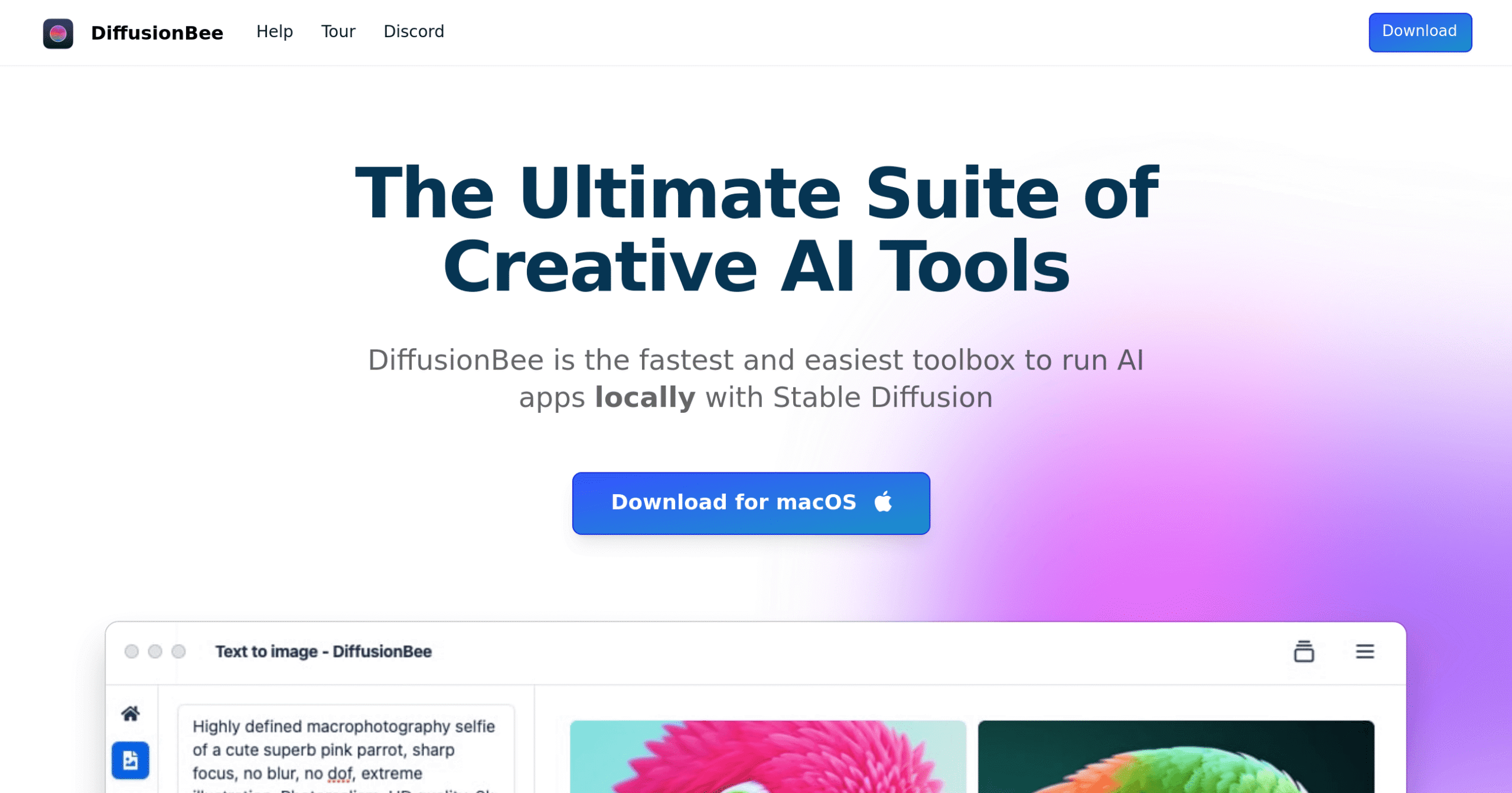
Creating AI art used to mean spending hours learning complex software or paying expensive subscription fees. If you're a Mac user who wants to generate stunning images without breaking the bank or compromising your privacy, DiffusionBee might be exactly what you're looking for. This free tool brings the power of Stable Diffusion right to your desktop, letting you transform text into images, edit photos with AI precision, and even create animations—all without sending your data to the cloud. Whether you're designing social media content, sprucing up your website, or just exploring creative possibilities, DiffusionBee makes AI art creation as simple as typing what you want to see.
DiffusionBee Key Features
Text to Image: Turn your ideas into professional images just by typing what you want. Create marketing materials, social media posts, or product mockups without hiring a designer.
Image to Image: Transform existing photos into completely new styles based on your text instructions. Update old product photos or give your brand images a fresh look in seconds.
Inpainting: Remove unwanted objects or add new elements to any part of your images. Fix product photos, clean up backgrounds, or add your logo exactly where you need it.
Outpainting: Extend your images beyond their original borders to create wider shots or full backgrounds. Turn portrait photos into landscape banners or expand product images for different marketing formats.
Image Upscaler: Make small or blurry images crystal clear and high-resolution. Perfect for improving old company photos or preparing images for print materials.
Custom Model Training: Train the AI on your own images to create a personalized art generator. Build a model that matches your brand style or creates consistent product visuals.
Video Tools: Create eye-catching animations and videos using AI technology. Bring static images to life for social media ads or engaging website content.
Generative Fill: Add or remove objects seamlessly in specific areas of your images. Perfect for product photography touch-ups or creating multiple versions of the same image.
Image Variants: Generate multiple versions of any image with different styles or elements. Test different looks for your marketing materials without starting from scratch each time.
Control Images: Create structured images following specific layouts or compositions. Maintain brand consistency while still getting creative AI-generated results.
Illusion Generator: Create unique visual illusions that grab attention and make people look twice. Stand out on social media or create memorable marketing materials that people want to share.
Our Take of DiffusionBee
DiffusionBee hits the sweet spot for Mac users who want to create AI art without breaking the bank. This free tool packs serious features that you’d normally pay for with other AI image generators. The fact that everything runs offline on your computer means your creative projects stay private, which is perfect if you’re working on confidential designs for clients.
If you’re running a newer Mac with Apple silicon, you’ll get the best experience. The app runs smoothly and generates images quickly. But here’s the catch – if you’re on an older Intel Mac, you might find yourself waiting longer for results. And if your team uses Windows computers, you’re out of luck since DiffusionBee only works on Mac.
The feature list reads like a wishlist for creative professionals. You can generate images from text, edit existing photos, remove unwanted objects, expand images beyond their borders, and even create animations. The custom model training feature lets you teach the AI your specific style, which could be huge for maintaining brand consistency.
For small business owners, the price tag of free is hard to beat. You get professional-level AI art tools without monthly subscriptions eating into your budget. The learning curve is gentle too – you don’t need to be tech-savvy to start creating.
The main drawback is resource usage. You’ll need at least 16GB of RAM for smooth operation, which might mean upgrading your computer. And since there’s no mention of team collaboration features or cloud syncing, sharing projects across your team could require manual file transfers.
Bottom line: If you’re a Mac-based business looking to add AI image generation to your toolkit without ongoing costs, DiffusionBee delivers real value. Just make sure your hardware can handle it and that Mac-only compatibility works for your team.
DiffusionBee's Pricing
DiffusionBee is completely free to download and use. This open-source software runs entirely offline on your Mac, allowing you to generate unlimited AI images without any subscription fees or usage limits. The tool includes all features at no cost, including text-to-image generation, generative fill, video tools, image upscaling, image variants, custom model training, control images, and illusion generation.
There are no premium tiers or paid upgrades – all functionality is available immediately upon download. The software requires macOS 13.1 or higher and works best on Apple Silicon Macs, though it is compatible with Intel-based machines as well.
Final Thoughts about DiffusionBee
Ready to give your business a creative edge without the hefty price tag? DiffusionBee opens up a world of possibilities for Mac users who want to explore AI image generation. Think about how much time and money you could save by creating your own marketing visuals, product mockups, or social media content in-house. No more waiting for designers or paying for expensive stock photos.
Before you jump in, take a moment to check if your Mac has the muscle to run it smoothly. If you’ve got a newer Mac with an M1 or M2 chip and at least 16GB of RAM, you’re golden. For those still rocking older Intel Macs, just be prepared for slower generation times.
The best part? You can start experimenting today without spending a penny. Test it out on your next project – maybe create some fresh social media posts, update those old product photos, or design a new banner for your website. Once you see what’s possible, you’ll probably find yourself using it for all sorts of creative tasks you never thought you could handle yourself.
If you’re ready to see what AI art creation can do for your business, click the button below to try DiffusionBee today.
DiffusionBee FAQs